

Drive productivity and growth through engagement
Turn presentations, meetings, and training into engaging sessions that help teams work smarter, stay longer, and drive the business forward.
Explore how to transform every presentation, meeting, training, and event into an interactive experience with Kahoot! 360.
Dapatkan Kahoot! 360 Pro mulai dari $19/bln. Hemat 10%. Penawaran berakhir 12 Juli.
Dipercayai oleh perusahaan terkemuka di seluruh dunia





STEP 1
Create
Sync your existing slides and use AI to generate questions based on your content.
STEP 2
Customize
Add your company logo, brand colors, and custom backgrounds to match your corporate identity.
STEP 3
Present
Deliver interactive sessions seamlessly with our professional presentation experience.
STEP 4
Measure
Track participation, identify knowledge gaps, and measure ROI with detailed, actionable reports.
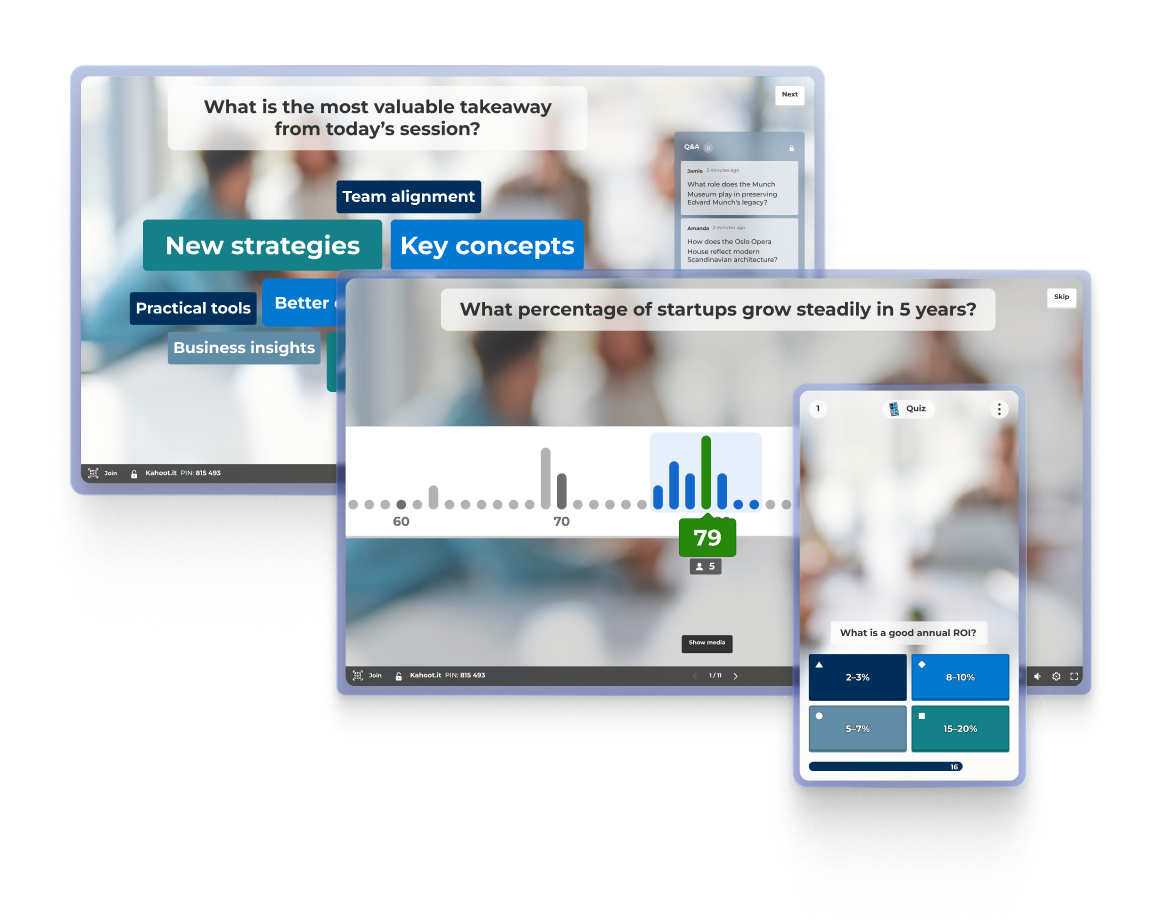
Turn passive listeners into active contributors, spark meaningful conversations and capture instant feedback.
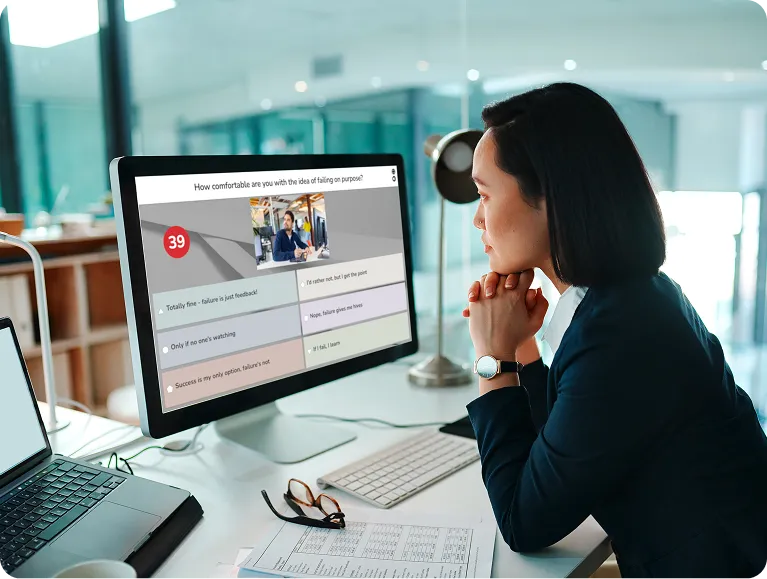
Host an engaging session on a shared screen, or run it remotely via your preferred video conferencing platform.

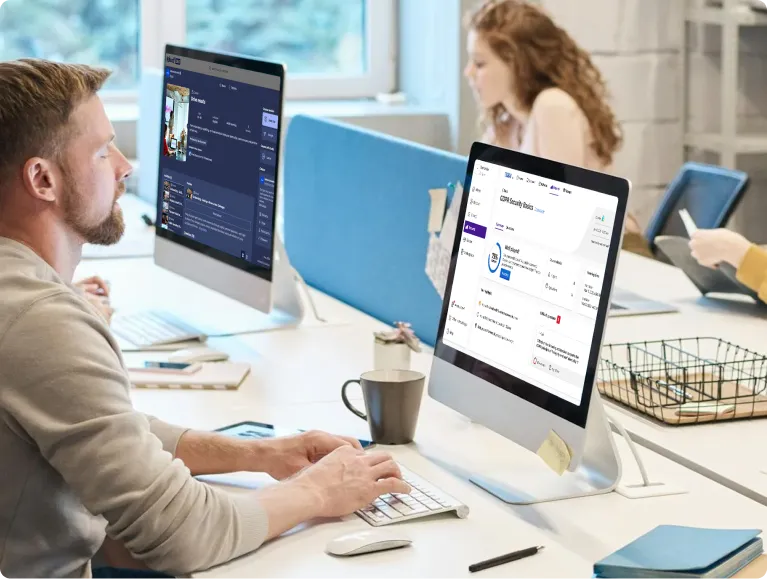
Get the insights you need to measure the success of your training, event, or presentation.
Turn presentations, meetings, and training into engaging sessions that help teams work smarter, stay longer, and drive the business forward.

Tingkat kelulusan lebih tinggi pada kru kabin pada tahun 2025 setelah menambahkan Kahoot! 360 ke pelatihan kepatuhan mereka

Peningkatan retensi peserta pelatihan setelah memperkenalkan Kahoot! 360 ke pelatihan pusat kontak

NPS lebih tinggi dalam pelatihan setelah menggunakan kahoot dalam materi pelatihan

karyawan dari berbagai negara, budaya, dan generasi terhubung dan terdidik dengan Kahoot! 360
Kahoot! 360 Pro Max allows you to fully customize the look and feel of your hosting experience. You can define your brand colors, add your company logo, and create multiple custom backgrounds to ensure every presentation matches your corporate identity.
You need one license per presenter. A presenter is someone who creates and hosts sessions for colleagues or assigns self-paced content. Teams with more than one presenter must purchase a separate license for each presenter.
No, participants don’t need an account or a business license to join your sessions.
This varies by plan. The maximum number of simultaneous participants per session is 2,000, which is available with Kahoot! 360 Pro Max.
Kahoot! 360 plans are designed specifically for the demands of the modern workplace. They empower you to host impactful meetings, presentations, training sessions, and communications while ensuring professional standards with full branding and presentation tools. You can measure engagement and ROI with detailed analytics, and host larger audiences for everything from company-wide training to all-hands meetings.
Yes! You can write questions and answers in any language. The platform interface is also available in over 15 languages, including Spanish, French, German, Japanese, and more.
Yes! You can get a free account and test Kahoot! 360 with no credit card needed. Explore advanced features like brainstorms and polls, or try creating a session to test with your team. Once you’re ready, you can upgrade to a paid Kahoot! 360 Pro plan to unlock higher participant limits and premium features.
To use Kahoot! for marketing, sales, advertising, and customer-facing purposes (such as trade shows, conferences, or product launches), you’ll need a Kahoot! 360 Pro Max, Kahoot! for Brands, or Enterprise plan.
Kahoot! 360 plans are designed for year-round use. Annual billing ensures uninterrupted access to your content and results, allowing you to accurately track engagement, impact, and ROI over time.
Yes! We offer specific pricing for one-off events.
You can import existing slides (PowerPoint, PDF, or Keynote) or create new ones directly in Kahoot! 360, then embed interactive questions and polls. This transforms standard slide decks into engaging, two-way presentations that your audience will remember.
The player identifier allows trainers and admins to securely track individual participants when they join a session. Instead of anonymous nicknames, participants enter their email address, enabling accurate learner tracking and detailed reporting.
A tournament is a great way to build engagement across a series of sessions. In the Reports section, you can combine scores from multiple events into a single leaderboard, provided the player identifier feature was enabled during the sessions.