ผู้ช่วย AI
สร้างการมีส่วนร่วมในเวลาไม่กี่วินาทีด้วย Kahoot! Assistant
เปลี่ยนทุกไฟล์ PDF, ชุดสไลด์, เว็บไซต์ หรือเอกสารให้กลายเป็นเซสชันเชิงโต้ตอบได้ทันทีด้วย AI ใน Kahoot! 360 สุดยอดแพลตฟอร์มส่งเสริมการมีส่วนร่วมของพนักงาน
สมัคร Kahoot! 360 Pro เริ่มต้นที่ $19/เดือน ประหยัด 20% ข้อเสนอสิ้นสุดวันที่ 12 ตุลาคม
ได้รับความไว้วางใจจากบริษัทชั้นนำทั่วโลก






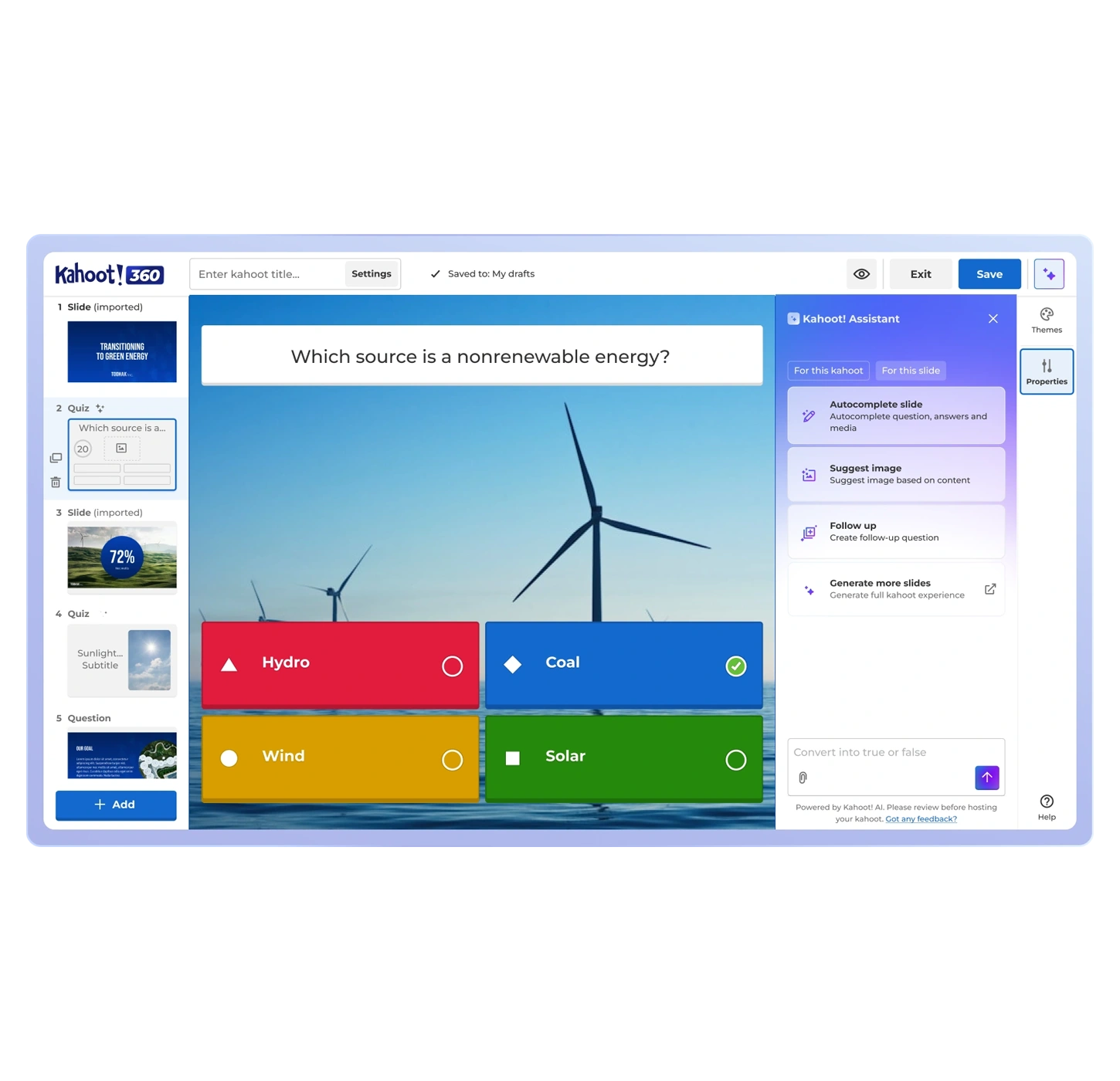
สร้างคำถามได้ทันใจ
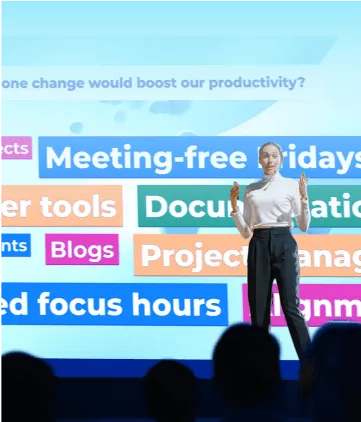
สร้างคำถามสำหรับโพลและควิซเกี่ยวกับหัวข้อใดก็ได้หรือเซสชันประเภทใดก็ได้
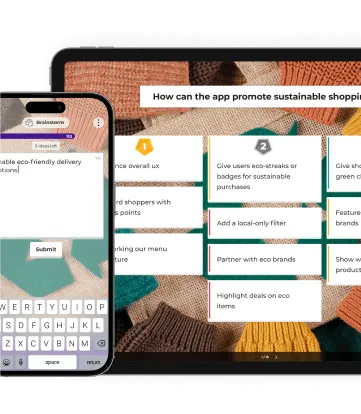
สร้างควิซ เซสชันระดมสมอง หรือกิจกรรมวัดความรู้ที่น่าสนใจได้ทันทีจากหัวข้อหรือดึงคำถามจากไฟล์ของคุณ
สร้างการนำเสนอด้วย AI
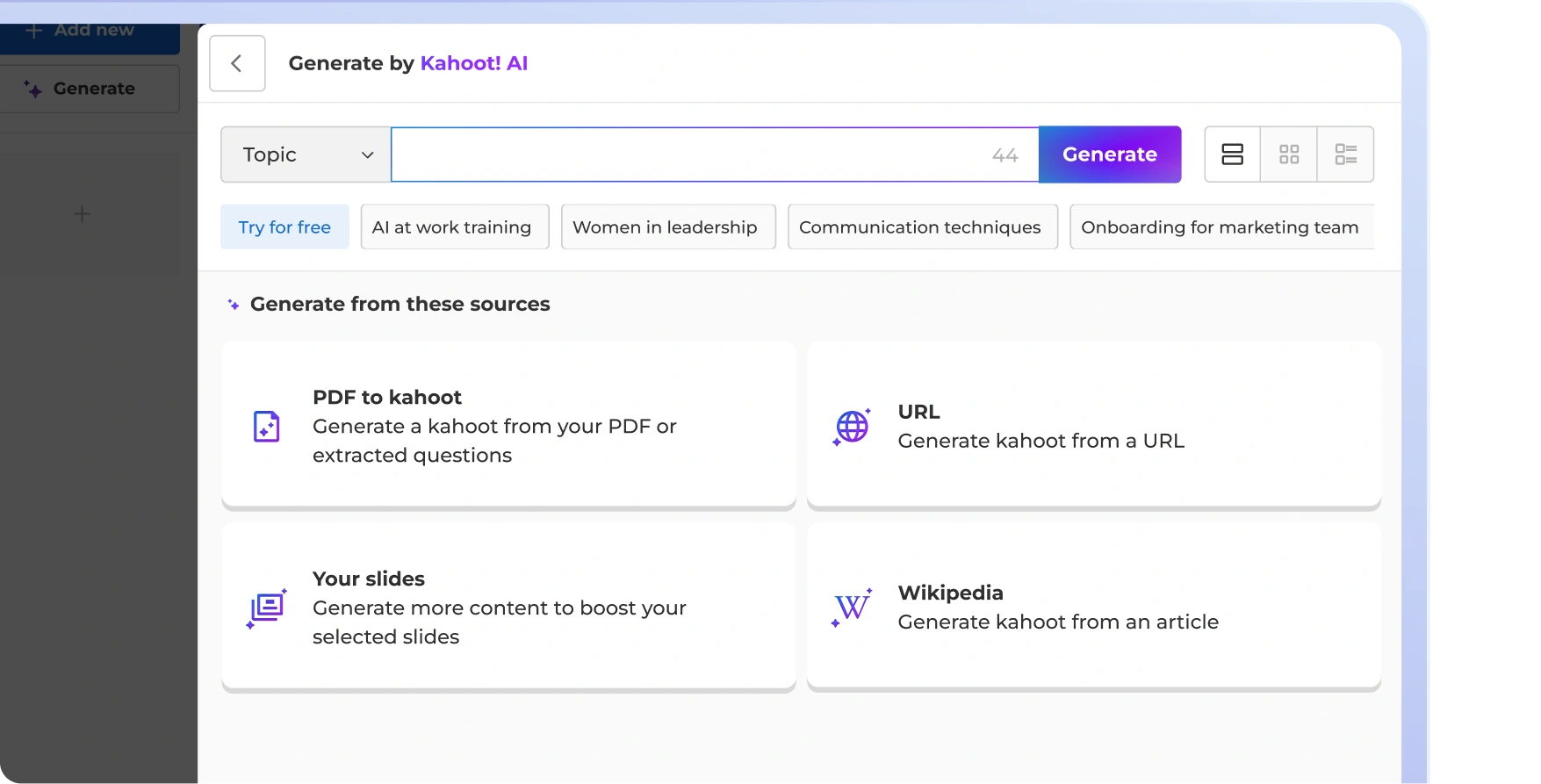
แปลงเนื้อหาที่มีให้กลายเป็นเซสชันที่ทุกคนมีส่วนร่วมได้ทันที
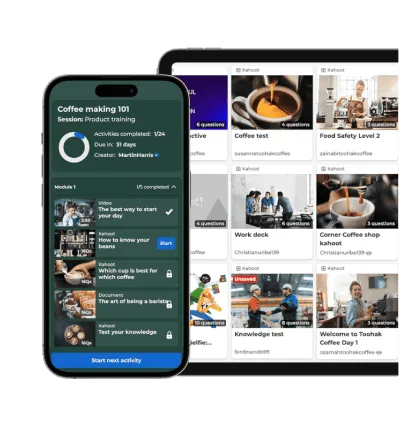
อัปโหลดไฟล์ PDF, ชุดสไลด์ หรือเอกสารข้อความ แล้วปล่อยให้ AI แปลงไฟล์เหล่านั้นเป็นเซสชันสนุกๆ ที่พร้อมสำหรับผู้ชมของคุณ
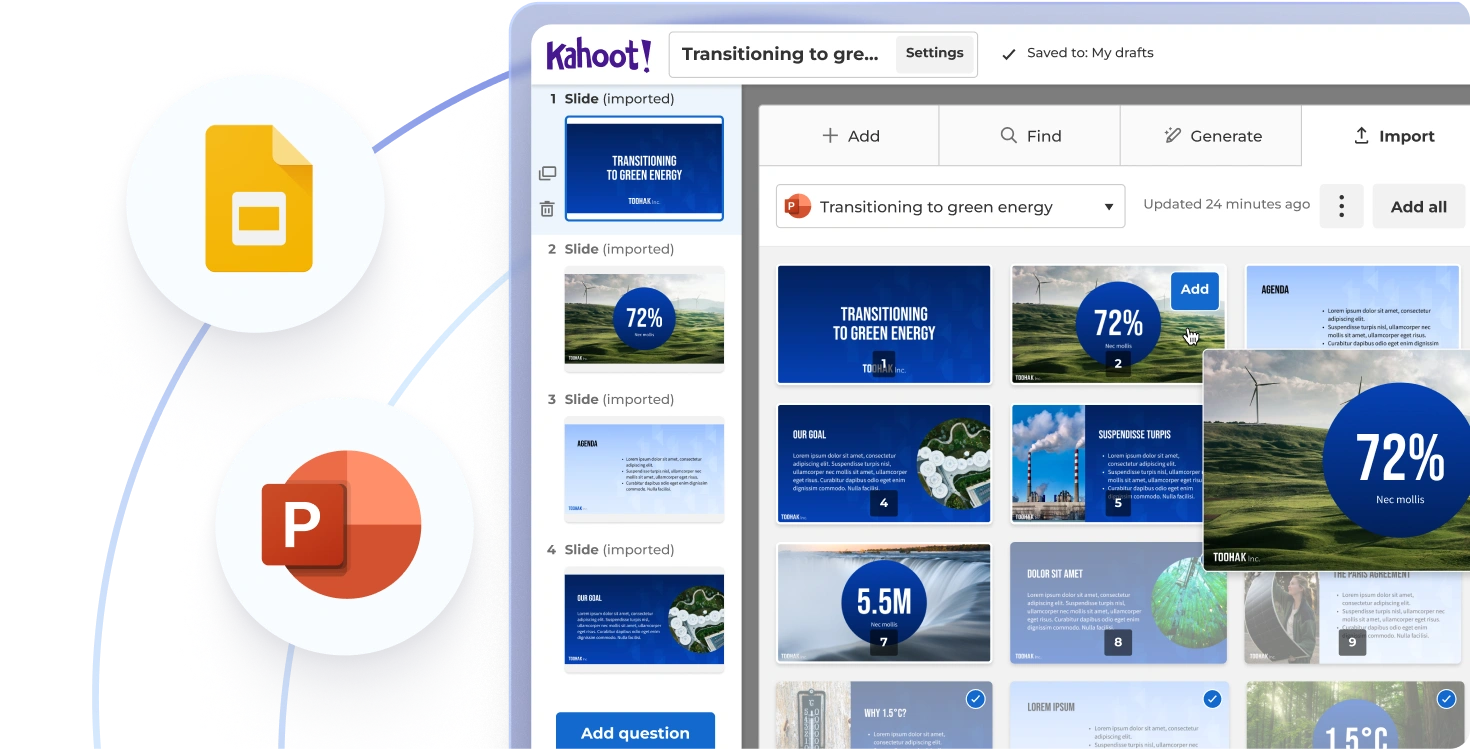
สร้างเนื้อหาอัตโนมัติ
สร้างชุดข้อมูลเร็วขึ้นด้วยการแนะนำเนื้อหาจาก AI
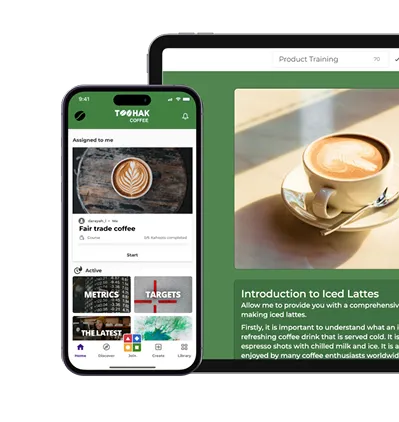
ประหยัดเวลากับผู้ช่วย AI ที่จะช่วยเติมข้อมูลในสไลด์ คำถาม หรือโพลของคุณ รวมถึงแนะนำรูปแบบการจัดวางเนื้อหาและยืนยันข้อมูลได้ทันที
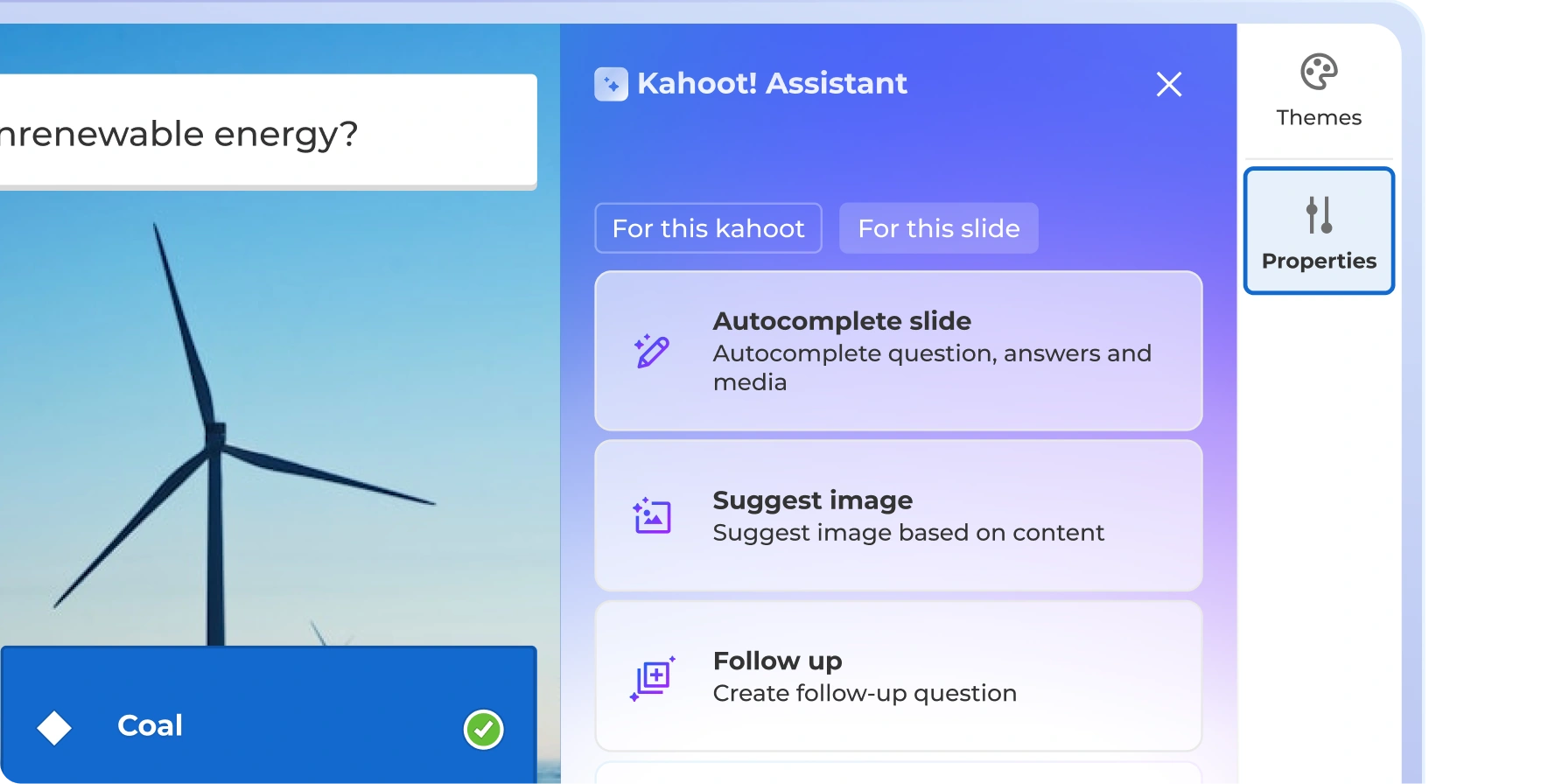
ภาพที่นิมิตได้ตามต้องการ
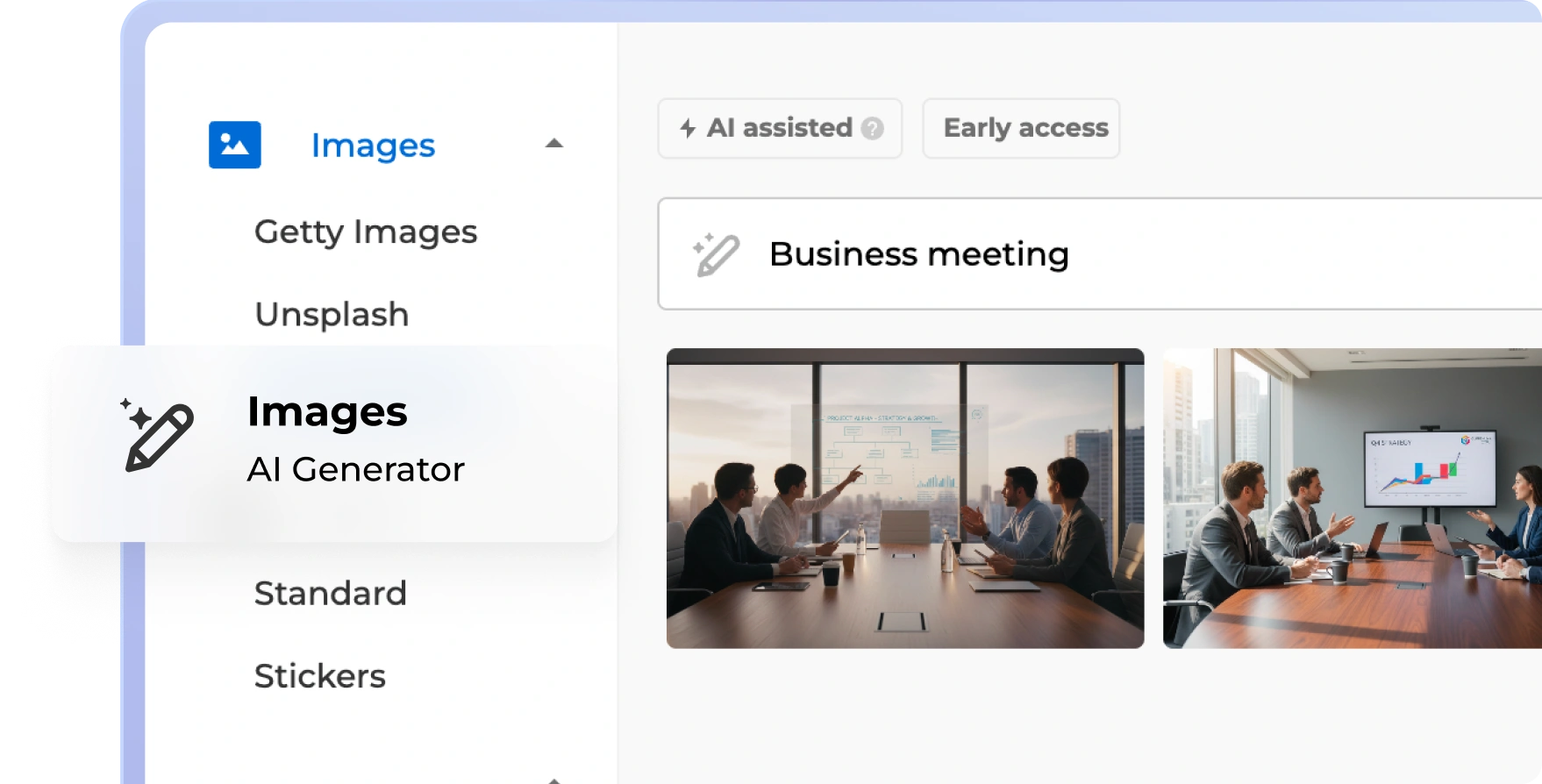
ยกระดับการนำเสนอของคุณด้วยภาพที่สร้างด้วย AI
สร้างภาพคุณภาพสูงที่ดึงดูดความสนใจและสอดคล้องกับสาร สไลด์ และหัวข้อของคุณได้อย่างง่ายๆ
สร้างการมีส่วนร่วมในเวลาไม่กี่วินาทีด้วย Kahoot! Assistant

เทมเพลตพร้อมใช้สำหรับทุกกรณีการใช้งาน

ติดตามความคืบหน้าและประสิทธิภาพด้วยการรายงานและข้อมูลวิเคราะห์

สามารถใช้งานร่วมกับเครื่องมือที่คุณใช้เป็นประจำและแพลตฟอร์ม LMS ชั้นนำ

ได้รับการรับรองตามมาตรฐาน ISO27001, มีรายงาน SOC 2 II, ปฏิบัติตาม GDPR, SSO

ปรับขนาดได้ มีความยืดหยุ่น ทำงานผ่านเบราว์เซอร์ และใช้งานง่าย





| Compare plans: | |||
แผนและราคา
| |||
| ประเภทคำถาม | จริงหรือเท็จ เรียงลำดับ โพล คำถามปลายเปิด แถบเลื่อน ปักหมุด กลุ่มคำยอดฮิต และคำถามระดมสมอง | จริงหรือเท็จ เรียงลำดับ โพล คำถามปลายเปิด แถบเลื่อน ปักหมุด กลุ่มคำยอดฮิต และคำถามระดมสมอง | จริงหรือเท็จ เรียงลำดับ โพล คำถามปลายเปิด แถบเลื่อน ปักหมุด กลุ่มคำยอดฮิต และคำถามระดมสมอง |
| งานนำเสนอระดับมืออาชีพ พร้อมนำเข้าและซิงก์สไลด์กับเครื่องมืออื่นๆ | ชุดเครื่องมือสำหรับผู้นำเสนอแบบครบครัน | ชุดเครื่องมือสำหรับผู้นำเสนอแบบครบครัน | |
| การสร้างแบรนด์ | โลโก้และสี | กำหนดเอง | กำหนดเอง |
| สร้างการฝึกอบรมด้วย AI โดยเริ่มตั้งแต่ศูนย์หรือจากเนื้อหาที่มีอยู่แล้ว | สร้างเนื้อหาจากพรอมต์ สไลด์ และ URL | ชุดเครื่องมือ AI แบบครบครัน | ชุดเครื่องมือ AI แบบครบครัน |
| ข้อมูลวิเคราะห์ | รายงานและข้อมูลเชิงลึก | ข้อมูลเชิงลึกขั้นสูง | ข้อมูลเชิงลึกขั้นสูง |
It’s the smartest way to scale your corporate training and workforce engagement with AI. It helps you to instantly transform any PDF, slide deck, website, or document into interactive sessions.
Kahoot! 360 is the best AI presentation maker for enterprises. It converts static slide decks and PDFs into interactive sessions, seamlessly combining AI-generated questions and images with a professional hosting experience.
You turn a PDF into an interactive presentation by uploading it to Kahoot! 360. The AI automatically extracts questions, builds knowledge checks, and structures the presentation for immediate delivery.
Yes! Keep employees hooked by using AI to auto-create quizzes, brainstorming sessions, and scenario practices from any topic or existing file.
Yes. Kahoot! 360 acts as your AI copilot: autocompleting slides, recommending layouts, and verifying content instantly so you can build decks faster.
Absolutely. Bring your content to life by generating high-quality, relevant AI images without needing a designer.
AI does not replace a human sales trainer, but platforms like Kahoot! 360 significantly reduce the manual effort of content creation by generating knowledge checks and scenario practice from existing training materials.
Yes, enterprise-grade AI tools for business like Kahoot! 360 are safe. Kahoot! 360 meets compliance and security needs and offers secure login with SSO and SCIM automation.
AI for business offers enterprise-grade security, domain claims, and SSO, whereas consumer AI typically lacks strict data privacy guardrails. Kahoot! 360 ensures your intellectual property remains protected during AI content generation.
Yes, Kahoot! 360 can generate training in multiple languages to support global workforce engagement and alignment across regions.
You can upload PDFs, slide decks, documents, and trusted website URLs to Kahoot! 360’s AI to extract questions and generate interactive kahoots.
AI tools like Kahoot! 360 improve employee engagement by transforming passive presentations into interactive sessions. By automatically adding live polling, knowledge checks, and scenario-based training, you turn listeners into active participants.
Using AI for corporate training drastically reduces content creation time, ensures messaging consistency across regions, and boosts knowledge retention by automatically generating interactive quizzes and assessments from your existing materials.
Yes, AI tools can instantly analyze your meeting slide deck and generate interactive elements like icebreakers, brainstorms, and live polls to keep your audience engaged from start to finish.