

Engaging presentations made easy


Step 2: Generate instant questions

Step 3: Style your presentation

Step 4: Present with confidence
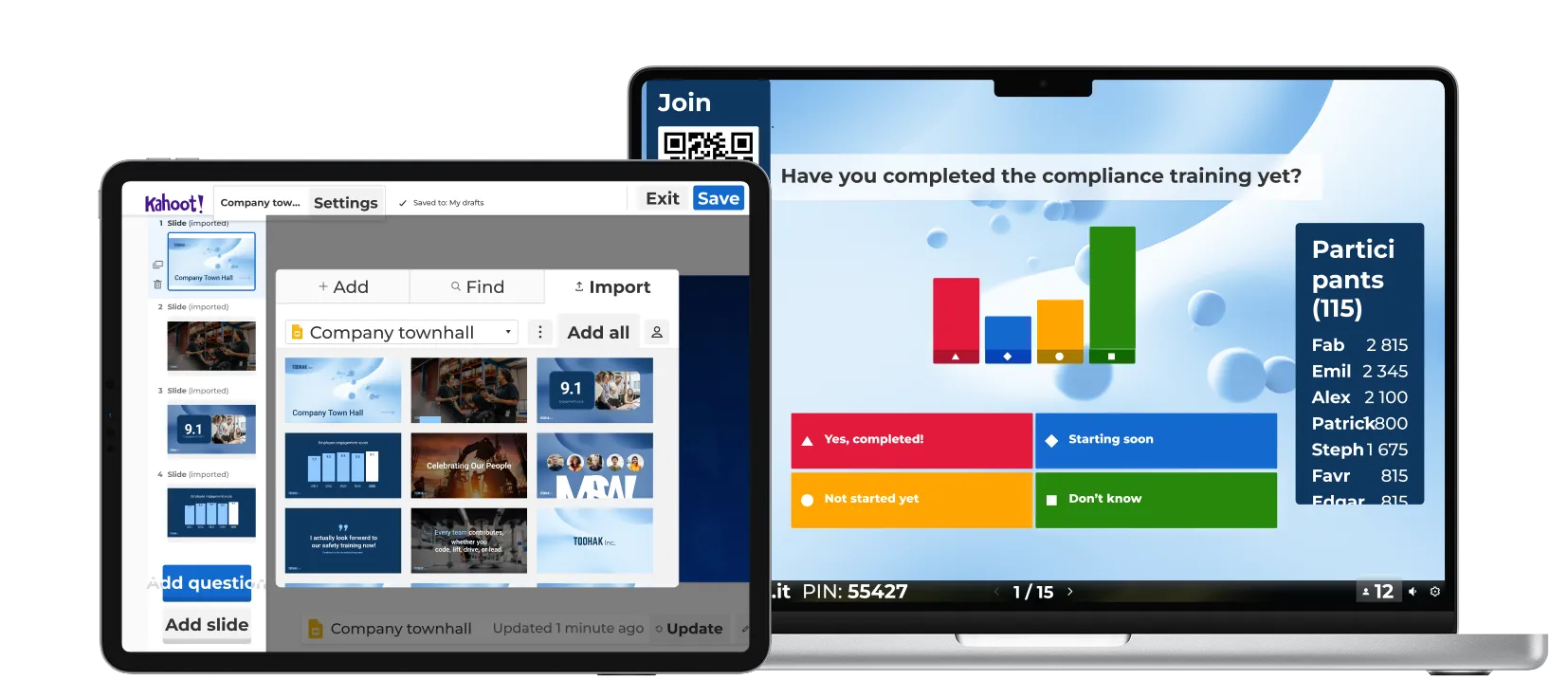
Create engaging presentations in four quick steps with Kahoot! 360.
Import your slides, then bring them to life with interactive, AI-generated questions that keep audiences focused and spark conversation.
Style your deck with your company’s logo and colors, and present with confidence using our professional hosting tools.
Learn how our customers are driving results with Kahoot!

“Use Kahoot! with passion and give that value to your employees, because Kahoot! gives so much more value than the fun element.”
Harrison Tompodung
The Apurva Kempinski Bali

“Kahoot! has that fun, playful side, but it also has genuine value. It’s really hard for a platform to balance the ability to do both of those things, but Kahoot! is great at it and we take advantage of it.”
Toni Morgans
AND Digital

最适合
效果显著的演示和研讨会
- 主持每场最多可容纳 200 名参与者的活动
- 通过词云、投票、头脑风暴等鼓励对话讨论
- 从 Google 和 Microsoft 等其他工具导入和同步幻灯片
- 专业背景、主题和演示模式
- 通过问答功能让观众能够提问
- 新增!使用 AI 功能在几秒钟内创建演示文稿


最适合
效果显著的演示、培训和活动
- 主持每场最多可容纳 1000 名参与者的活动
- 通过词云、投票、头脑风暴等鼓励对话讨论
- 从 Google 和 Microsoft 等其他工具导入和同步幻灯片
- 专业背景、主题和演示模式
- 通过问答功能让观众能够提问
- 通过 NPS 和调查来评估满意度和参与度
- 通过实时和自定义节奏课程灵活学习,包括证书
- 使用 AI 功能即刻创建演示和培训材料
- 新增!通过任务中的共同成就激励团队
所有价格均包含增值税
Looking for an enterprise scale solution?
Learn more about Kahoot!’s custom enterprise solutions or contact our sales team to discuss your needs.