
Trusted by leading companies worldwide
2,500
employees across countries, cultures, and generations are connected and educated with Kahoot! 360
18%
higher cabin crew exam pass rate after adding Kahoot! 360 to compliance training
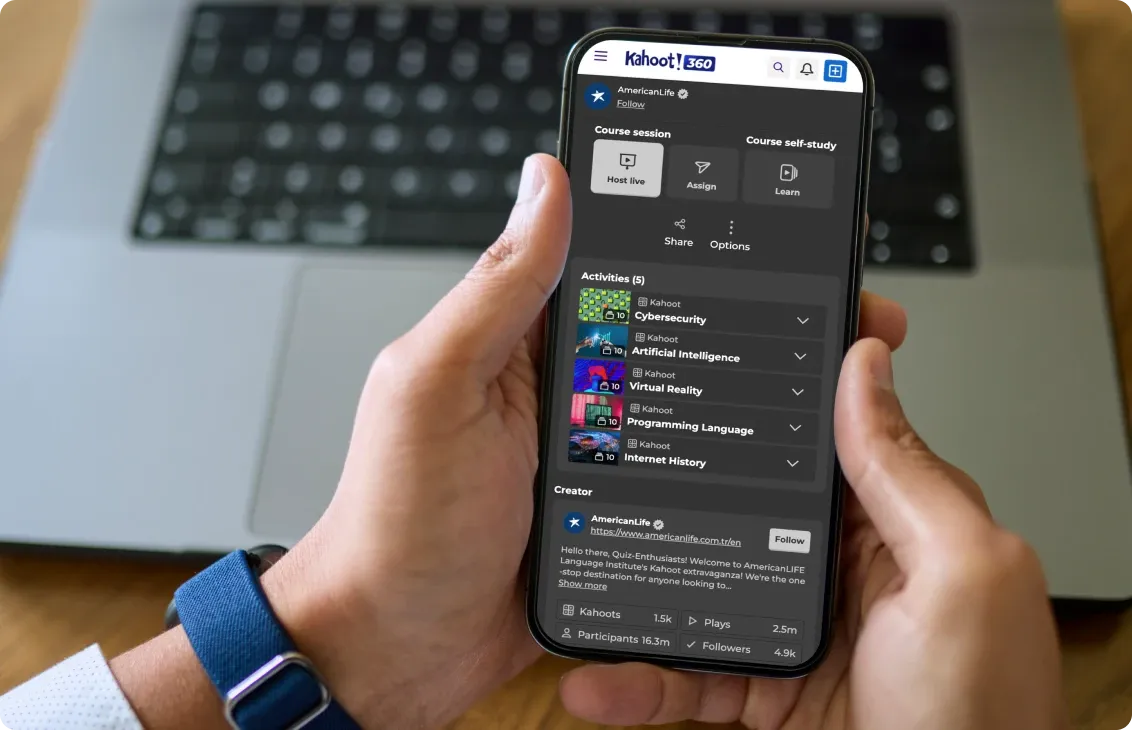
Run training, host meetings, and engage teams from the same phone they already carry. The Kahoot! 360 app puts microlearning, internal comms, and interactive sessions in the hands of every employee, including non-desk workers.
Download the Kahoot! 360 app for free!


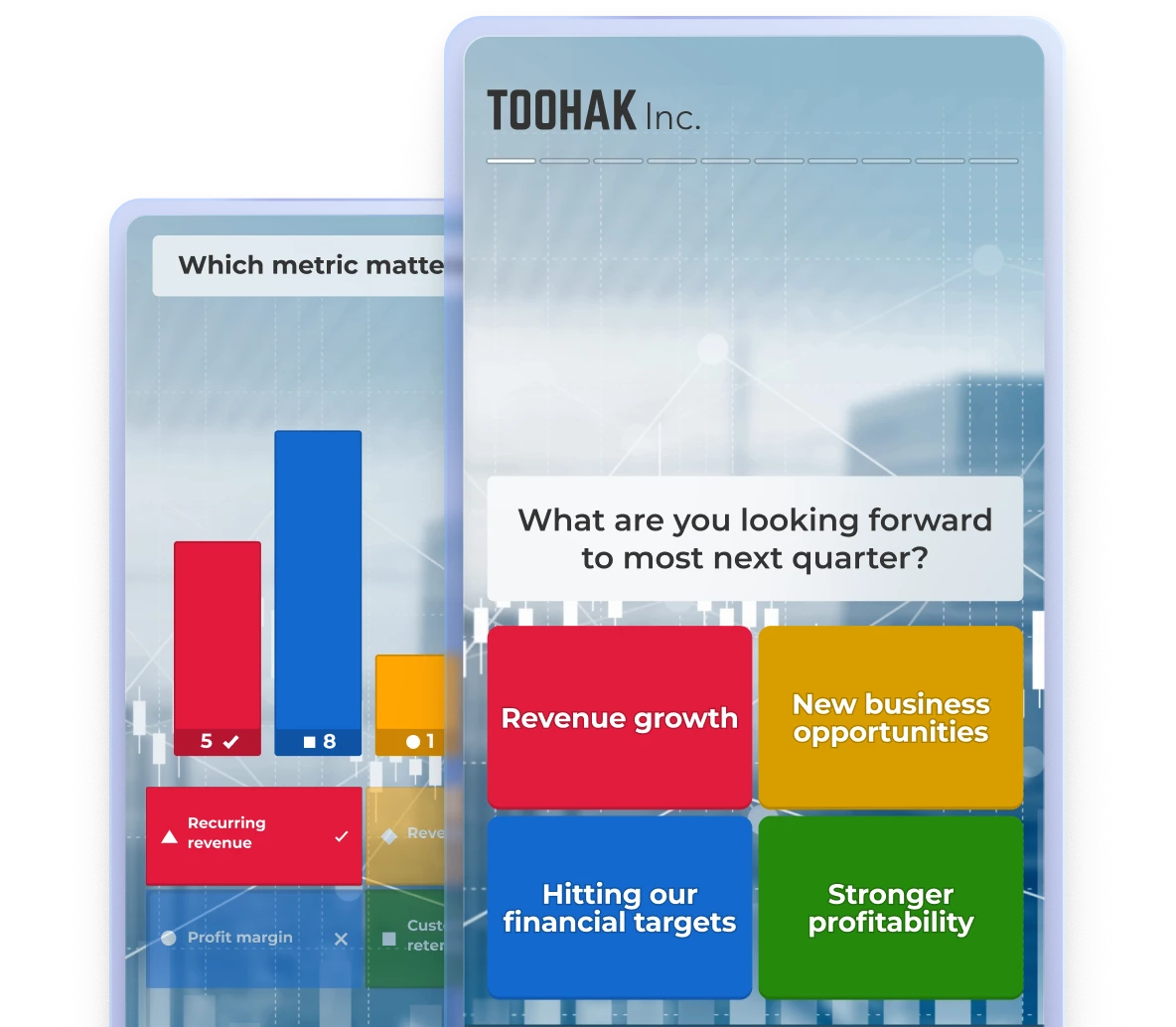
Available now on iOS and Android! Download and join millions of professionals using Kahoot! 360 to turn meetings, presentations, training, and events into interactive experiences.
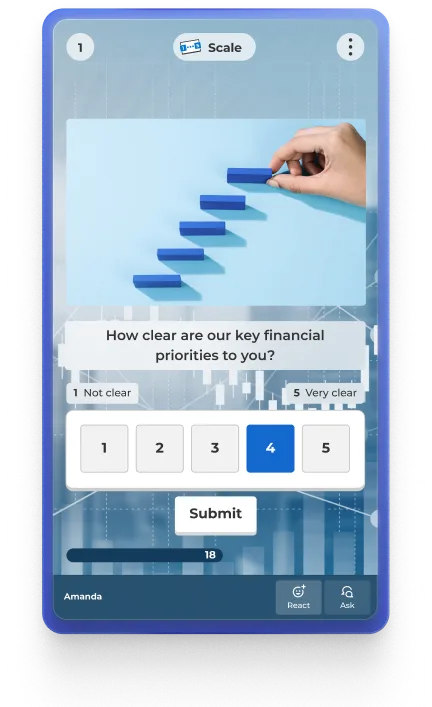
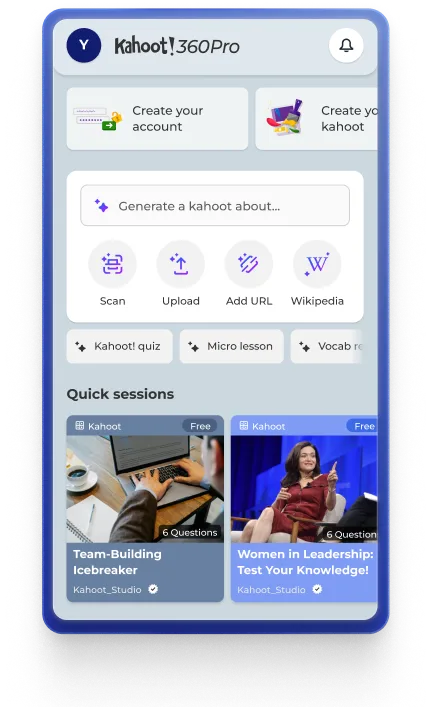
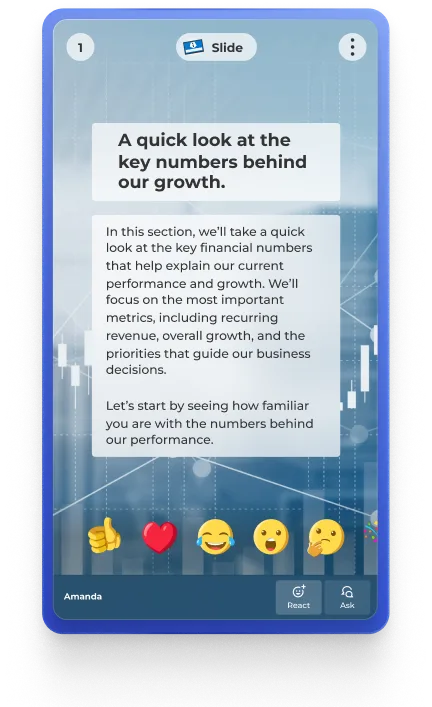
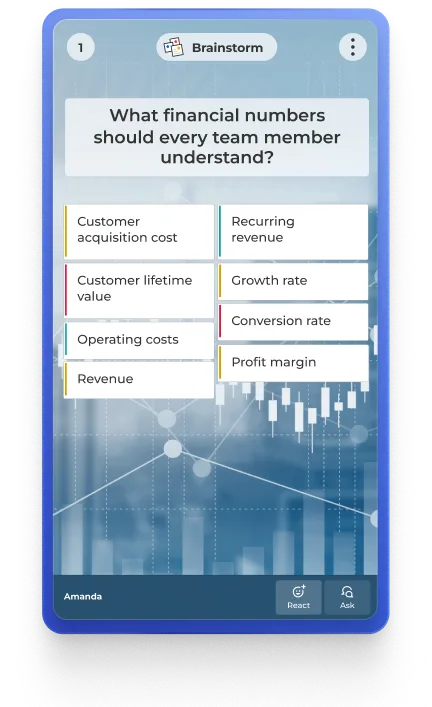
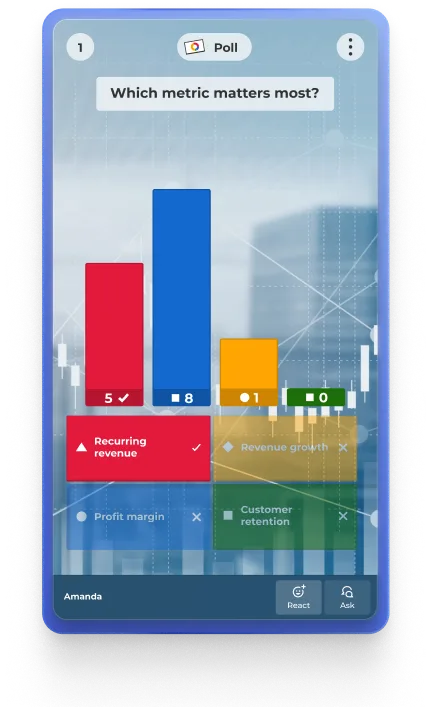
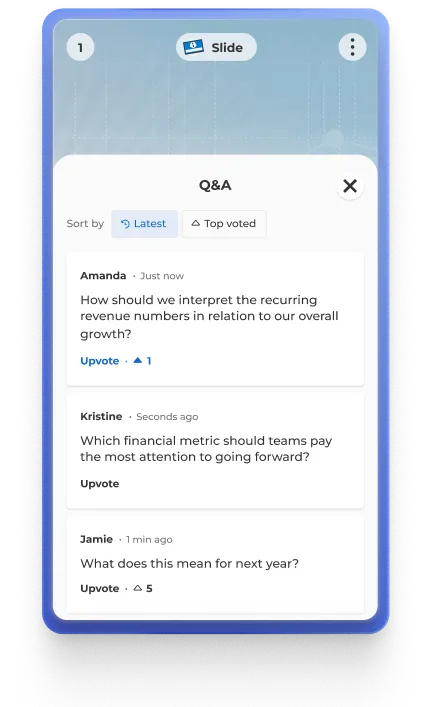
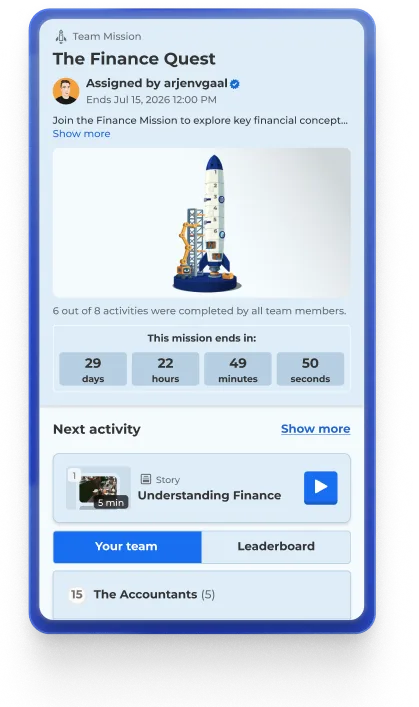
Keep your entire workforce connected and engaged from anywhere with the Kahoot! 360 app.
 For L&D leaders: Maximize employee engagement by reaching everyone, not just desk workers
For internal comms: Transform every phone into a two-way channel for impactful town halls, updates, and feedback
For HR: Accelerate employee onboarding from day one, wherever they are
For frontline teams: Drive interactive, bite-sized learning that fits seamlessly into a shift
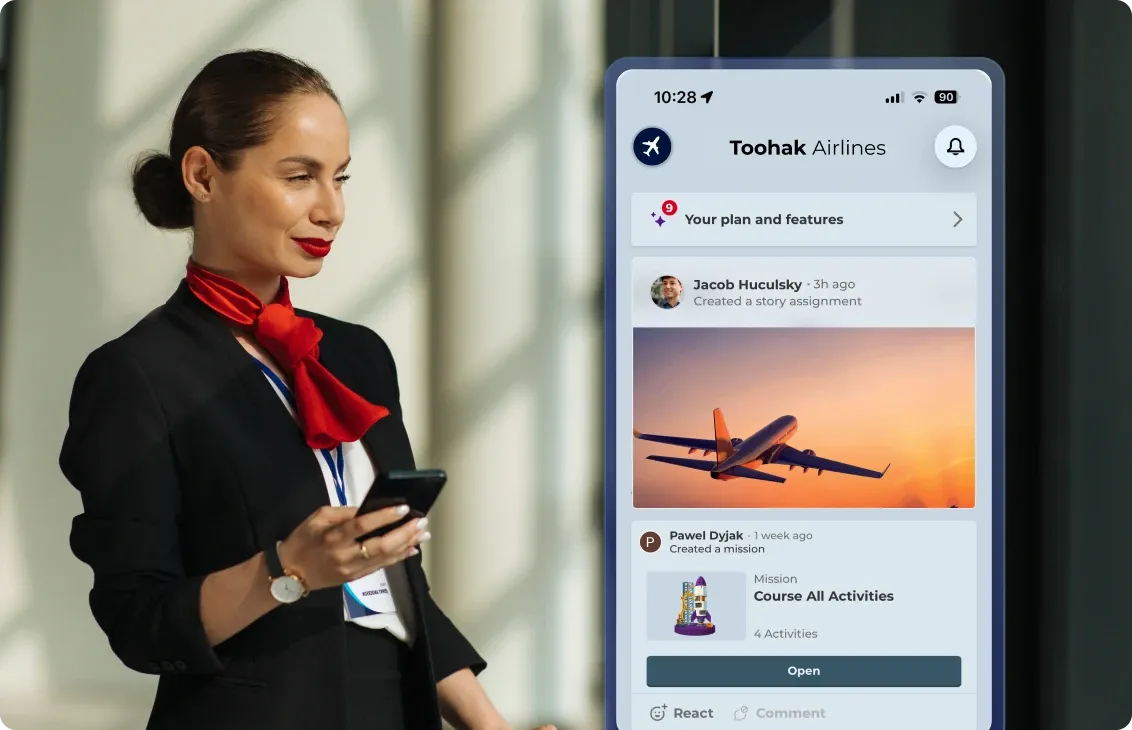
Keep your workforce connected and engaged, no matter how they prefer to work. Kahoot! 360 delivers one unified, interactive experience across your entire ecosystem, bringing the ultimate workforce engagement platform directly to iOS or Android.
employees across countries, cultures, and generations are connected and educated with Kahoot! 360
higher cabin crew exam pass rate after adding Kahoot! 360 to compliance training
Download the Kahoot! 360 app for free to bring the ultimate workforce engagement platform to your mobile device. Follow these simple steps to install the app.
Step 1
Open the App Store on iPhone or Google Play on Android
Step 2
Search for ‘Kahoot! 360’ and download the app
Step 3
Sign in with your work account
Step 4
Start learning, hosting, or joining sessions
Yes, the Kahoot! 360 app is free to download for iOS and Android. To access your company’s workspace and premium workforce engagement features, you log in using your employer-provided Kahoot! 360 account.
The Kahoot! 360 mobile app is fully optimized for iOS (iPhone and iPad) and Android devices. You can also access the complete Kahoot! 360 experience through web browsers on Mac, Windows, and Chromebook devices.
The Kahoot! 360 app is purpose-built for the workplace, offering specialized tools for corporate learning, employee onboarding, and internal communications. The regular Kahoot! app focuses on K-12 education, universities, and social play at home.
Absolutely. The mobile-first design of the Kahoot! 360 app makes it the perfect solution to reach and engage frontline teams and non-desk employees, delivering bite-sized learning and crucial company updates directly to their phones during a shift.
Yes, the Kahoot! 360 app fully supports Single Sign-On (SSO). Employees can securely and seamlessly log in to their mobile workspace using your organization’s existing corporate credentials.
Yes, Kahoot! 360 seamlessly integrates with leading communication platforms including Microsoft Teams, Zoom, and Slack. This allows you to bring interactive presentations, live polls, and employee training directly into your daily video meetings and team channels to boost engagement.
You can do both. The Kahoot! 360 app empowers you to participate in live sessions and self-paced learning, while also giving you the tools to host interactive presentations and team meetings directly from your mobile device to engage your audience from anywhere.
You can easily scale the Kahoot! 360 app across your organization. Workspace admins can invite colleagues via a universal license key or email invite, while IT teams can securely deploy the app company-wide using standard Mobile Device Management (MDM) solutions.
Kahoot! 360 is a great fit for interactive town halls, it lets you engage your entire organization in real time through live polls, quizzes, and Q&A, turning a one-way broadcast into a two-way conversation that keeps employees engaged and gives leadership instant feedback.