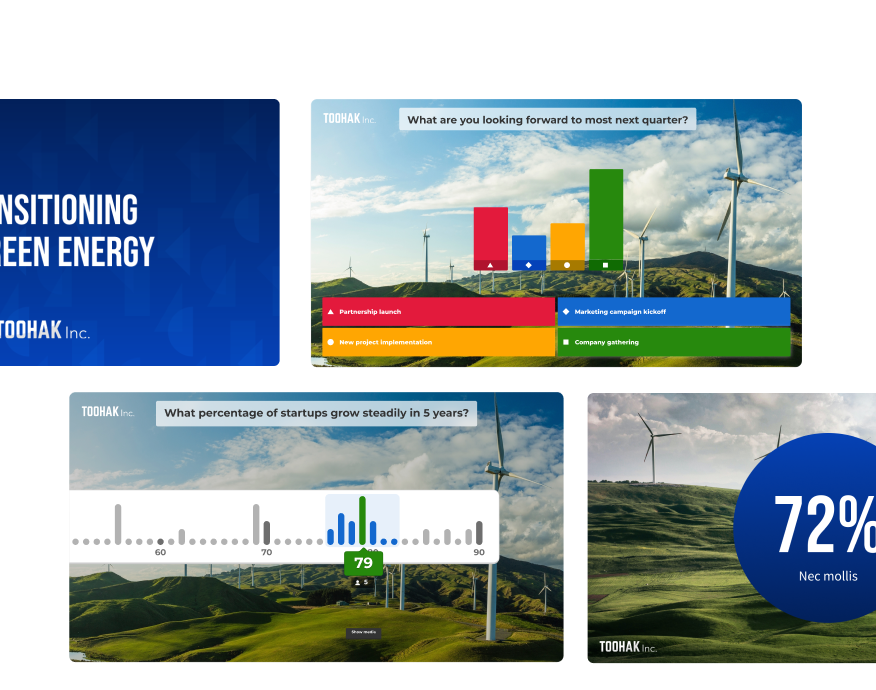
Engaging training with Kahoot! 360

Turn training into knowledge that lasts

Without active participation, 70% of training is forgotten within 24 hours*. Kahoot! 360 replaces passive slide decks and dense manuals with interactive, engaging learning that drives real knowledge retention turning your training investment into a measurable business outcome.

*Ebbinghaus Forgetting Curve

Get Kahoot! 360 Pro from $19 /mo. Save 10%. Offer ends July 31.

Kahoot! 360 Pro logo in blue

$29$25per host
per month
$348$300 billed annually
 
  • people icon
    Host up to 200 participants per session
  • message buble icon
    Word clouds, brainstorms, 
open-end questions, live QA
  • presentation icon
    Create presentations with AI
Best value

Kahoot! 360 Pro logo in blue

$79$69per host
per month
$948$828 billed annually
 
  • people icon
    Up to 1000 participants
  • message buble icon
    NPS & Surveys
  • Course icon
    Training, courses and certificates
All prices include VAT

“We’ve seen a significant decrease in our final exam failure rates. They’ve gone from 22.5% in the first half of last year to the second half of last year down to 4.5%, so an 18% decrease in final exam failure rates, which Kahoot! has definitely played a part in.”
 

More customer stories

Chris Short

Learning Operations Manager
Virgin Atlantic

From forgettable to unforgettable in minutes

Whether you're onboarding new hires, running compliance training, or ramping up your sales team, Kahoot! 360 makes it stick.

Kahoot workplace learning story on IT device security policy created by Martin Harris, with a woman looking at her phone

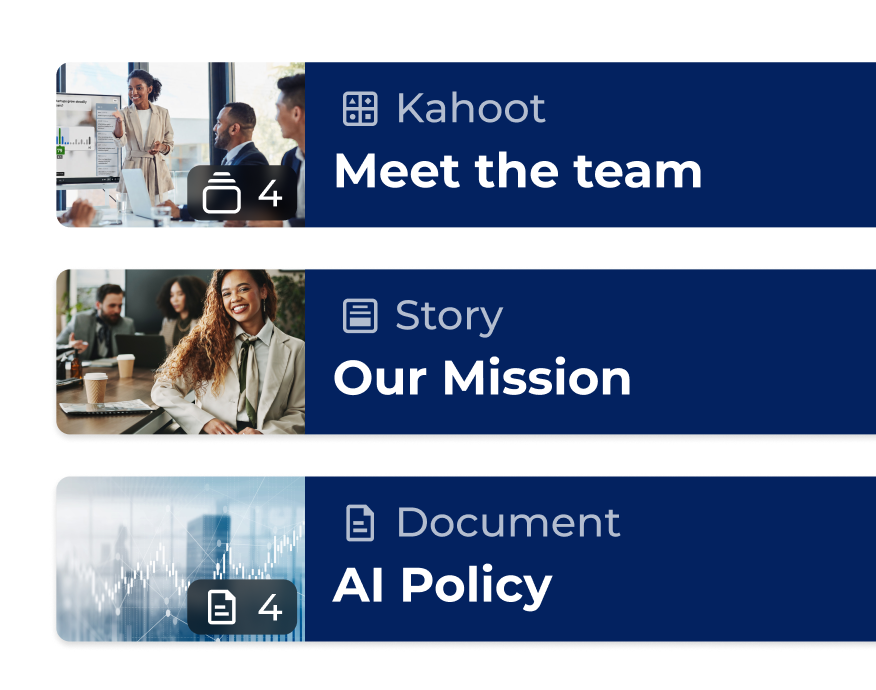
Turn existing material into interactive sessions with AI

Easily create interactive training from a topic or your uploaded content with the Kahoot! Assistant.

Kahoot workplace learning story on IT device security policy created by Martin Harris, with a woman looking at her phone

Reinforce with microlearning, whenever, wherever

Provide bite-size compliance refreshers, product updates, that employees complete on their own schedule.

Kahoot workplace learning story on IT device security policy created by Martin Harris, with a woman looking at her phone

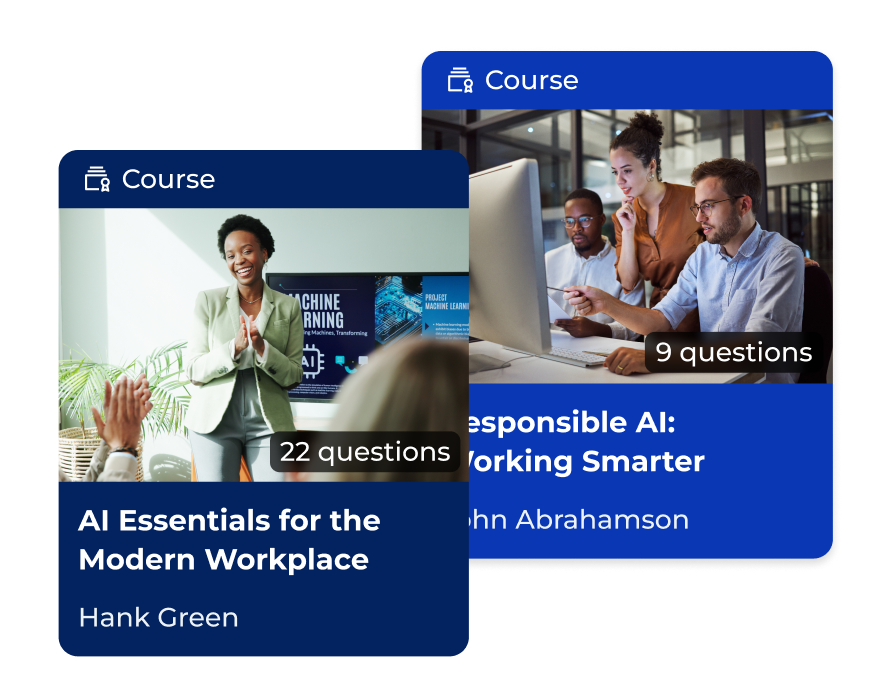
Assign courses and track progress across teams

See if new hires are ready, reps know the pitch, or compliance is complete.

Kahoot workplace learning story on IT device security policy created by Martin Harris, with a woman looking at her phone

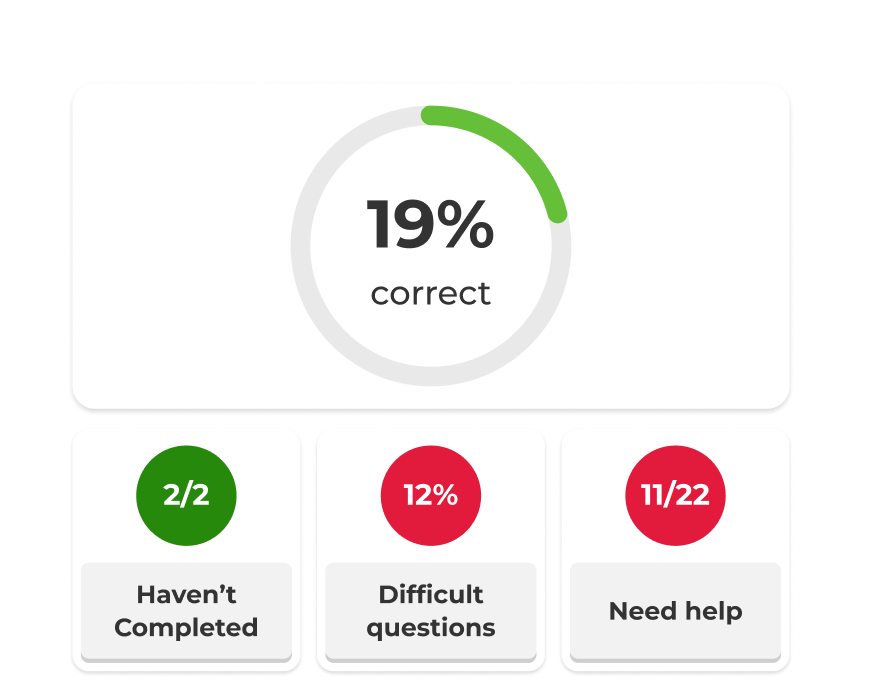
Full overview with insights and reporting

Track learning progress and get insight into knowledge retention with detailed reports.

Choose the right plan

Recommended plan

Kahoot! 360 Pro Standar - included features

$29$25
per host
per month
$348 $300 billed annually
$
$ billed monthly
Recommended plan

Kahoot! 360 Pro Plus - included features

$49
per month
$588 billed annually
Best value

Kahoot! 360 Pro Max - included features

$79$69
per host
per month
$948 $828 billed annually
$
$ billed monthly
Question types True/false, puzzle, poll, open-enden, slider, pin, word cloud and brainstormTrue/false, puzzle, poll, open-enden, slider, pin, word cloud and brainstormTrue/false, puzzle, poll, open-enden, slider, pin, word cloud and brainstorm
Training, courses and certificatesfeature included in Kahoot! 360 Pro StandardFull speaker toolkitFull speaker toolkit
Create training with AI from scratch or existing materialCreate from prompts, slides & URL’sFull AI suiteFull AI suite
AnalyticsReporting and insightsAdvanced InsightsAdvanced Insights

Drive productivity and growth through engagement

Turn presentations, meetings, and training into engaging sessions that help teams work smarter, stay longer, and drive the business forward.

Get started

Frequently Asked Questions

How does the Kahoot! 360 speaker toolkit improve audience engagement for presenters?

 The Kahoot! 360 speaker toolkit transforms traditional, static presentations into dynamic, two-way interactive sessions. By integrating live polls, real-time reactions, and interactive quiz questions directly into your slides, presenters can actively engage their audience, boost participation, and command the room effectively during corporate meetings and events.


What interactive presentation tools are included in the Kahoot! 360 Pro hosting experience?

The professional hosting experience in Kahoot! 360 Pro gives you complete control over presentation pacing and audience interactivity. Key features include the ability to seamlessly embed interactive questions, adjust scoring, and display podiums. This flexibility allows hosts to tailor the interactive elements to match the tone of any session, from formal all-hands meetings to collaborative team workshops.

How does the Moderated Q&A feature help manage audience questions during live events?

The Moderated Q&A feature in Kahoot! 360 allows hosts or a designated co-host to screen incoming audience questions before they are displayed publicly. Moderators can approve, highlight, or dismiss questions in real time, ensuring that the live Q&A session remains professional, on-topic, and perfectly aligned with the presentation’s goals.

Can I use private speaker notes while presenting with Kahoot! 360?

Yes, private speaker notes are coming soon to Kahoot! 360. This upcoming feature allows presenters to add hidden talking points and vital statistics to their interactive slides. These notes remain entirely invisible to the audience, enabling speakers to stay on message and deliver polished, confident presentations.

What is the Kahoot! 360 presenter view and how does it help speakers?

The upcoming presenter view is a dedicated, private view designed to help speakers navigate their interactive sessions seamlessly. Visible only to the host, it displays the current slide, a preview of the upcoming slide, an integrated presentation timer, and live participant activity data, ensuring you never lose focus while managing audience engagement.