“Kahoot! has that fun, playful side, but it also has genuine value. It’s really hard for a platform to balance the ability to do both of those things, but Kahoot! is great at it and we take advantage of it.”
Toni Morgans
L&D Consultant
AND Academy

Kahoot! 360 gives you everything you need for professional, interactive presentations, from board meetings to company-wide events. Add polls, word clouds, and Q&A to get everyone involved. Then use professional mode and the speaker toolkit to present with confidence, adapting the pace and interactivity to fit the room. Attendees join on any device with a QR code or PIN. No app or account needed.
“Kahoot! has that fun, playful side, but it also has genuine value. It’s really hard for a platform to balance the ability to do both of those things, but Kahoot! is great at it and we take advantage of it.”
Toni Morgans
L&D Consultant
AND Academy
Trusted by leading companies worldwide






Kahoot! 360 works for any presentation setting, from a 15-person boardroom pitch to a global all-hands with thousands of participants. Every session runs on attendees devices, with no app download or account creation required.
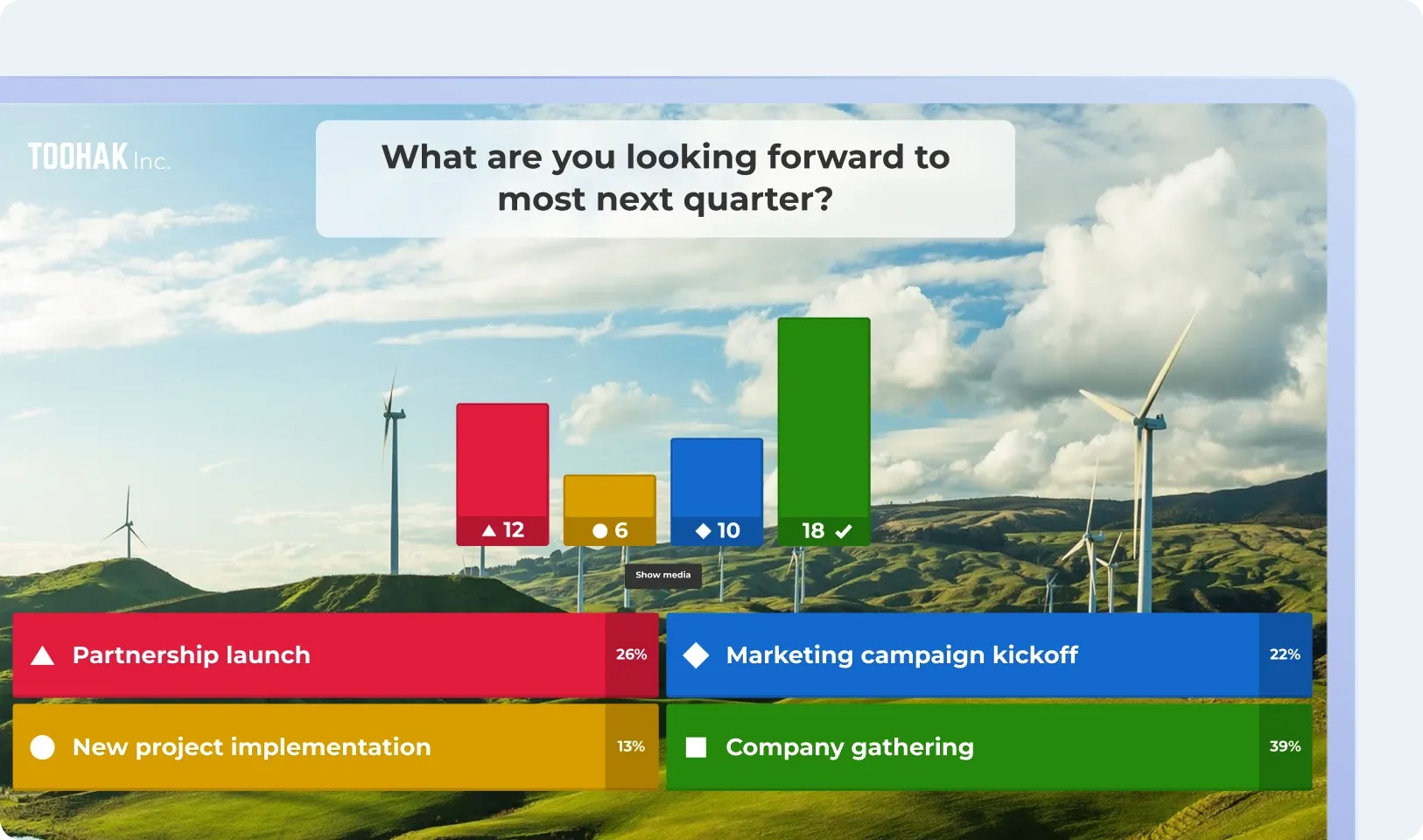
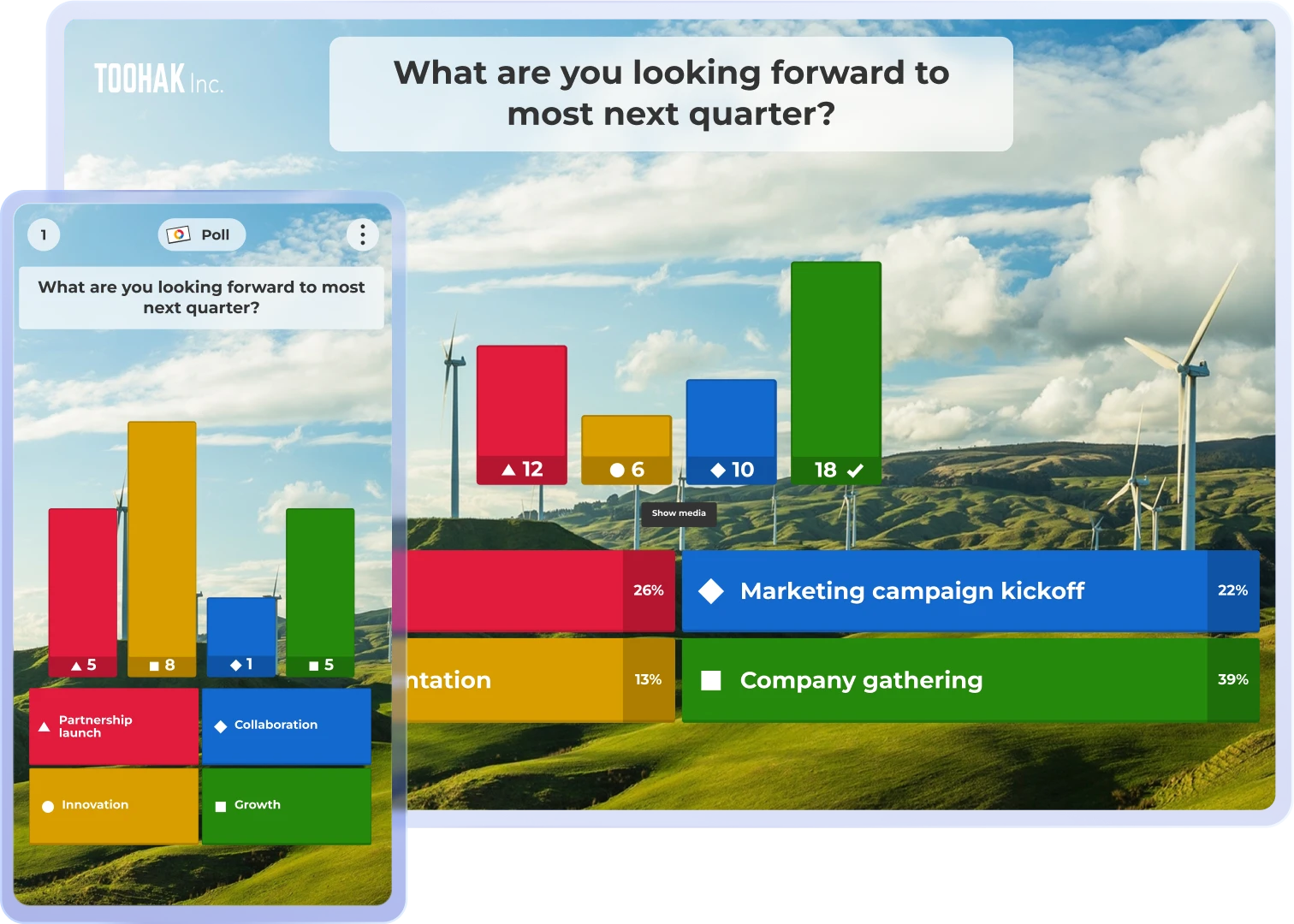
Kahoot! 360 builds live polls and word clouds into your keynote slides, so you know where your audience stands from the first minute. Professional mode lets you decide exactly when each question appears, and the speaker toolkit gives you a private presenter view only you can see. You focus on your story and shine on stage, while staying in control. Close with Q&A and answer the questions the whole room has, not only the one asked nearest the microphone.
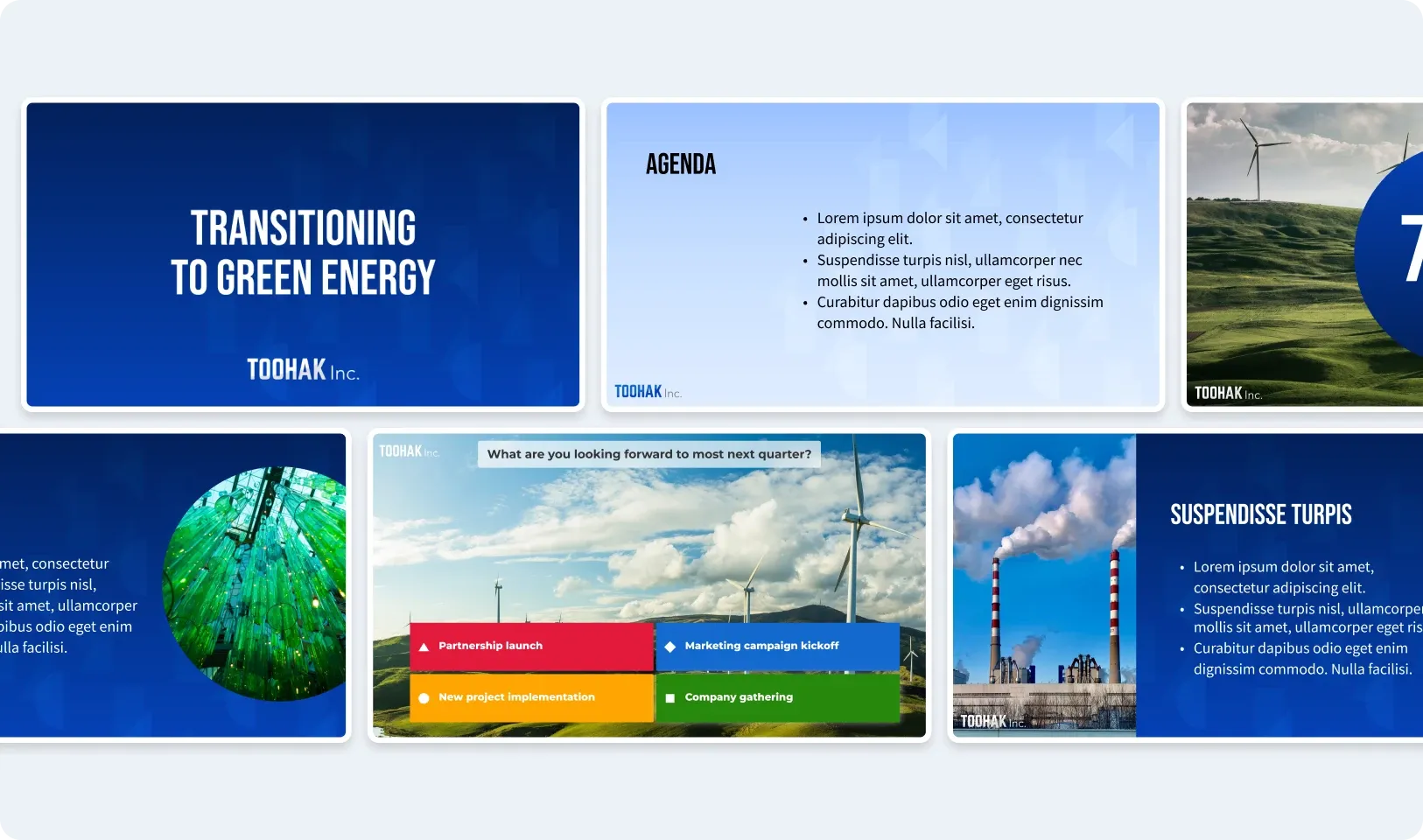
Instantly turn static slides into dynamic, interactive experiences with the Kahoot! Assistant.
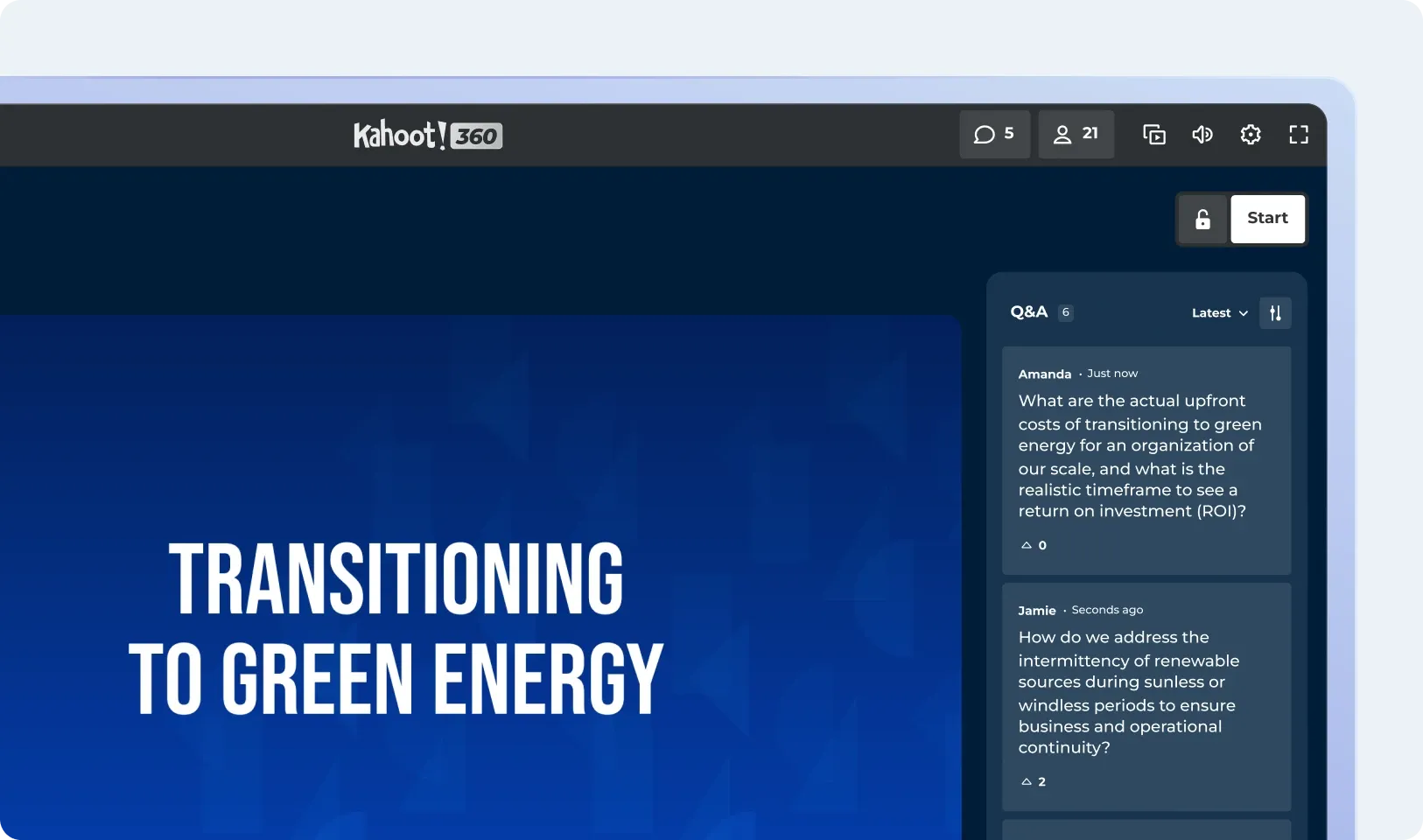
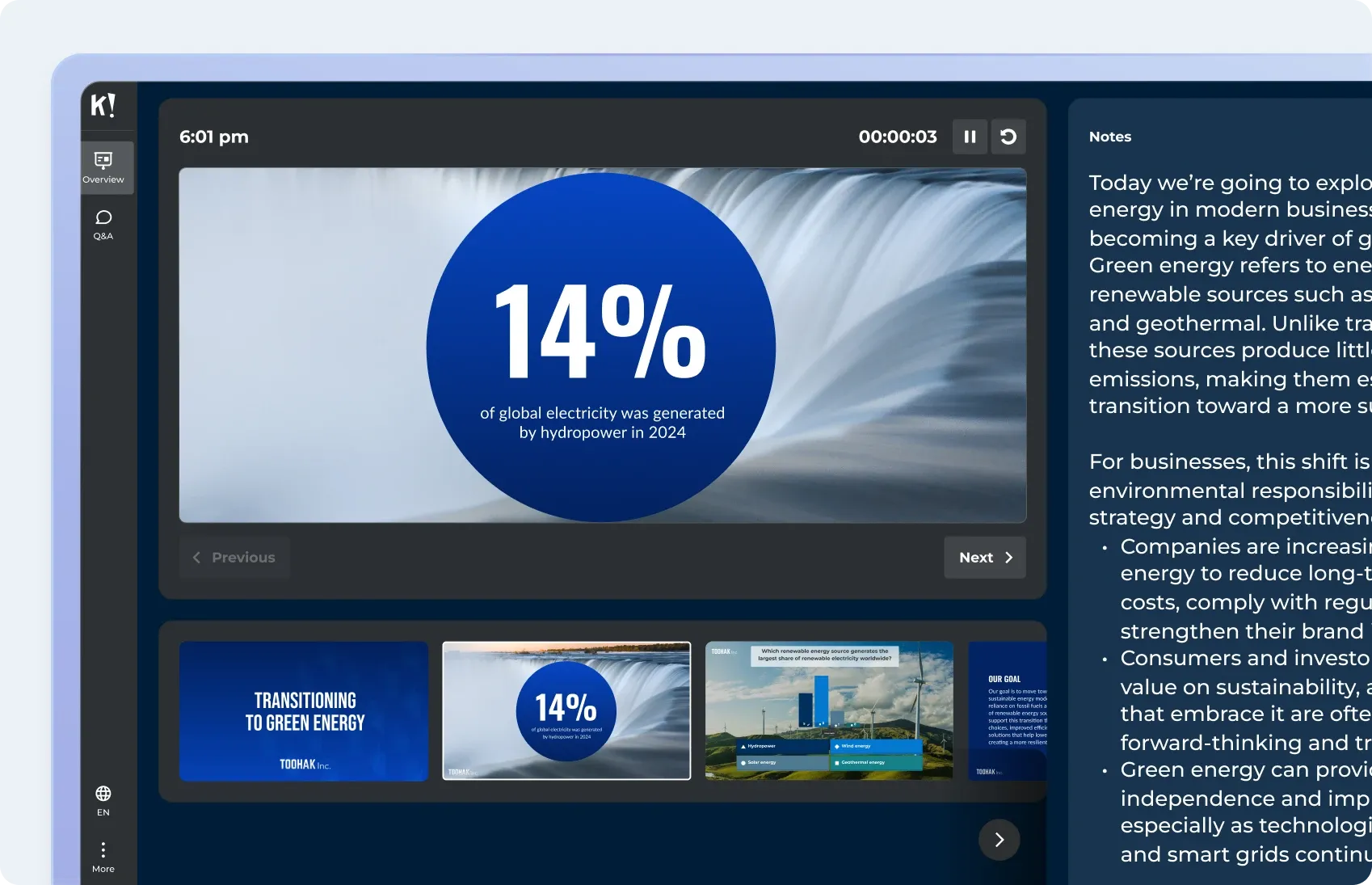
The Kahoot! 360 speaker toolkit gives presenters a private presenter view, live Q&A moderation, and control over exactly when and how interactive content appears.

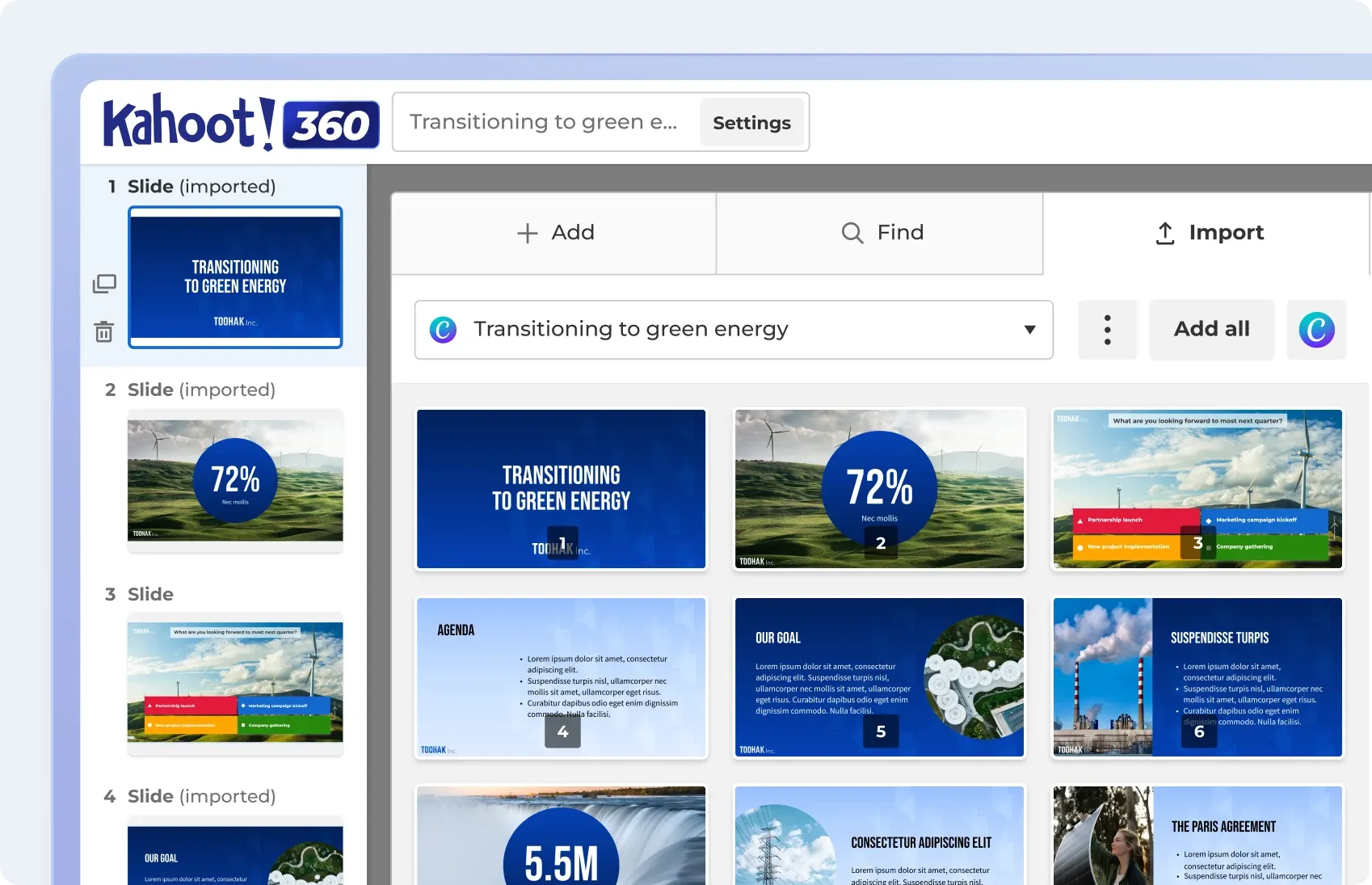
Create engagement in seconds with the Kahoot! Assistant.

Ready-to-use templates for all use cases.

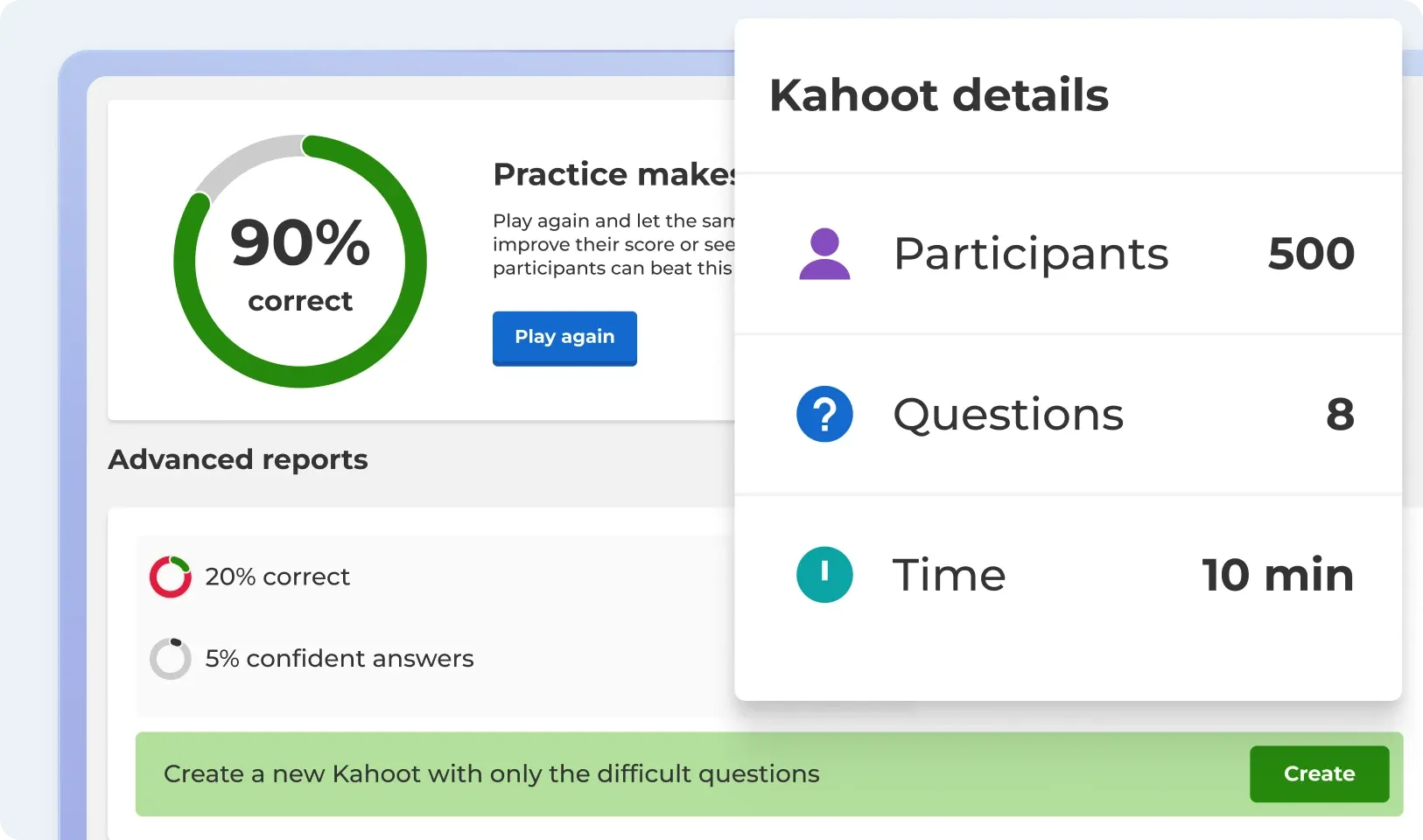
Track progress and performance with reporting and analytics.

Works with your everyday tools and leading LMS platforms.

ISO27001 certified, SOC 2 II report, GDPR compliant, SSO.

Scalable, flexible, browser-based, and intuative.

Learn how our customers use Kahoot! 360
Read how Autopay Technologies is using Kahoot! 360 to drive outcomes in their meetings.

Learn how to master interactive presentations
Practical tips for using polls, surveys, word clouds, and brainstorms to keep participants engaged from start to finish.

Turn your slides into interactive presentations people remember
Learn how to add live polls, word clouds, quizzes and Q&A to your presentation with Kahoot! 360
Add live questions to the slides you’re already presenting. With Kahoot! 360, you can place polls, word clouds and moderated Q&A between your slides. Employees answer on their phones, and the results appear on screen straight away. Leaders can see what people understood and what they still want to ask while the meeting is still running.
An interactive keynote is a keynote where the audience responds during the talk instead of only listening. The speaker asks live polls or word cloud questions and takes moderated Q&A, and sees the results on screen as they come in. This shows the speaker whether the message is landing while there’s still time to adjust.
Use moderated Q&A. Attendees submit questions from their own devices, and a moderator approves which ones appear on screen. In Kahoot! 360 you can review questions privately before they go public, so leaders answer the questions that matter most, not only the ones from people near a microphone.
Yes. You can import an existing PowerPoint or Google Slides deck and add interactive questions between your slides. Your layout and design stay intact, so you don’t have to rebuild your keynote in a new tool.
No. Attendees join with a PIN on any device with a browser, with no app download and no account needed. This matters at a company-wide meeting, where you can’t make sure everyone has installed something beforehand.
Kahoot! 360 works for a 15-person boardroom meeting and for a global all-hands with up to 5000 participants. The exact limit depends on your plan.