

Engaging presentations made easy


Step 2: Generate instant questions

Step 3: Style your presentation

Step 4: Present with confidence
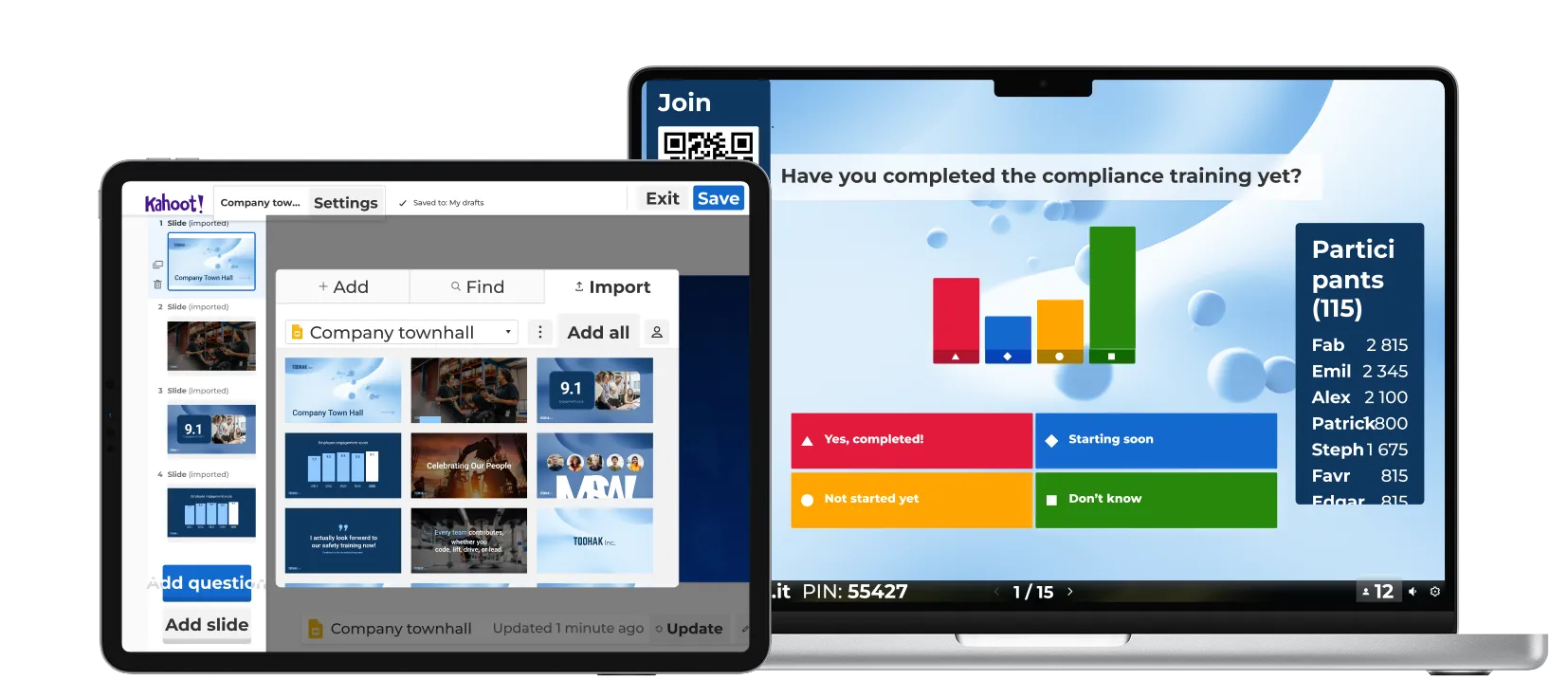
Create engaging presentations in four quick steps with Kahoot! 360.
Import your slides, then bring them to life with interactive, AI-generated questions that keep audiences focused and spark conversation.
Style your deck with your company’s logo and colors, and present with confidence using our professional hosting tools.
Learn how our customers are driving results with Kahoot!

“Use Kahoot! with passion and give that value to your employees, because Kahoot! gives so much more value than the fun element.”
Harrison Tompodung
The Apurva Kempinski Bali

“Kahoot! has that fun, playful side, but it also has genuine value. It’s really hard for a platform to balance the ability to do both of those things, but Kahoot! is great at it and we take advantage of it.”
Toni Morgans
AND Digital

十分適合
製作深入人心的簡報和工作坊
- 最多 200 名參與者
- 文字雲、腦力激盪、開放式問答、實況 Q&A
- 報告和見解
- 專業簡報
- 透過 Q&A 讓觀眾提問並交流想法
- 新推出! 透過 AI 在數秒內建立簡報


十分適合
效果顯著的簡報、訓練及各項活動
- 最多 1000 名參與者
- NPS 量表和問卷調查
- 訓練、課程和結業證書
- 完整的講者工具組合 AI 套組
- 透過 Q&A 讓觀眾提問並交流想法
- 透過 NPS 量表和問卷調查評量滿意度和參與度
- 透過實況和自學型課程跳脫制式的學習框架,內含結業證書
- 透過 AI 即刻建立簡報和訓練素材
- 新功能!透過「任務」的共享成就激勵團隊士氣
所有價格均內含歐盟增值稅
Looking for an enterprise scale solution?
Learn more about Kahoot!’s custom enterprise solutions or contact our sales team to discuss your needs.