Canva integration with Kahoot! 360

Make your Canva presentations interactive with Kahoot! 360

For professionals who design their presentations in Canva, our new integration lets you connect, sync, and turn Canva presentations into interactive kahoots. Whether preparing slides for a meeting, training session, or event, your slides update in Kahoot! 360 whenever you make changes in Canva, while the Kahoot! Assistant instantly generates interactive questions to save valuable prep time.

Available in all Kahoot! 360 plans.

Start for free

Hero

Design in Canva and engage with Kahoot! 360

This integration of Canva is the latest addition to Kahoot! 360’s powerful presenter toolkit. With Kahoot! 360 and Canva, you can transform your audience’s experience from passive listening to active learning and participation. Get started creating an interactive presentation today, and discover how you can increase efficiency while boosting engagement and collaboration in any session with Kahoot! 360.

Get started

SLIDE SYNC

Bring your Canva slides into Kahoot! 360

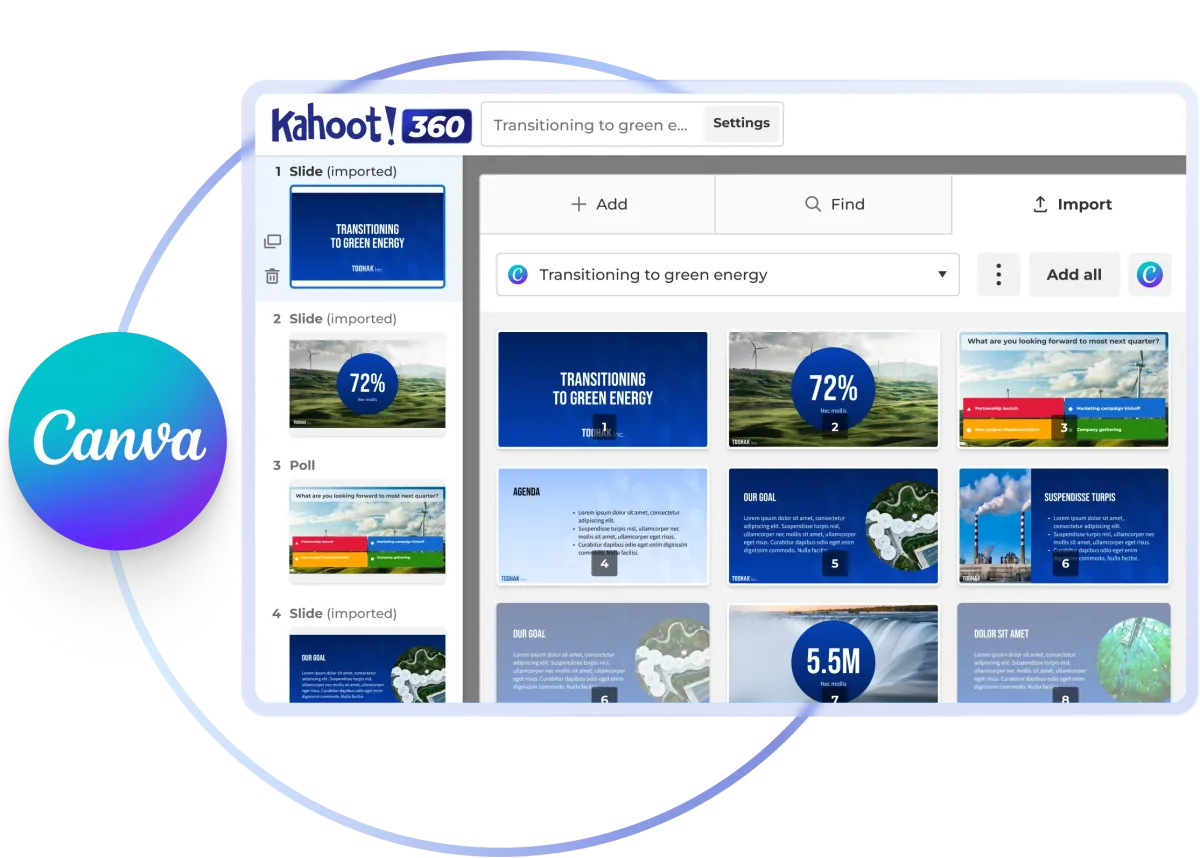
Import your Canva presentation to Kahoot! 360 and your slides stay in sync as your Canva deck changes. You don’t need to update, export or rebuild anything by hand.

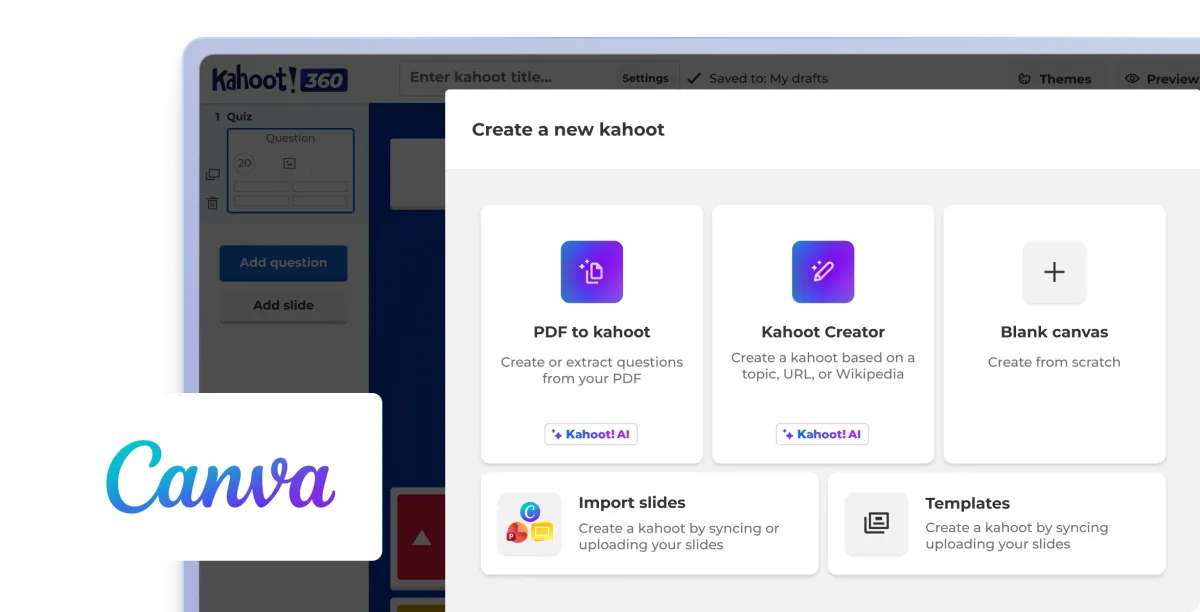
The Create a new kahoot menu in Kahoot! 360, with an option to import slides, next to the Canva logo

INTERACTIVE QUESTION TYPES

Instantly make Canva slides interactive with the Kahoot! Assistant

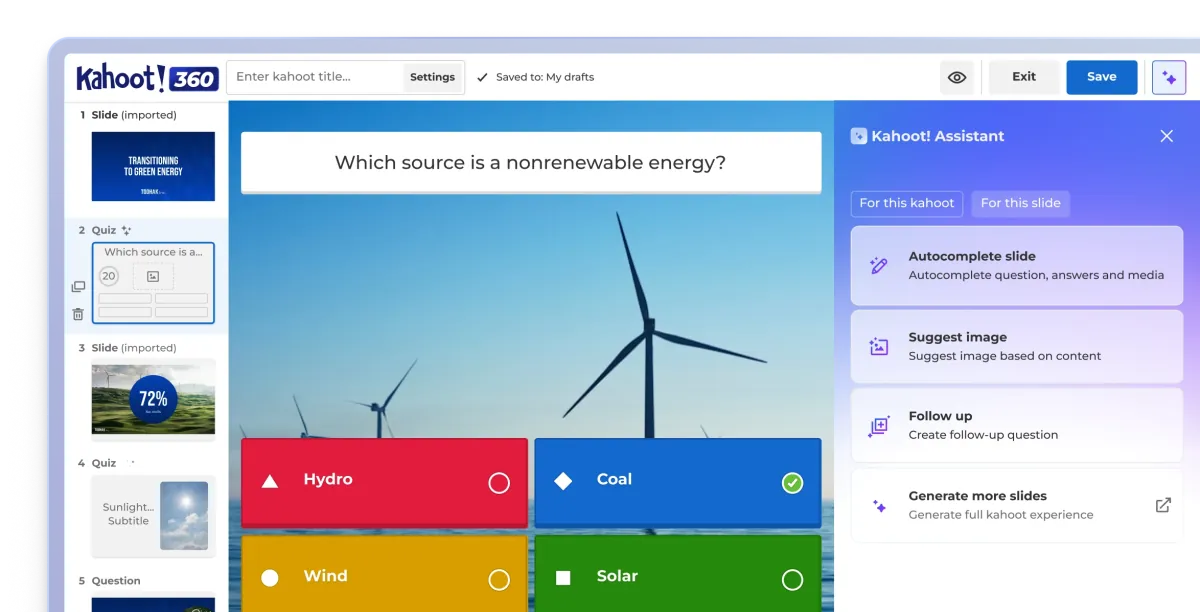
Use AI to instantly generate questions directly from your synced Canva slides. Turn static presentations into engaging, interactive sessions, with question types like polls, wordclouds, and brainstorm.

The Kahoot! Assistant suggesting a quiz question for an imported Canva slide in Kahoot! 360

How to import and sync your Canva slides on Kahoot! 360

With its powerful and easy-to-use design tools, Canva has become a go-to presentation creation tool. This integration enables you to add your Canva slides to your kahoot in just a few clicks. When you sync your slides, any changes made to your Canva presentation will automatically update in your kahoot.

Follow these steps to import and sync Canva slides:

  • Log in to your Kahoot! 360 account and click “Create” to start creating your new kahoot.
  • Click “Import slides” to upload or sync your slides.
  • Click the “Sync with Canva” button.
  • Access your Canva account from within the Kahoot! creator and select the Canva presentation you want to import.
  • Select the specific slides you want to sync and add to your kahoot.
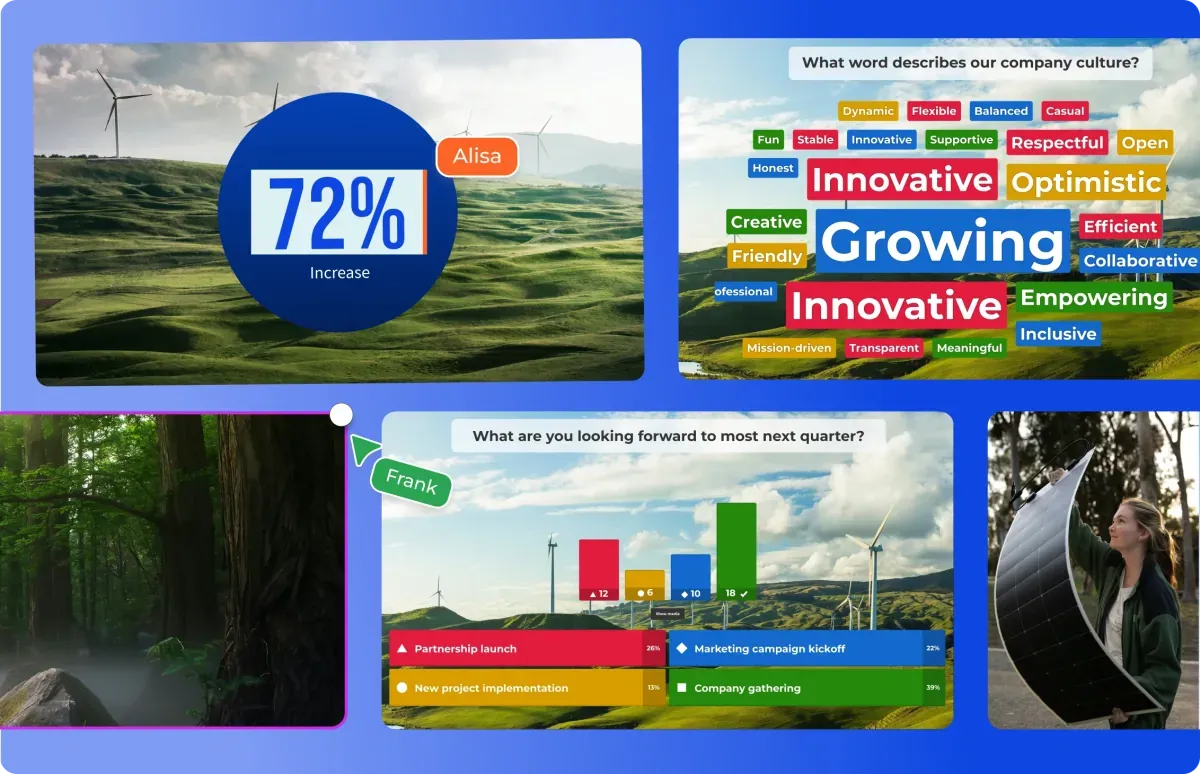
Canva slides synced into Kahoot! 360, with a live poll and word cloud added

Everything you need for presentations and training with Kahoot! 360

AI Assistant icon

AI assistant

Create engagement in seconds with the Kahoot! Assistant.

Blue rounded square icon with 4 white squares

Template library

Ready-to-use templates for all use cases.

Blue rounded square icon with 3 white bar chart lines

Insights and analytics

Track progress and performance with reporting and analytics.

Integrations icon

Integrations

Works with your everyday tools and leading LMS platforms.

Blue rounded square icon with white tick

Enterprise-grade security

ISO27001 certified, SOC 2 II report, GDPR compliant, SSO.

Blue rounded square icon with white magic wand

Easy to use

Scalable, flexible, browser-based, and intuative.

Get started

Resources

Canva and Kahoot! 360 logos side by side over interactive presentation slides
Blog

Turn your Canva presentations into interactive Kahoot! experiences

Create professional interactive presentations seamlessly with Kahoot! 360’s Canva integration.

Read more

Woman holding a coffee cup while working on a laptop in a cosy café setting
Interactive presentations

Turn your slides into interactive presentations people remember

Learn how to add live polls, word clouds, quizzes and Q&A to your presentation with Kahoot! 360

Read more

Presenter leading a meeting with a live Kahoot! slider question on screen.
Best practices

Learn how to master interactive presentations

Practical tips for using polls, surveys, word clouds, and brainstorms to keep participants engaged from start to finish.

Read more

Drive productivity and growth through engagement

Turn presentations, meetings, and training into engaging sessions that help teams work smarter, stay longer, and drive the business forward.

Get started