99%
reported a better understanding of their roles after using Kahoot! 360
El Jannah
Almost 40% of new hires consider quitting within their first year*. Managers, HR, and L&D teams can change that with Kahoot! 360. Turn onboarding into an interactive and engaging experience people actually remember, with AI, live sessions, and self-paced courses built for in-office, remote, and hybrid teams.
*Source – Kahoot! 360 Gen Z report.
Kahoot! 360 the ultimate engagement platform for delivering presentations and training with lasting impact.
reported a better understanding of their roles after using Kahoot! 360
El Jannah
average final score on onboarding training when using Kahoot! 360
Aviva Canada
boost in learner retention after using Kahoot! 360 in contact center training
AdventhHealth





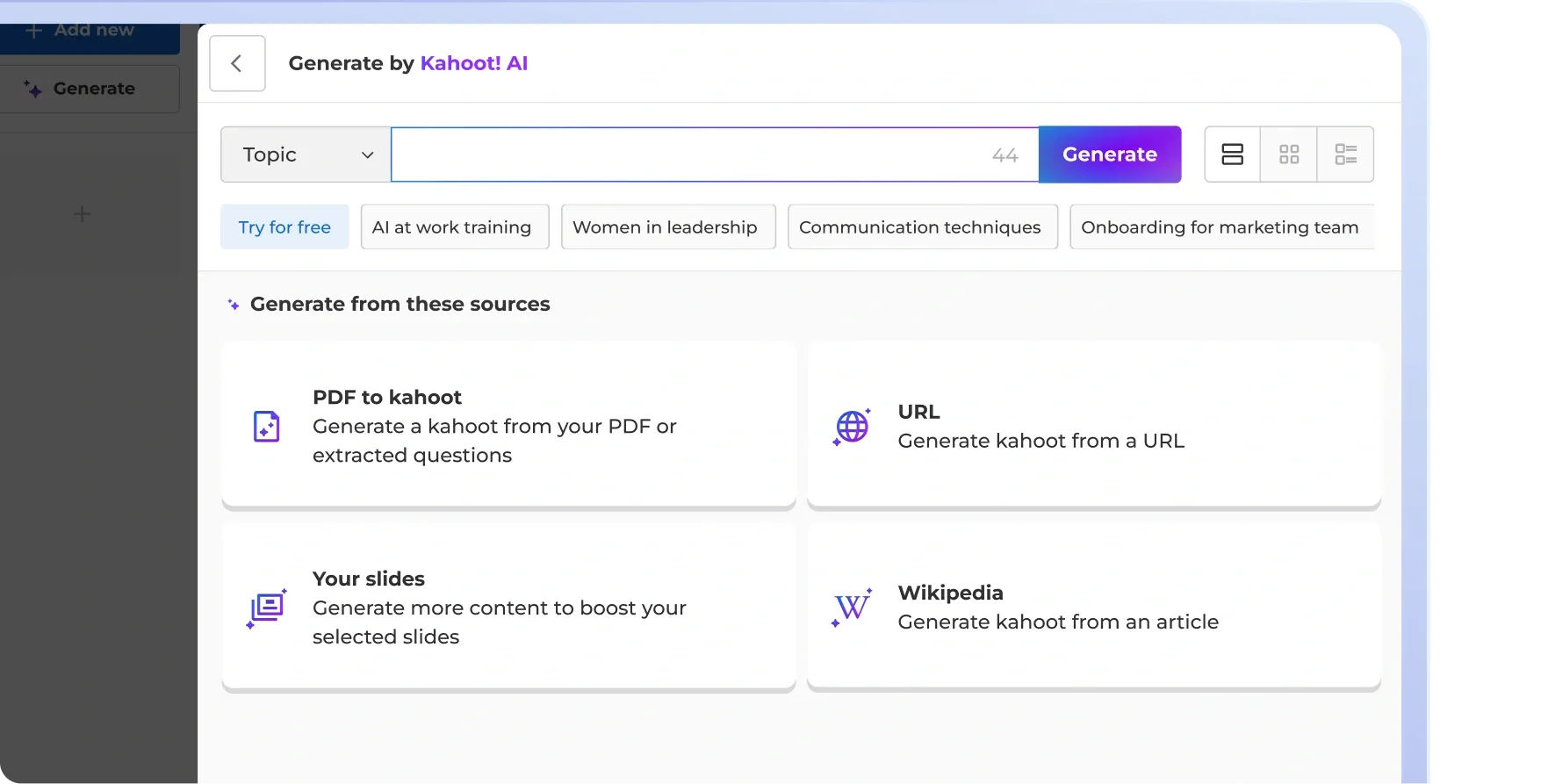
With Kahoot! 360 you can instantly build onboarding for every hire, every promotion, every transition. Upload your existing material and the Kahoot! Assistant instantly turns it into interactive training.
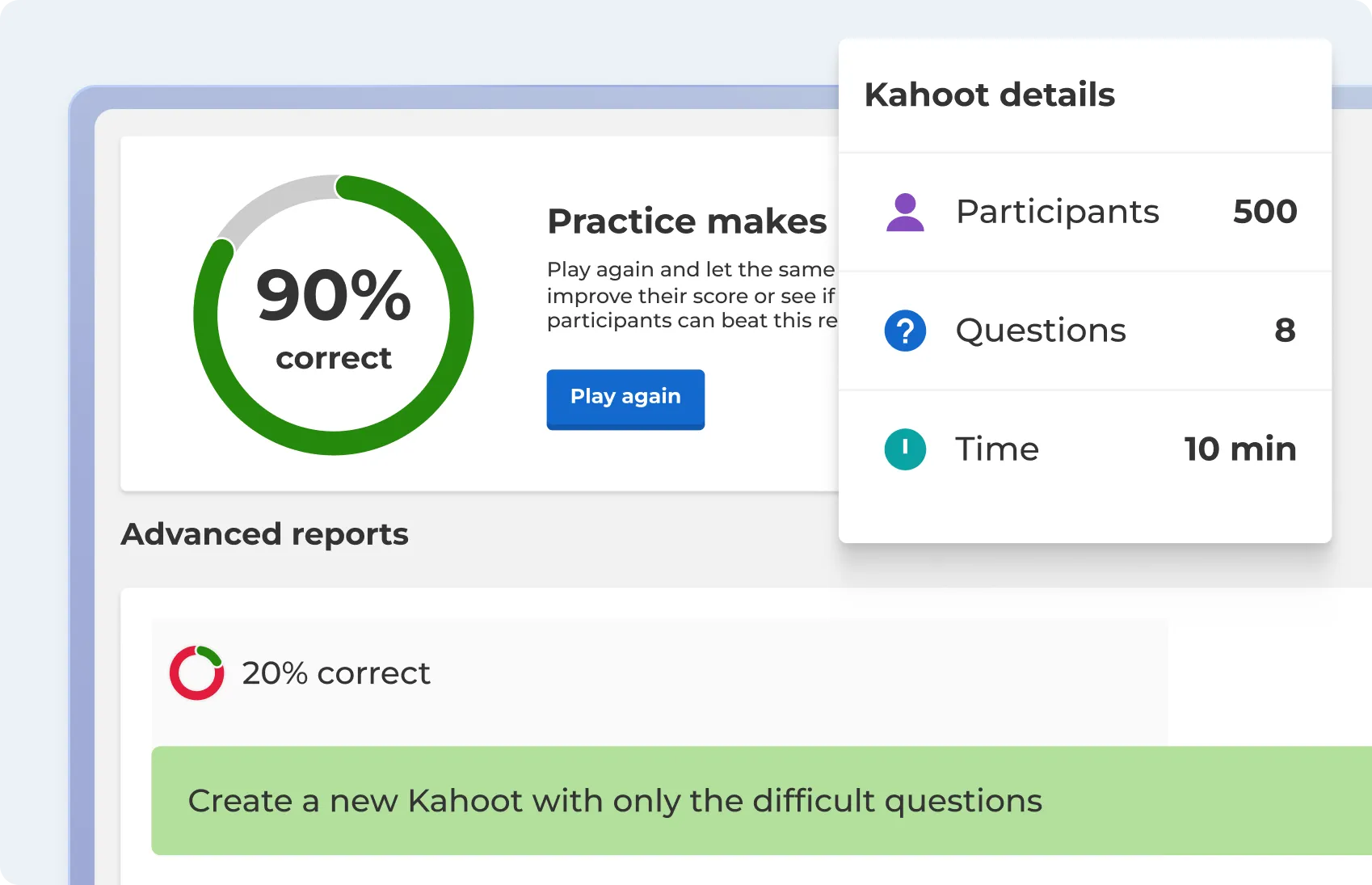
With real-time dashboards and automated progress tracking, you can see who has completed their onboarding, review individual scores, and identify which topics are causing confusion. Kahoot! 360 gives you the visibility to help your employees and continuously improve your program.
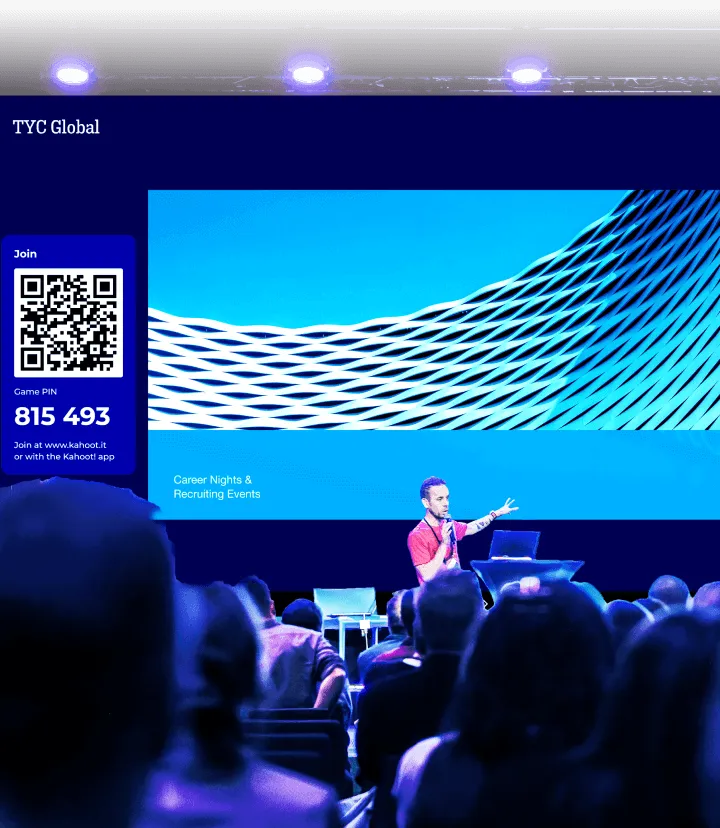
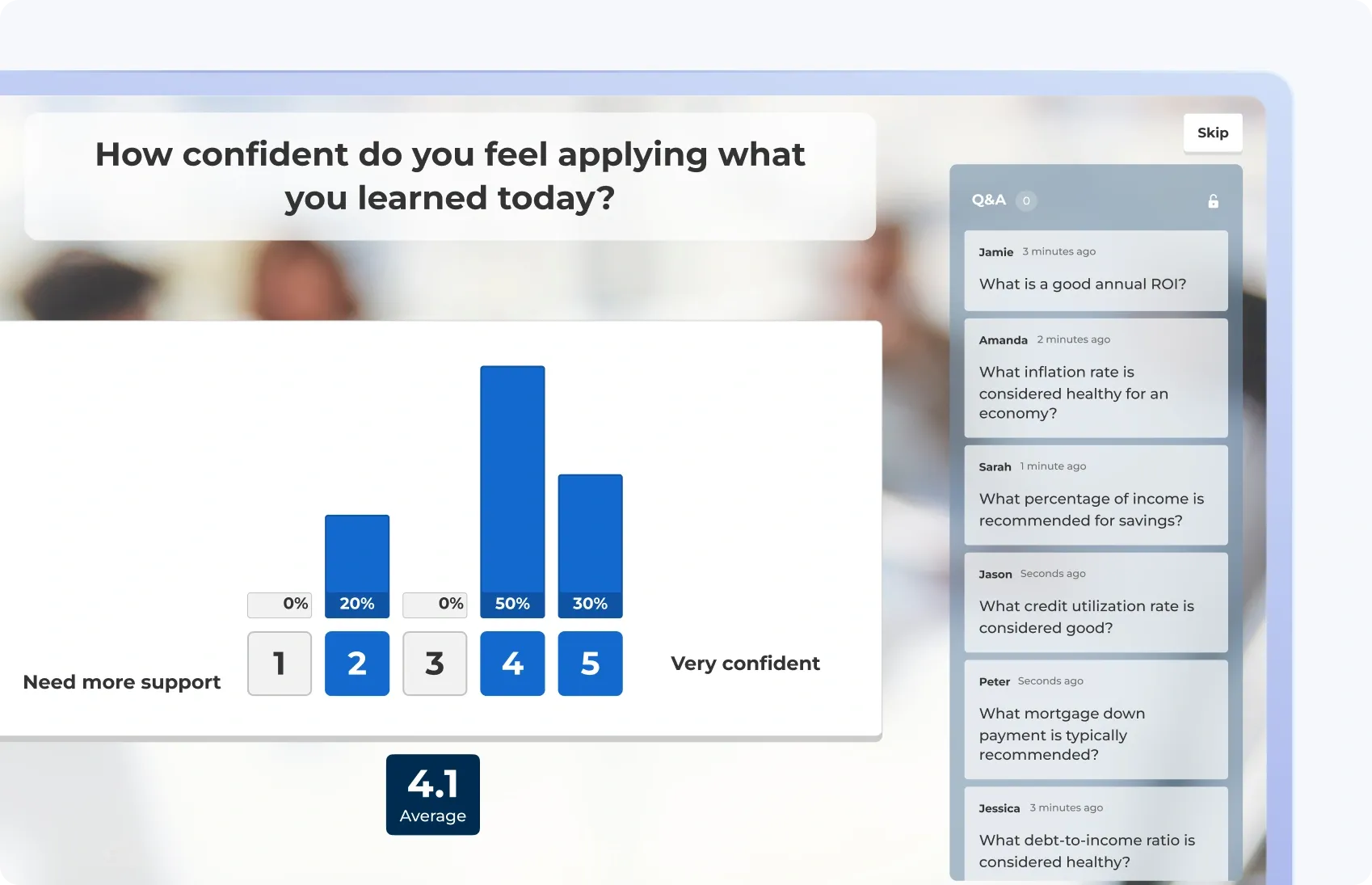
Passive onboarding gets forgotten. Interactive onboarding sticks. Multi-select, polls, live Q&A, and word clouds keep new hires engaged from the very first minute, whether the session is in-person, virtual, or hybrid. Follow up live sessions with bite sized learning that reinforces what they have learned, keeping knowledge fresh long after the session ends.
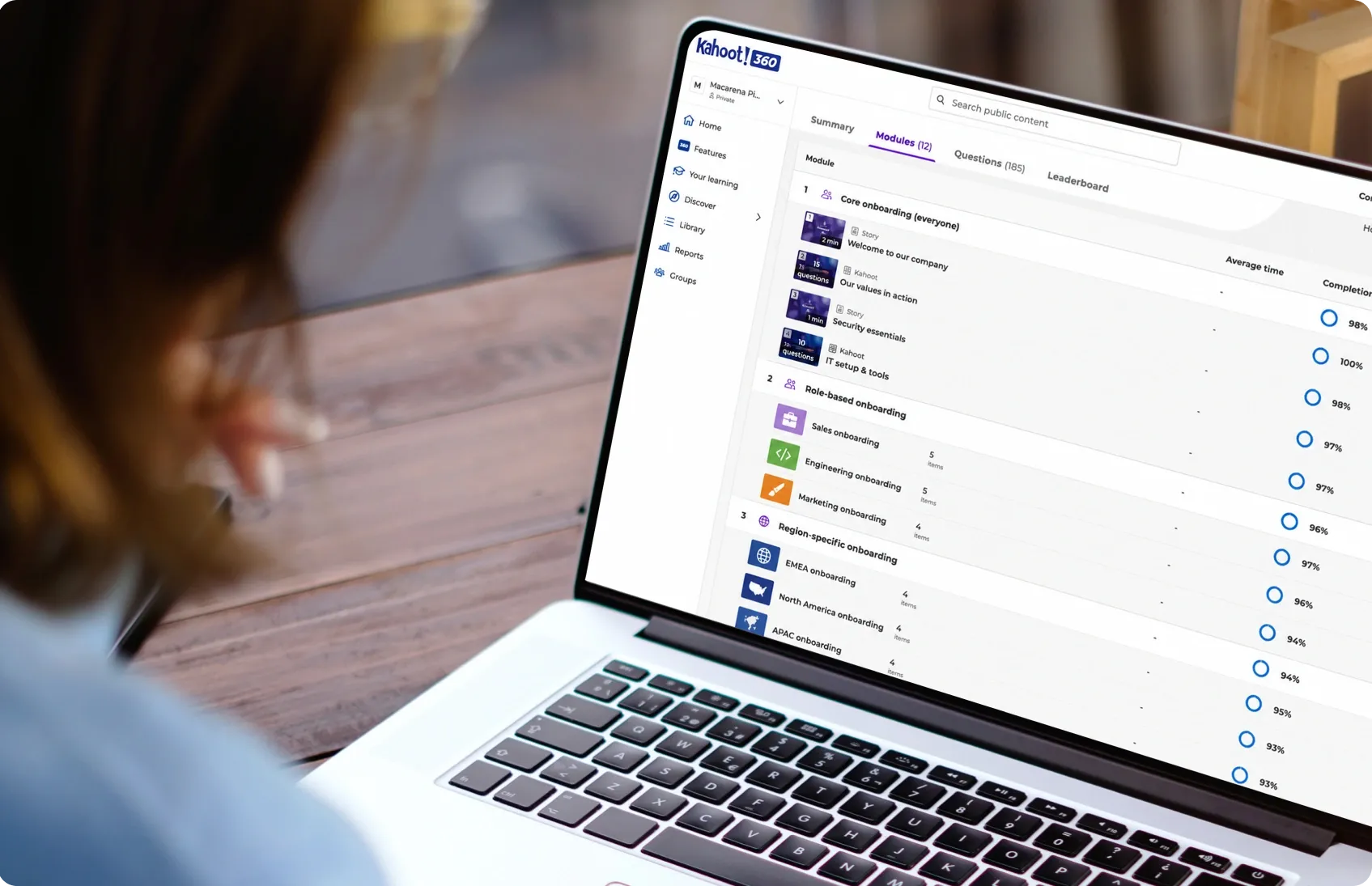
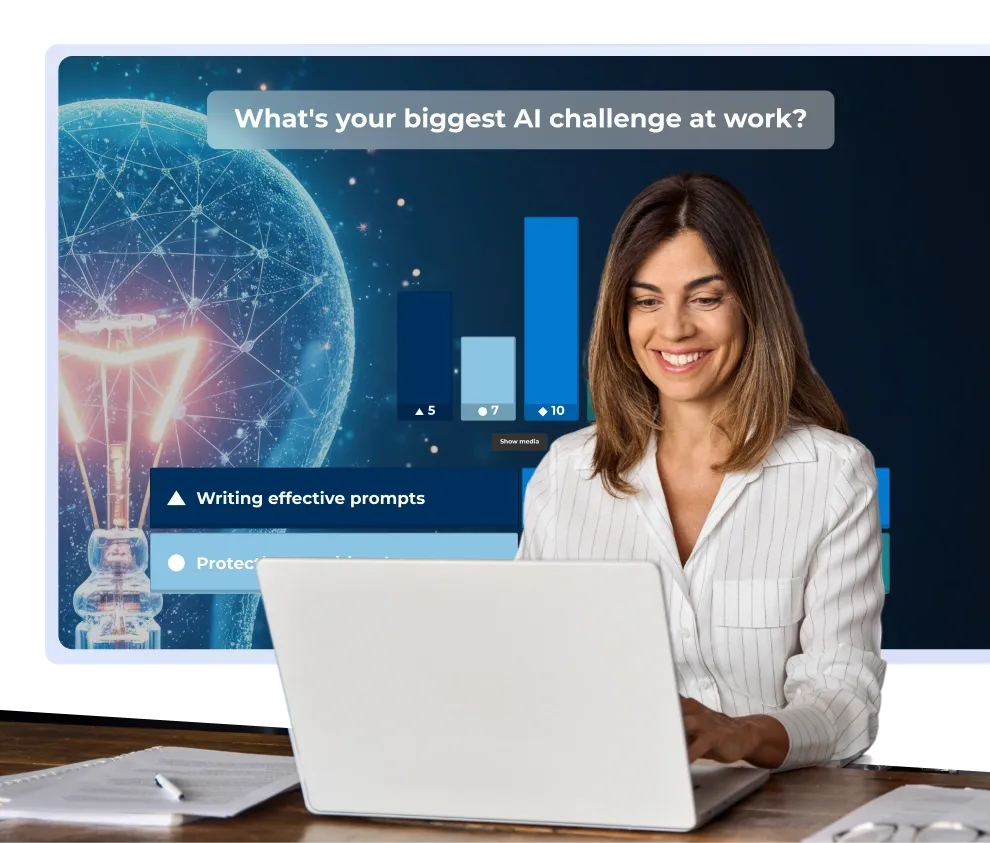
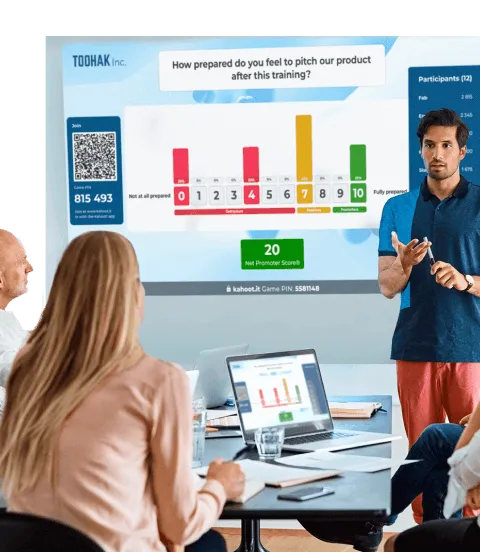
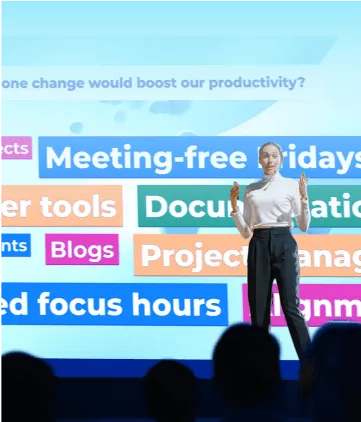
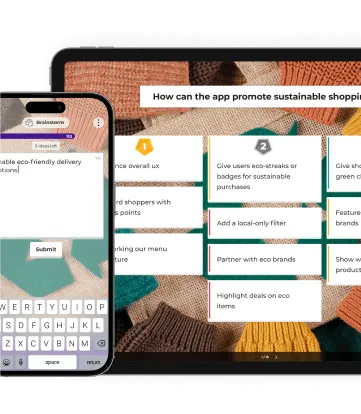
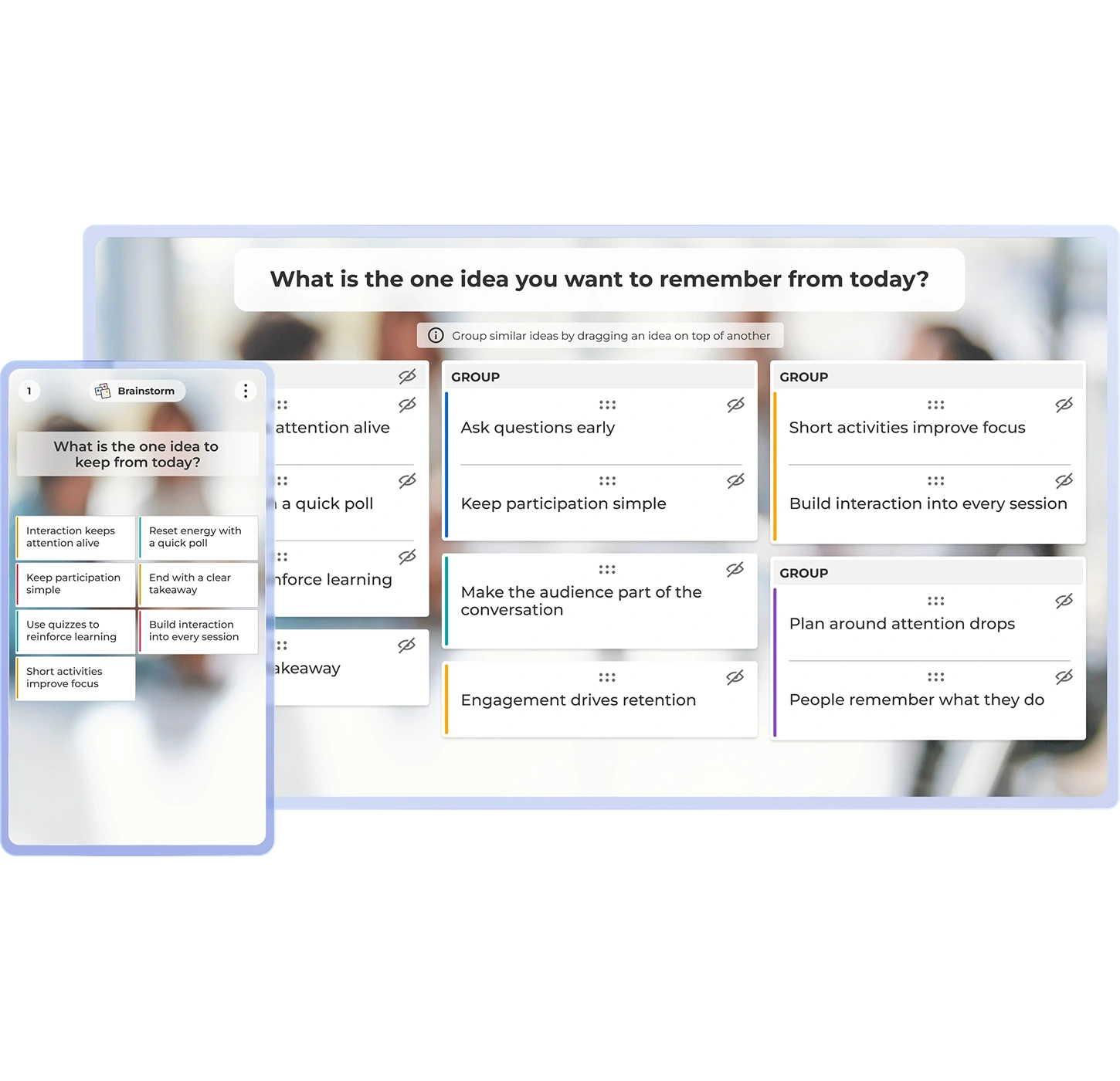
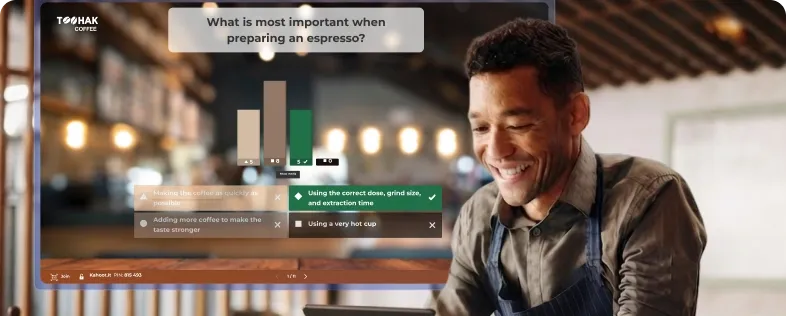
Keep employees engaged by making any live onboarding session an interactive experience. Involve your audience with interactive questions, brainstorms, and polls to make onboarding engaging and impactful.
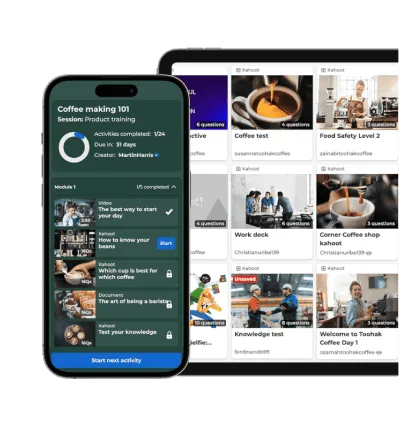
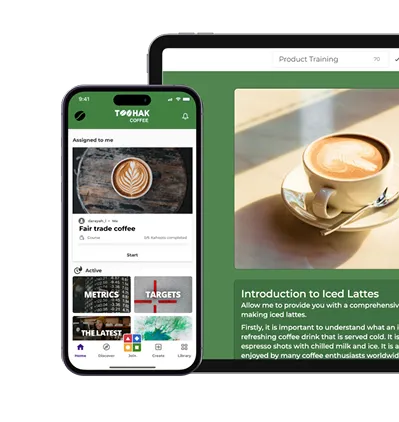
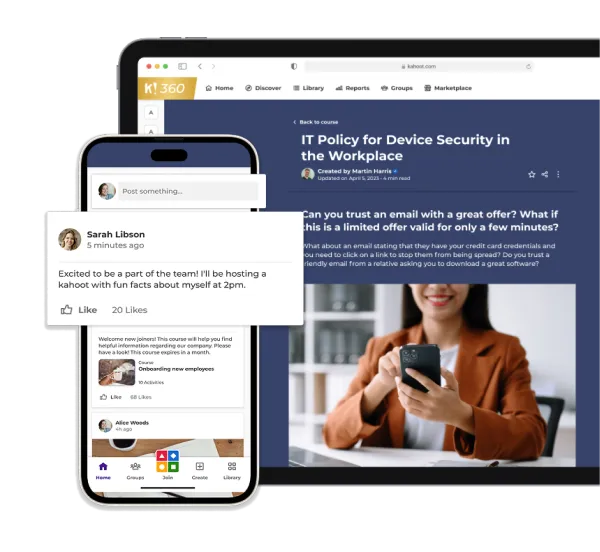
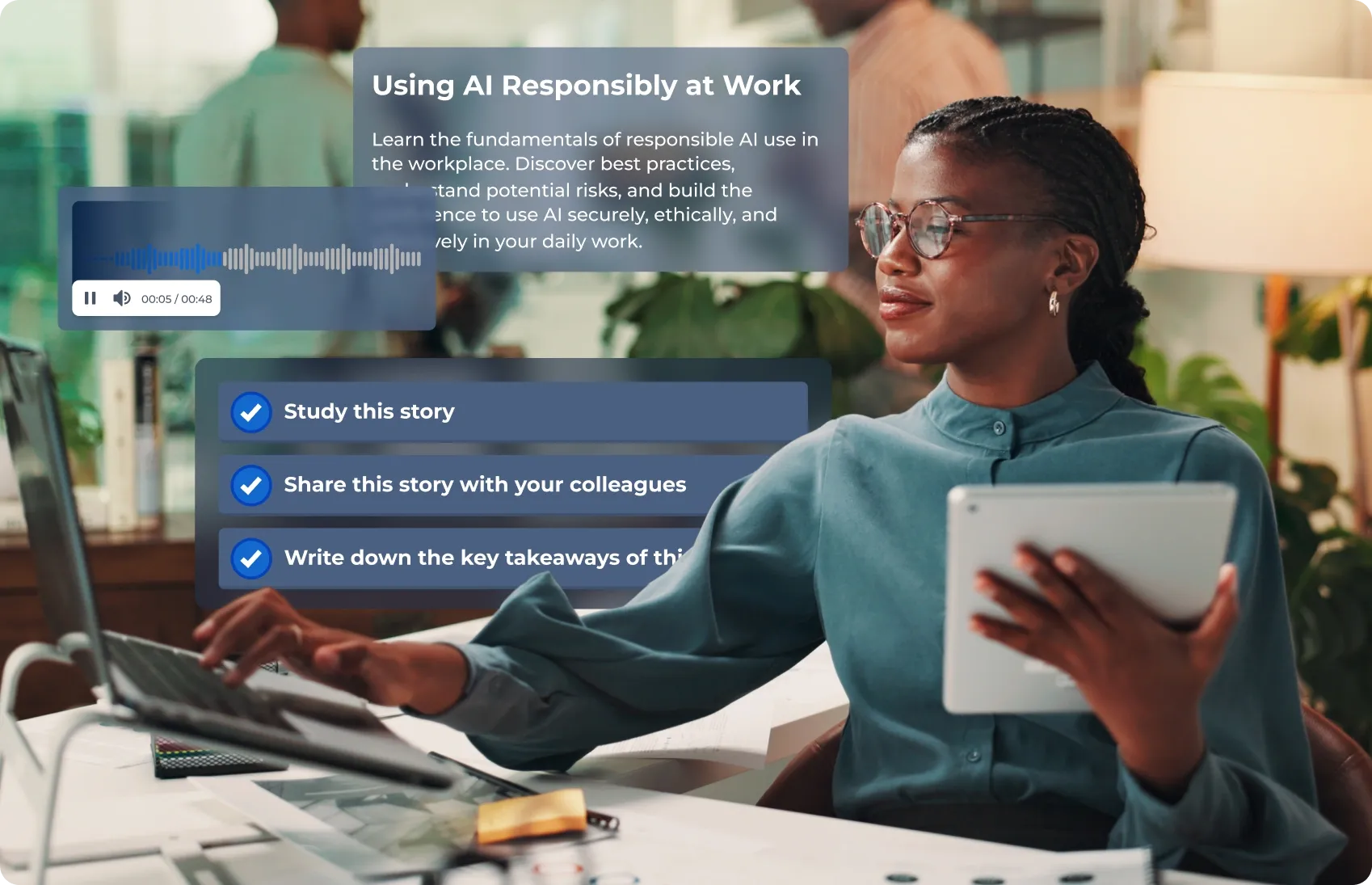
Self-paced courses give your employees possibility to learn async and whenever it is best for them. With the Kahoot! 360 app they can complete training on any device, at their desk or on the go. The perfect fit for digital, remote, and virtual onboarding, same engaging experience, wherever they’re based.
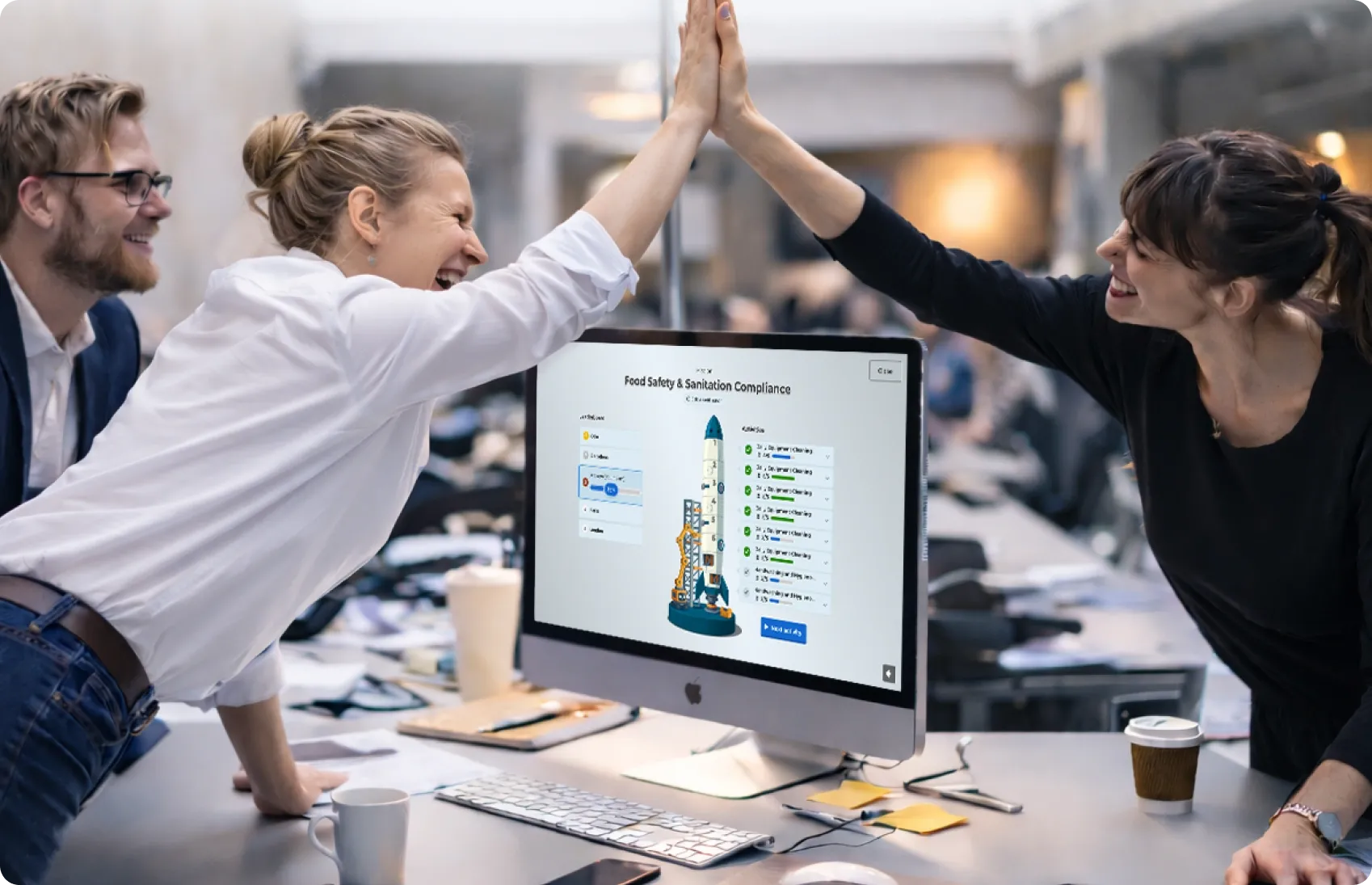
Onboarding doesn’t have to be a solo experience. Missions in Kahoot! 360 group key onboarding steps into shared team goals, from company values to compliance, so new hires work through them together. Visible progress and friendly competition make people far more likely to complete their training, while building connection and accountability from day one.

Create engagement in seconds with the Kahoot! Assistant.

Ready-to-use templates for all use cases.

Track progress and performance with reporting and analytics.

Works with your everyday tools and leading LMS platforms.

ISO27001 certified, SOC 2 II report, GDPR compliant, SSO.

Scalable, flexible, browser-based, and intuative.
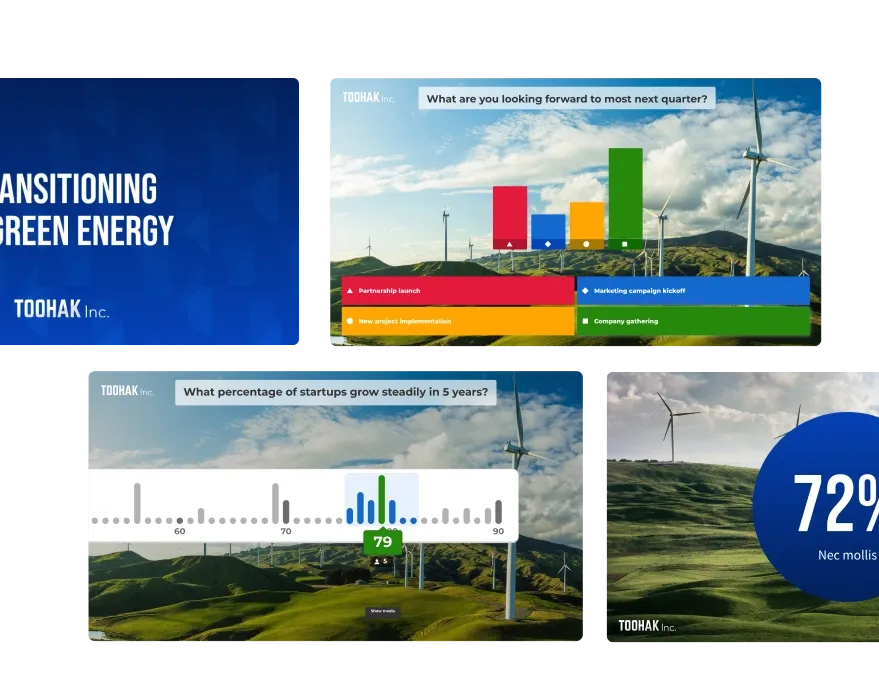
Step 1
Create
Upload your existing onboarding material or build interactive courses in minutes from scratch by using AI.
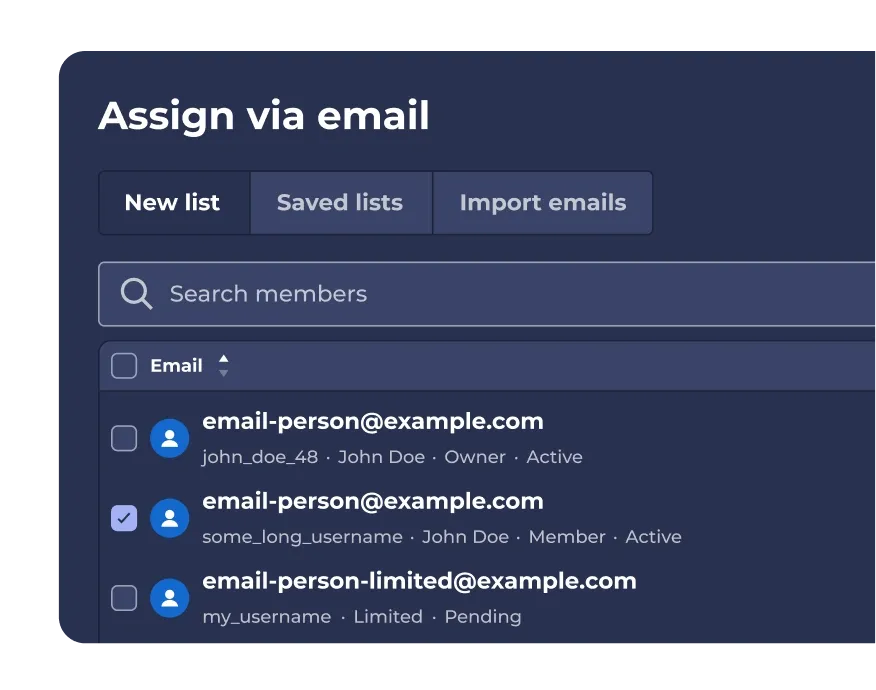
Step 2
Distribute
Distribute via e-mail and let the employee complete onboarding in the format that fits, either live session or self-paced course.
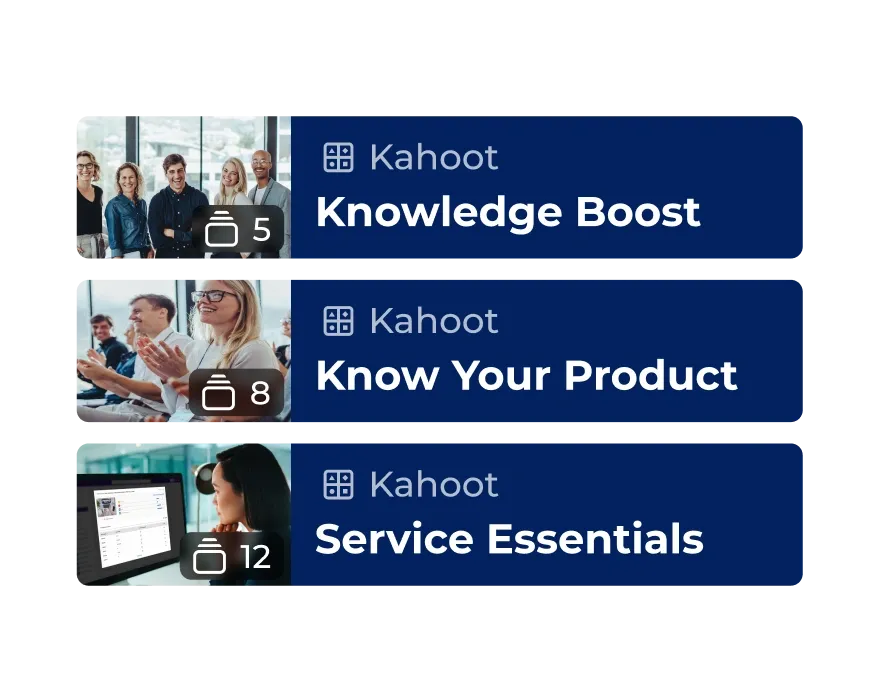
Step 3
Reinforce and retain
Drive retention with guided learning paths and track progress.
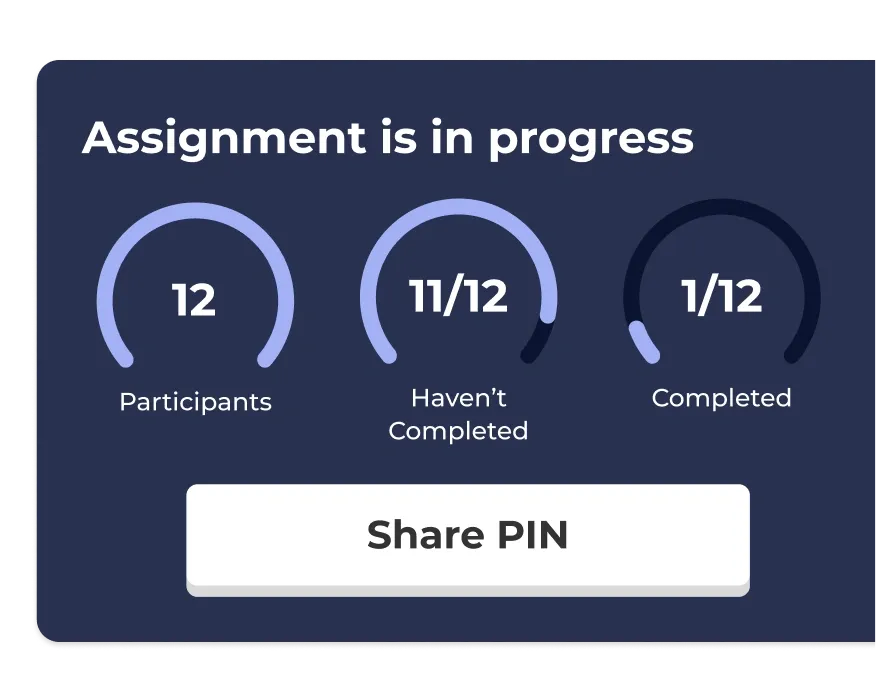
Step 4
Reporting
Issue certificates, download completion records, and demonstrate onboarding rates to leadership.

Use our ready-made onboarding templates
Save time onboarding new hires with ready-to-use resources.

Read our blog about new hires
Learn more about how entry-level employees are struggling, and how to help them.
How to create learning that sticks
Read more about how you can use Kahoot! 360 for training your workforce
Kahoot! 360 is an interactive workforce engagement platform that helps HR and training teams deliver engaging, effective onboarding presentations and training sessions. From live sessions to self-paced courses, it makes the employee onboarding process smoother and more memorable.
Yes! Kahoot! 360 is perfect for remote onboarding and virtual onboarding. Whether your team is in the office or distributed globally, you can run interactive sessions, share onboarding presentations, and assign self-paced training courses, all from one platform.
You can turn any onboarding presentation for new hires into an engaging two-way experience. Add quizzes, polls, icebreaker games, brainstorms, Q&A, and AI-generated questions to boost interaction and retention.
Absolutely. You can create bite-sized training modules and interactive courses on workplace safety, ethics, compliance, and more. Our tools help make even required training feel accessible, memorable, and relevant.
Kahoot! 360 includes a powerful AI generator that helps you build onboarding presentations and quizzes from scratch or from existing materials like PDFs and presentations. It saves time and ensures consistency across your new hire training.
Yes, Kahoot! 360 includes guided learning paths and progress tracking so you can monitor completion rates, quiz performance, and identify where additional support may be needed.
Unlike static slide decks or one-way presentations, Kahoot! 360 is an interactive employee training software that transforms onboarding into an engaging, two-way experience. It’s designed to help new hires feel welcome, informed, and ready to contribute from day one.
Yes! Whether you’re onboarding a few new hires or hundreds across regions, Kahoot! 360 is a flexible, scalable onboarding platform built for both small teams and global enterprises.
Key features include AI-powered content creation, combined live and self-paced learning formats, guided learning paths, and robust progress tracking. Kahoot! 360 enables companies to deliver engaging training fast, ensure content sticks, and track individual progress automatically.
Kahoot! 360 helps new hires get up to speed faster by turning complex processes into interactive training sessions and competitive quizzes that increase interaction and boost knowledge retention. Live training sessions use friendly competition to reinforce understanding, turning compliance into an engaging team activity.
Yes, Kahoot! 360 is designed for versatility, energizing audiences in both live in-person and virtual onboarding sessions by transforming presentations into engaging two-way experiences. It uses polls, NPS scales, and live Q&A to gather instant feedback regardless of the new hire’s location.
Missions in Kahoot! 360 are shared achievements that motivate the workforce by turning solo learning tasks into collaborative team achievements. For onboarding, Missions boost efficiency by encouraging new hires to help one another complete core training and integrate quickly into the team structure.
The self-paced learning format allows new hires to build lasting habits through in-depth courses they can complete in their own time and on any device. This flexibility is vital, enabling employees to fit essential training into their daily routines without disrupting immediate workflow or feeling overwhelmed.
L&D teams or HR teams can gather valuable data on who participated, individual scores, time spent on training, and which questions were the hardest, allowing them to identify common knowledge gaps. This data helps teams fine-tune their onboarding content and prioritize essential topics for future cohorts.
Kahoot! 360 can be used to facilitate introductions by running interactive quizzes or polls focused on the new hire’s background and interests (e.g., “Getting to know a new colleague” template). This fun, gamified process helps welcome them to the team and builds immediate rapport.
Key features include AI-powered content creation, combined live and self-paced learning formats, guided learning paths, and robust progress tracking. Kahoot! 360 enables companies to deliver engaging training fast, ensure content sticks, and track individual progress automatically.
Kahoot! 360 offers a library of ready-to-use resources and templates, including modules for Culture and Values, Post-Onboarding check-ins, and team introductions. This instantly gives L&D teams a professional starting point, saving dozens of hours on initial content creation.
Yes, the detailed reporting in Kahoot! 360 clearly identifies individual scores and highlights which questions specific employees struggled with or answered incorrectly. This allows managers to proactively provide personalized support and targeted follow-up training to those who need it most.
Build anticipation by using Kahoot! 360 to send a fun, low-stakes pre-boarding quiz about the company’s history or fun facts, paired with a welcoming message from the team. This interactive gesture immediately connects the new hire to the company culture and breaks the ice before day one.
Yes, Kahoot! 360 allows you to create and assign specialized content and guided learning paths tailored to specific departments (e.g., Sales vs. Engineering), ensuring new hires only receive relevant training. The platform’s structure supports centralized tracking while delivering decentralized, personalized content.
The interactive format improves information stickiness by requiring active retrieval and application of knowledge through competitive quizzes, which is scientifically proven to enhance memory encoding better than passive reading. The combination of visual and competitive stimulation makes the learning experience more deeply integrated.