很抱歉,但目前这个页面在Chinese Simplified中不可用。 我们正在积极努力解决这个问题,请稍后回来查看!

Online Presentation & Event Tool - Kahoot! 360

Boost audience engagement at events with Kahoot! 360

Transform company gatherings, conferences, and events into two-way experiences with Kahoot! 360, the ultimate workforce engagement platform. Gather real-time feedback and spark audience participation with interactive quizzes, polls, and Q&A.

Get Kahoot! 360 Pro from $19 /mo. Save up to 25%. Offer ends May 15.

Get started Book an intro

Trusted by leading companies around the world

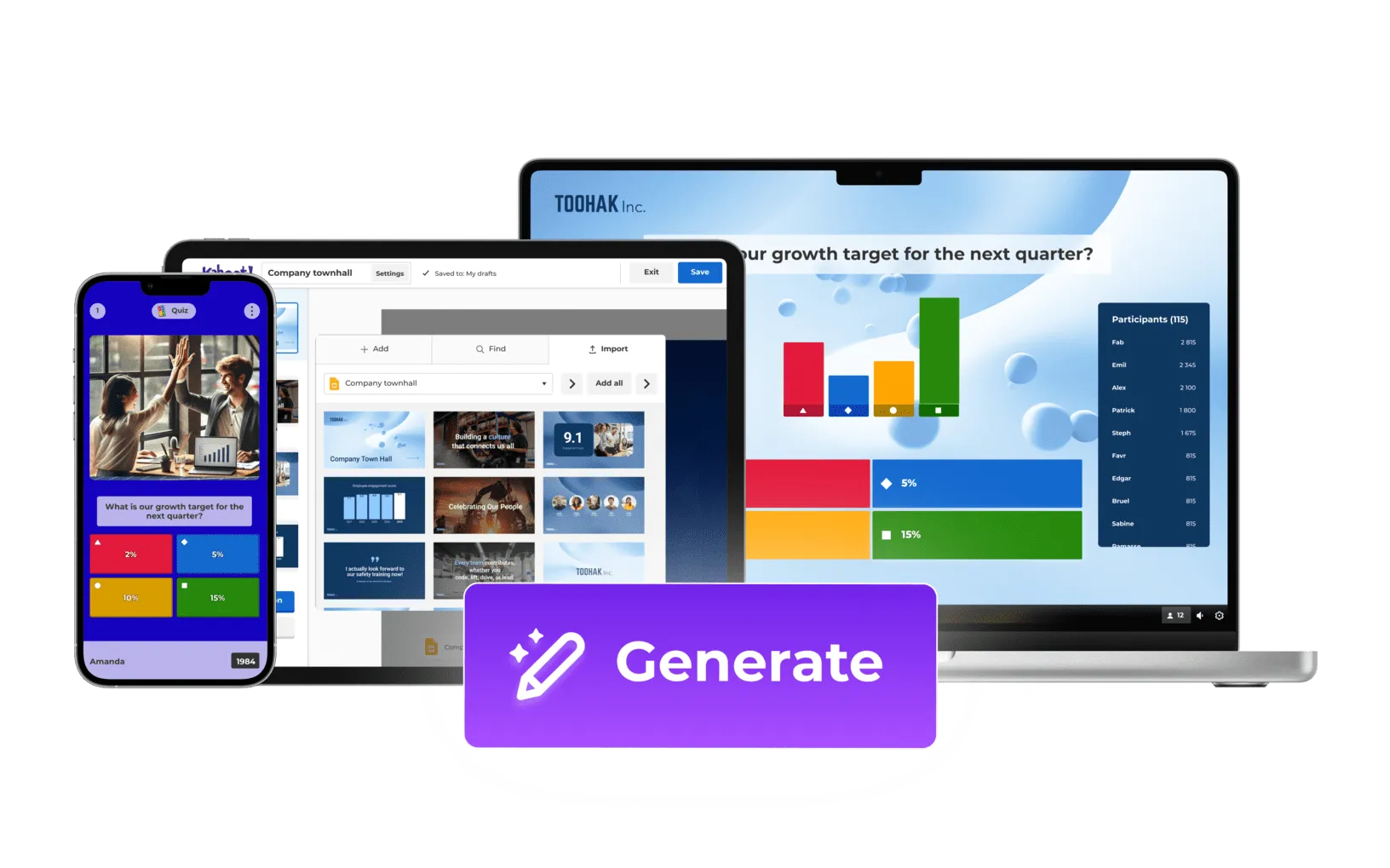
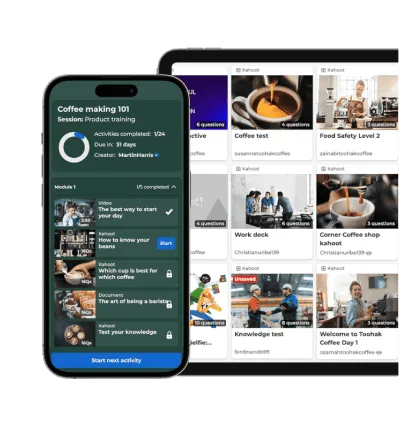
Kahoot quiz and engagement platform shown across phone, tablet, and laptop with AI Generate feature highlighted

one in blue icon

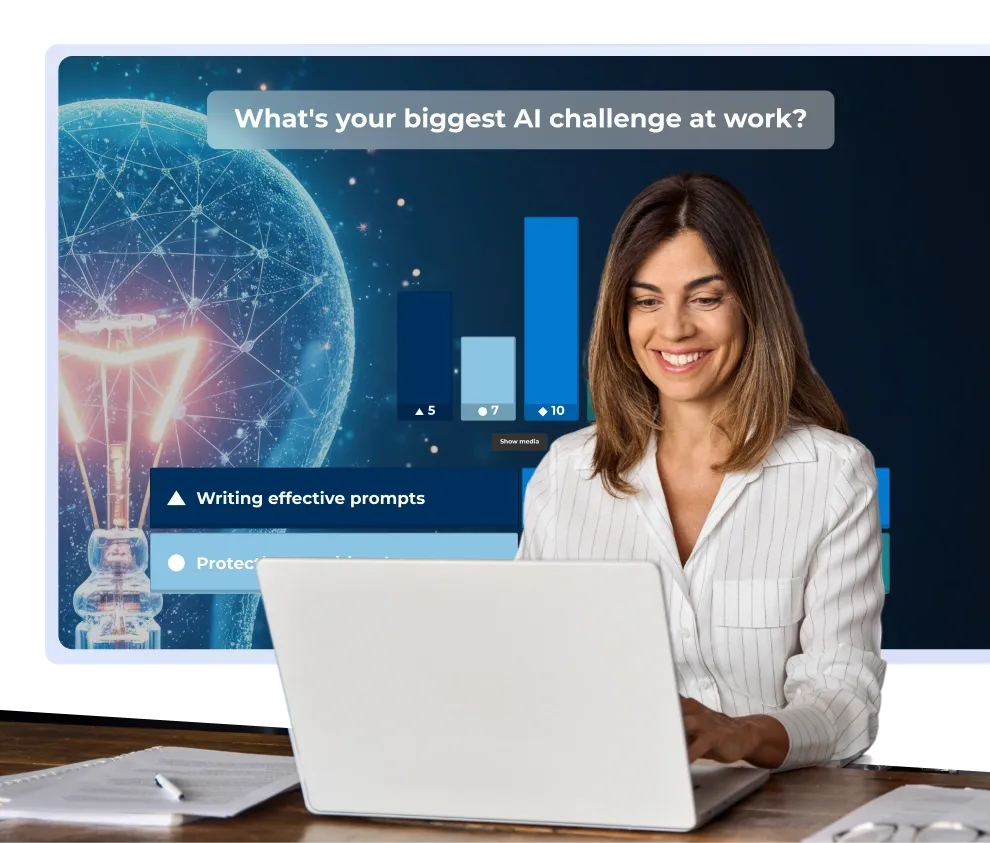
Transform your existing slides into interactive presentations

Instantly turn your existing slides into interactive presentations by using AI to generate questions.

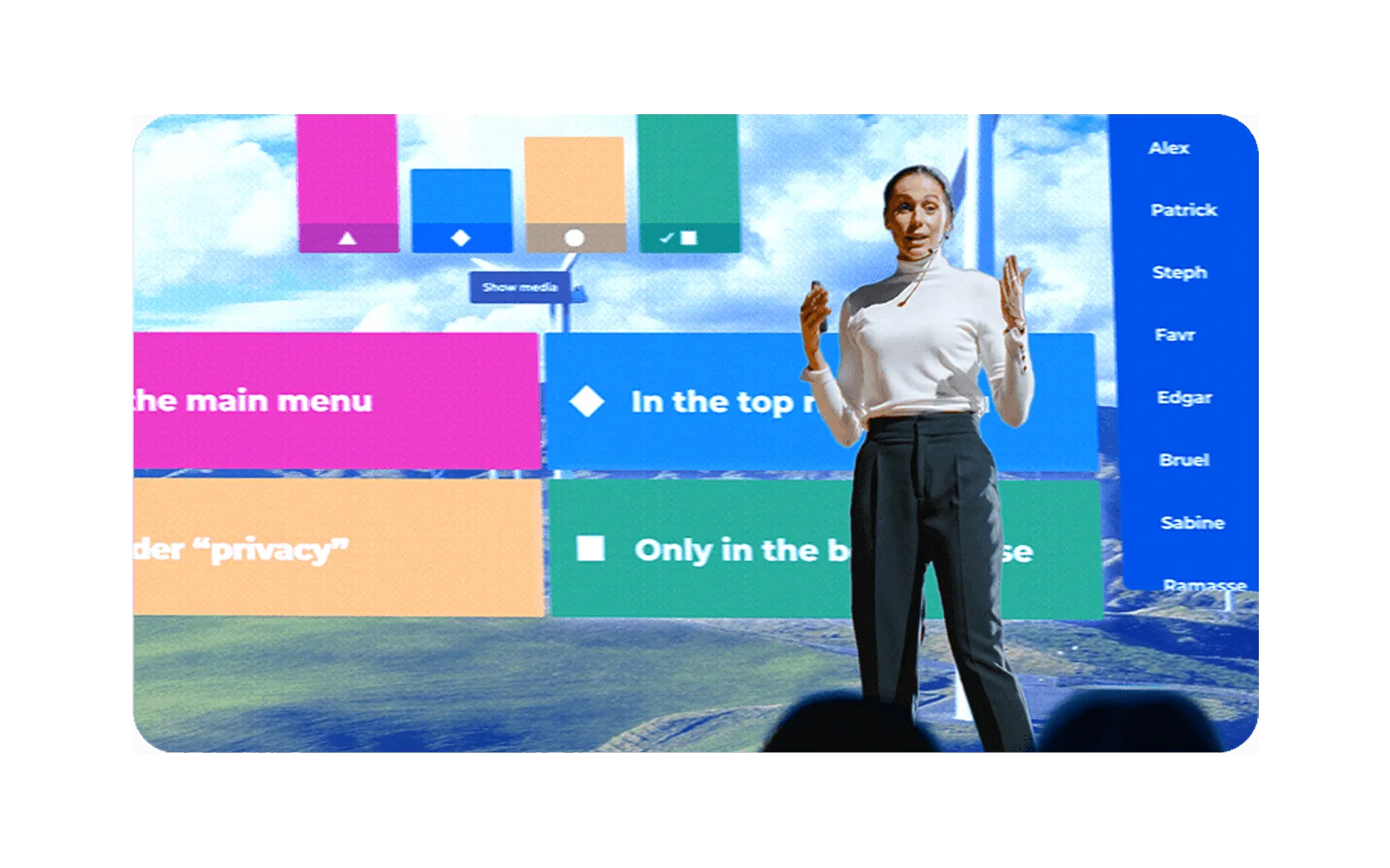
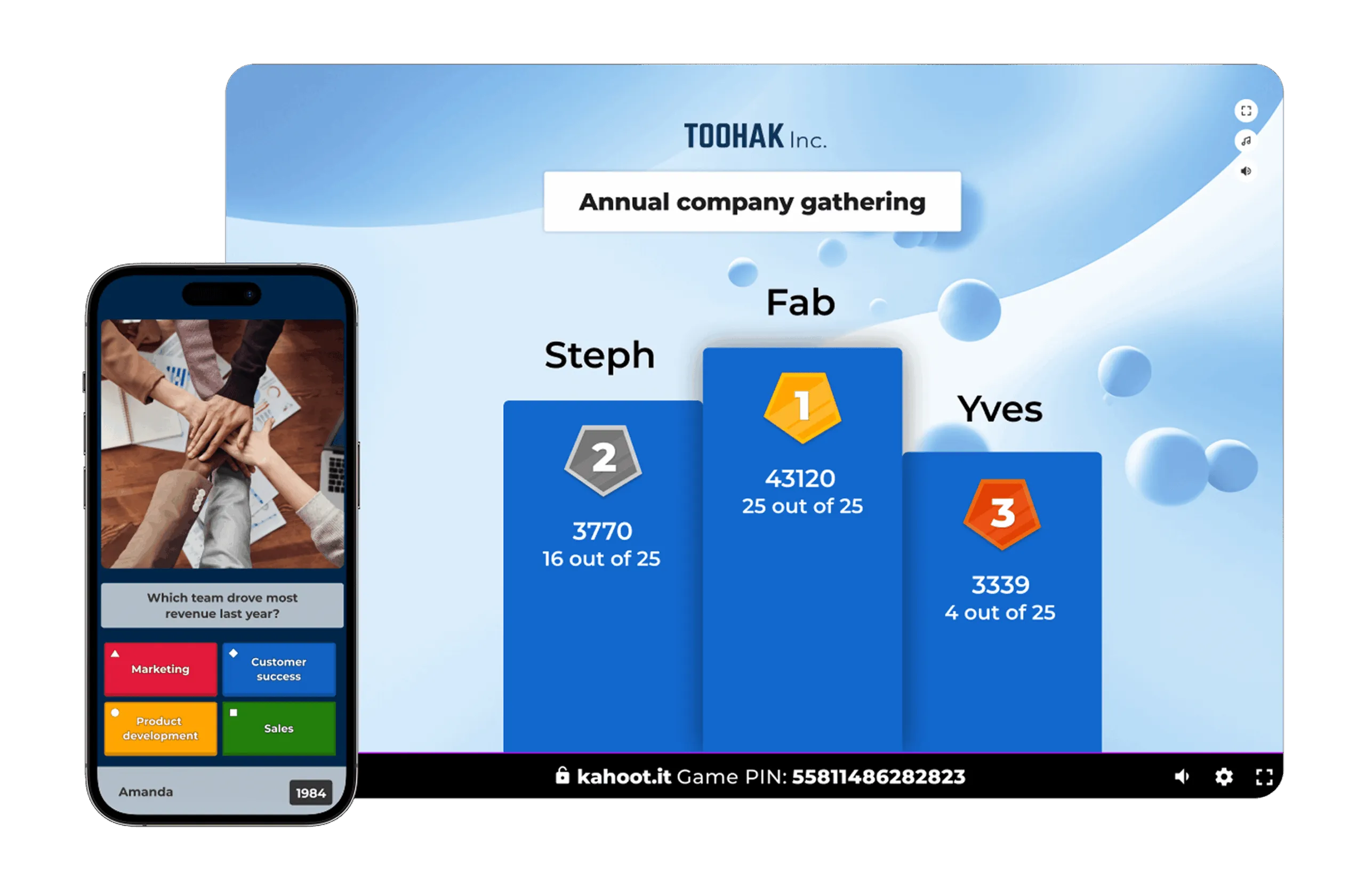
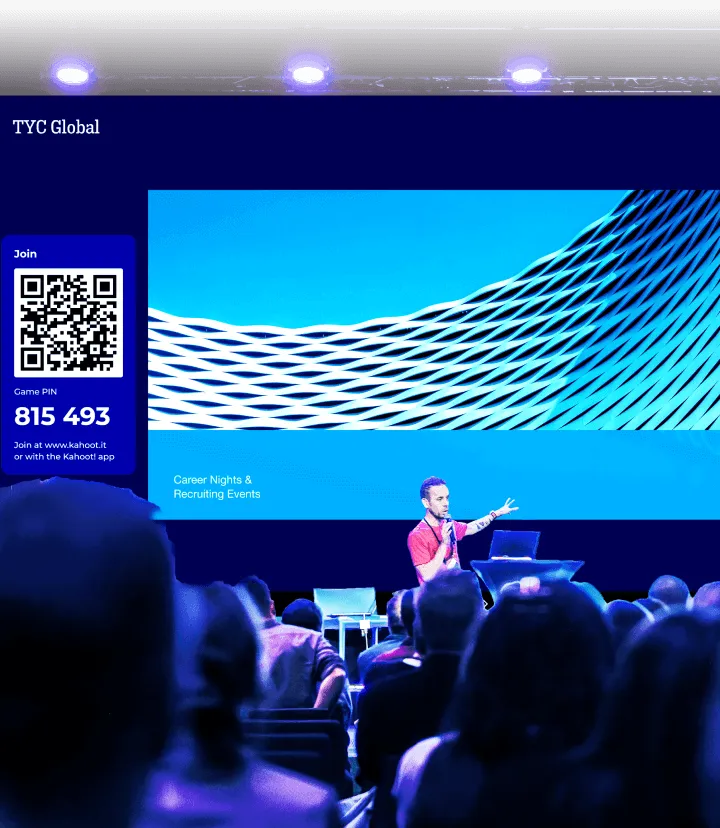
Presenter hosting a live Kahoot quiz on stage with colorful answer tiles and participant leaderboard displayed behind her

two in blue icon

Present confidently with our professional hosting experience

Use our professional presentation experience to take full control of sounds, points, and leaderboards.”

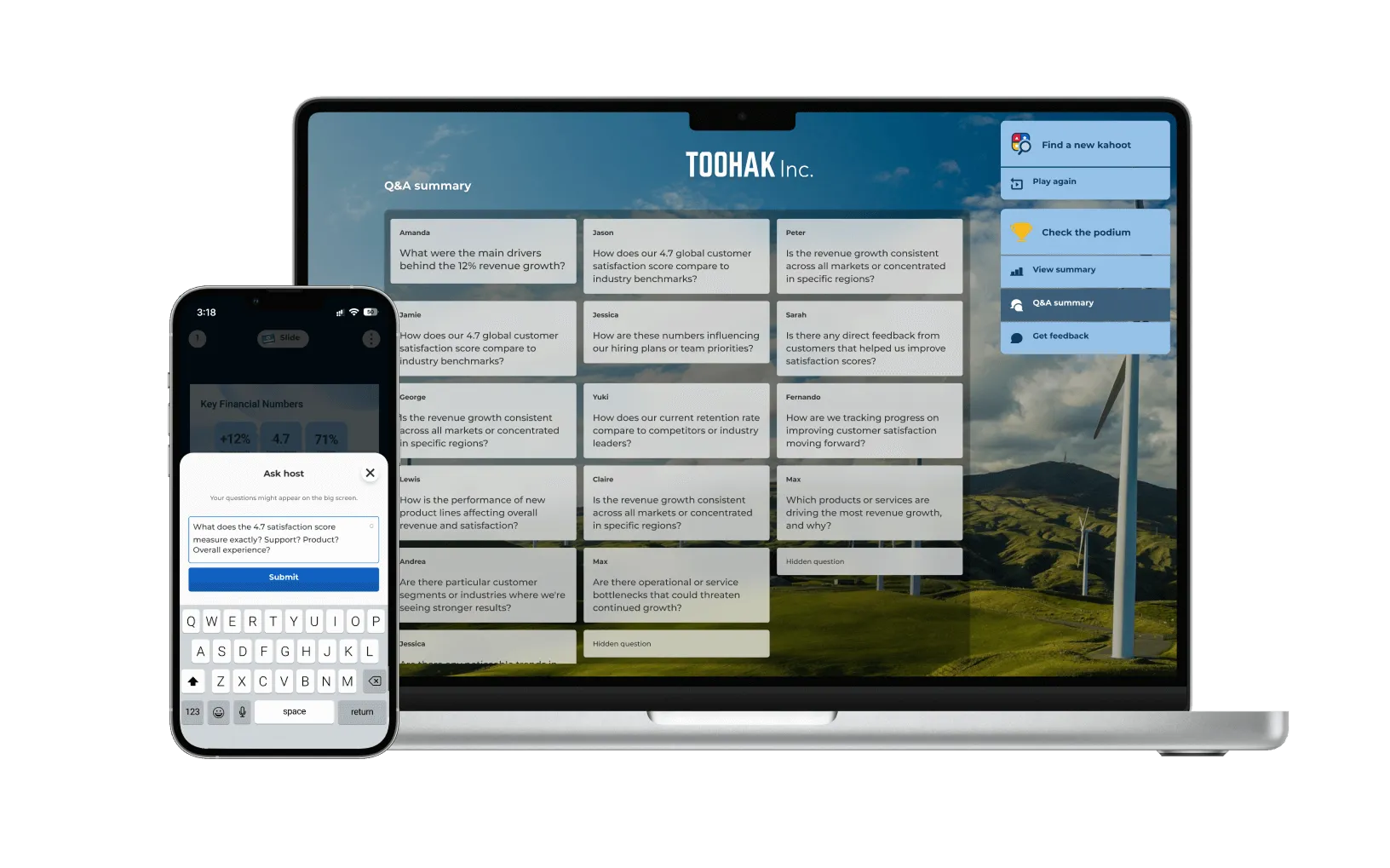
Kahoot Q&A summary on laptop showing participant questions during a company townhall, with mobile Ask Host feature on phone

three in blue icon

Turn your audience into active participants

Empower your audience to ask questions during your presentation without breaking your flow.

Did you know that 67% of event planners identify driving engagement as their biggest challenge?

Join millions of professionals turning events into engaging, two-way experiences with Kahoot! 360, the ultimate workforce engagement platform.

Source: Epochapp, 2025

Get started Book an intro

How Kahoot! 360 brings your presentations to life

Whether you’re hosting a conference, webinar, or company meeting, our audience engagement solution provides a range of tools to transform your presentations into experiences that boost participation, knowledge retention, and future attendance.


Boost knowledge retention

Keep everyone engaged with interactive questions that encourage friendly competition and help audiences remember key information.

Display Kahoot! for at Work

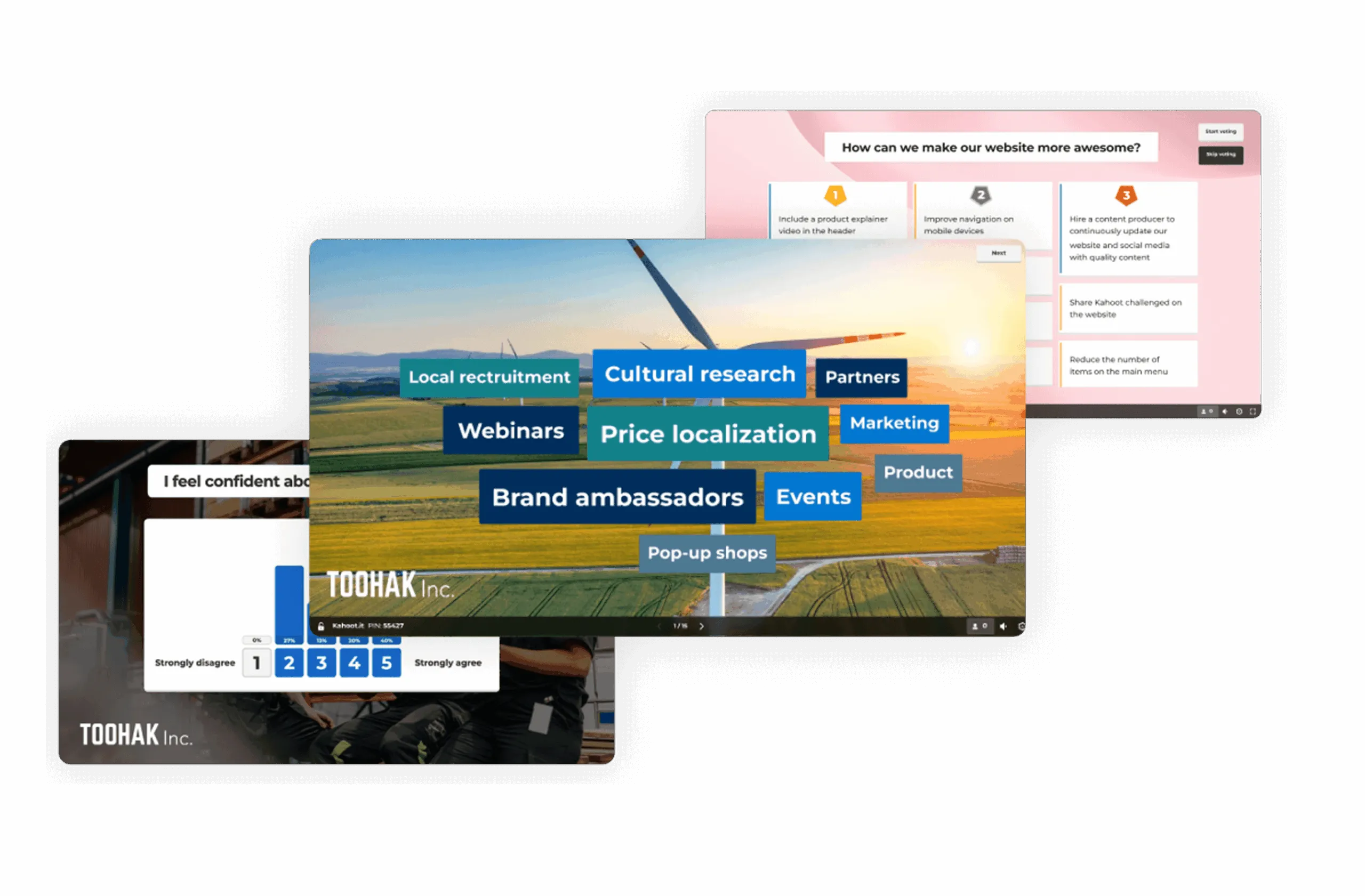
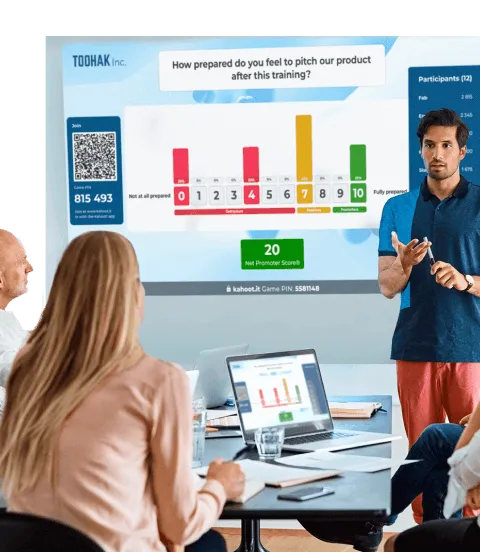
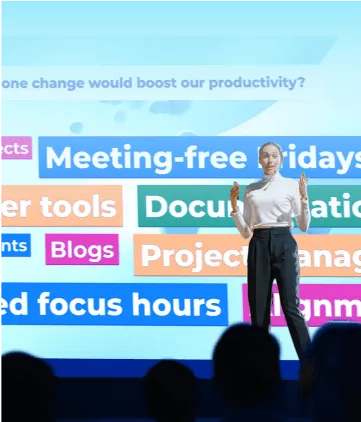
Collect ideas and spark discussions

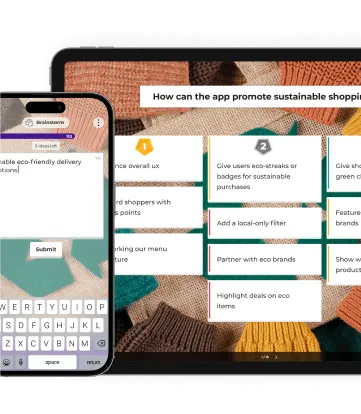
Turn passive listeners into active participants and ensure every voice is heard with live polling, Q&A, NPS scores, and brainstorms.

Three screens showing Kahoot! quiz for events

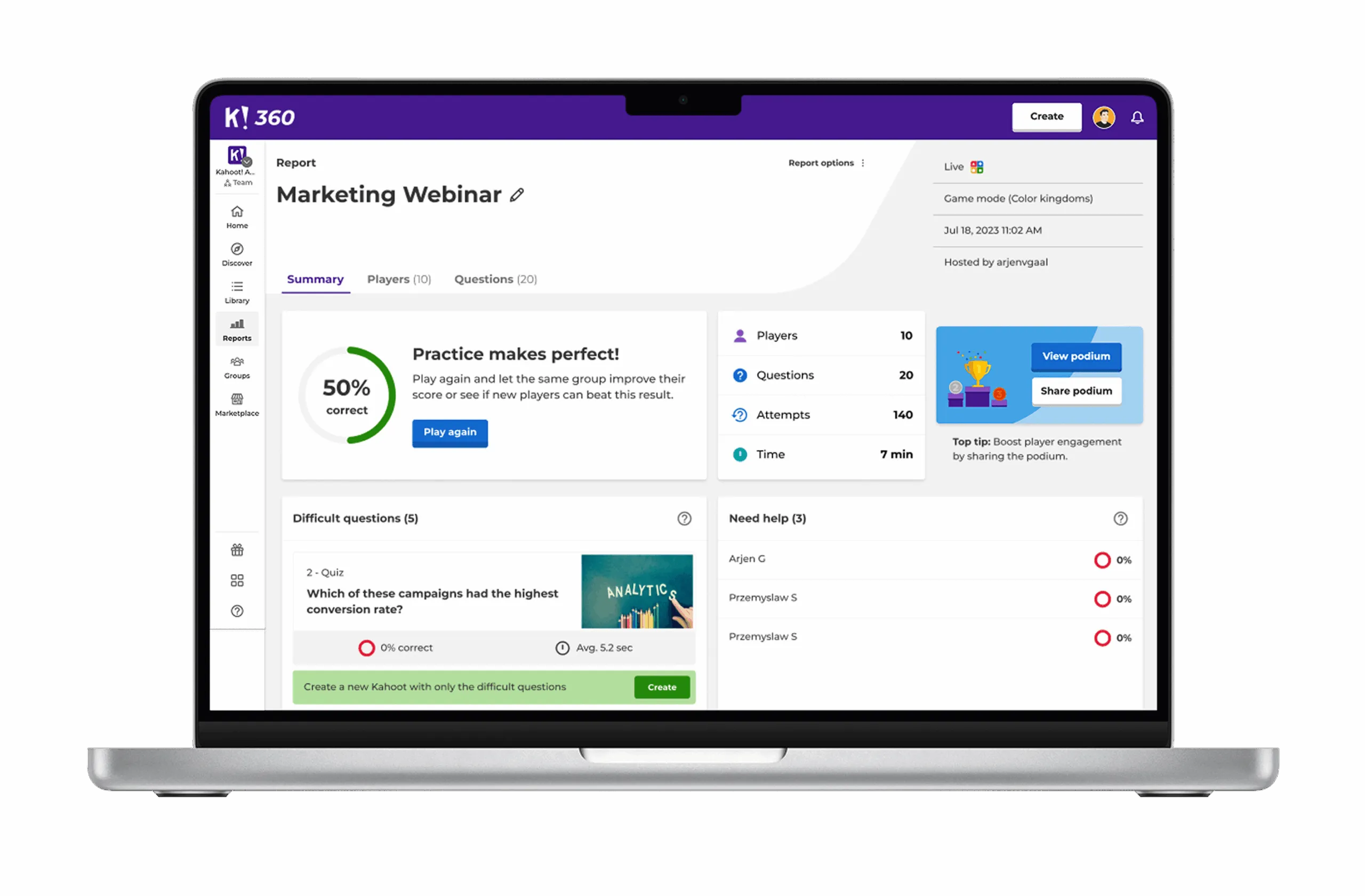
Review insights and attendance with reports

Get presentation reports to see who participated, how they scored, and which questions they found the hardest, helping you fine-tune your future presentations.

Kahoot! Display at Work

Get started with Kahoot! 360 today

Join millions of professionals boosting employee performance, productivity, and retention with Kahoot! 360, the ultimate workforce engagement platform. Turn any presentation, training, or event into an engaging experience that drives results across your organization.

Get started Book an intro

Elevate your organization’s events

Transform company gatherings, conferences, and events into two-way experiences with Kahoot! 360, the ultimate workforce engagement platform.

GettyImages-1328624606_RT
Virtual events and webinars
  • Create interactive presentations with AI-generated questions from your slides.
  • Keep remote audiences engaged with live polls, quizzes, and Q&A.
  • Gather valuable feedback and insights with detailed reports.

Learn how Teleflex makes virtual events more human and interactive with Kahoot!

Event header 1 (4) (1)
Conferences
  • Energize sessions with icebreakers, trivia, and friendly competition.
  • Spark discussions with brainstorming and word cloud activities.
  • Track engagement across sessions with tournament leaderboards.

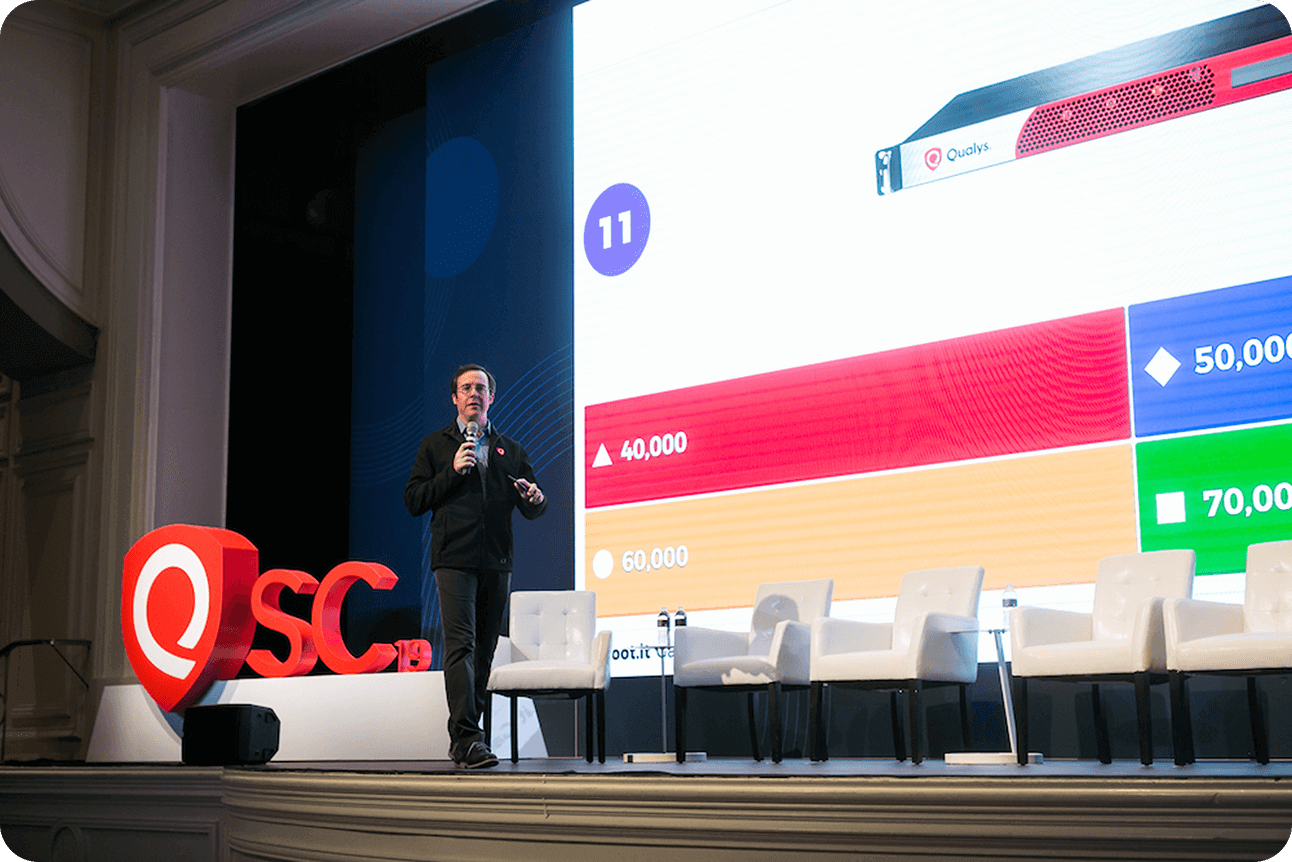
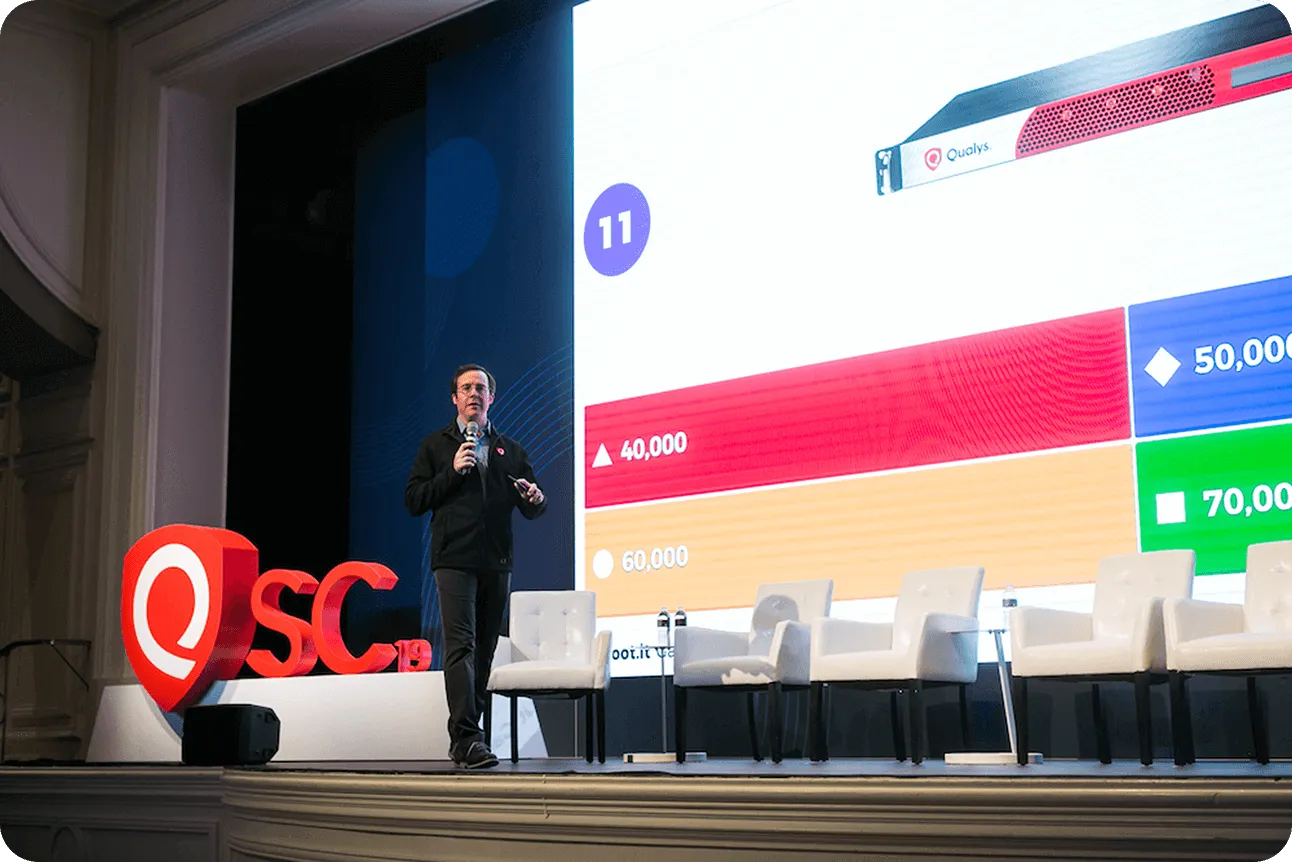
 Learn how Qualys engages 700+ attendees at its annual conference with Kahoot!

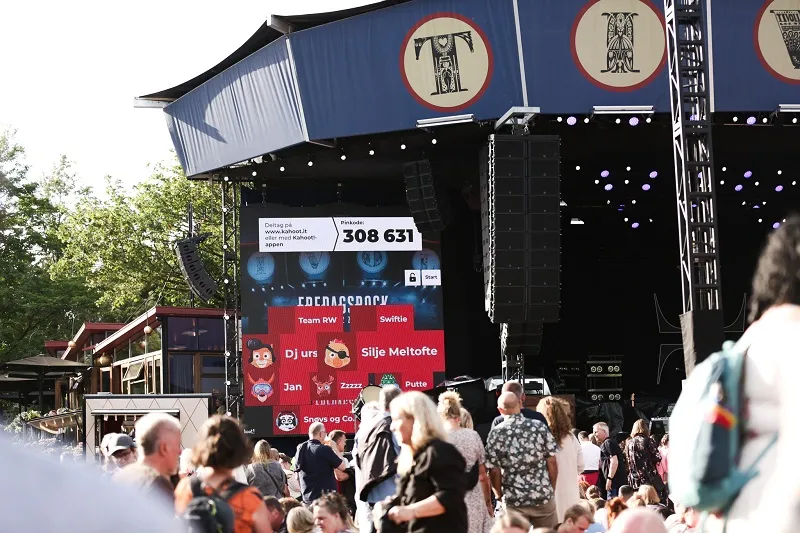
Playing Kahoot! at Tivoli Gardens
Customer events
  • Hype the crowd with interactive quizzes and polls before and between acts.
  • Give the audience a voice with real-time voting and requests.
  • Build community by turning large-scale events into shared experiences.

Learn how Tivoli Gardens amusement park engages thousands of attendees at their concerts using Kahoot!

Maximize event engagement with Kahoot! 360

(or compare all plans)

Kahoot! 360 Pro logo in blue

$19 每月
$228 按年支付
 
最适合
活跃团队会议气氛
  • people icon
    主持每场可容纳最多 50 名参与者的活动
  • message icon
    通过互动测验和投票提升参与度
  • Branded icon
    专业背景和主题
  • AI icon
    新增! 使用 AI 工具创建适合团队会议的 kahoot 游戏

Kahoot! 360 Pro logo in blue

$29 $25 每月
$348$300 按年支付
 
最适合
效果显著的演示和研讨会
  • people icon
    主持每场可容纳最多 200 名参与者的活动
  • message icon
    通过词云、投票、头脑风暴等鼓励对话讨论
  • presentation icon
    从 Google 和 Microsoft 等其他工具导入和同步幻灯片
  • Presentation icon
    专业主持体验
  • message buble icon
    通过问答功能让观众能够提问
  • AI icon
    新增! 使用 AI 功能在几秒钟内创建演示文稿
最热门

$49 $39 每月
$588$468 按年支付
 
最适合
效果显著的演示、培训和活动
  • people icon
    主持每场可容纳最多 1000 名参与者的活动
  • message icon
    通过词云、投票、头脑风暴等鼓励对话讨论
  • presentation icon
    从 Google 和 Microsoft 等其他工具导入和同步幻灯片
  • Presentation icon
    专业主持体验
  • message buble icon
    通过问答功能让观众能够提问
  • Report icon
    通过 NPS 和调查来评估满意度和参与度
  • Course icon
    通过实时和自定义节奏课程灵活学习,包括证书
  • AI icon
    使用 AI 功能即刻创建演示文稿和培训材料
  • Mission icon black
    新增!通过任务中的共同成就激励团队
超划算 - 立省 25%!

Kahoot! 360 Pro logo in blue

$79 $59 每月
$948$708 按年支付
 
最适合
面向任何观众的大型全方位品牌化演示、培训和活动
  • people icon
    主持每场可容纳最多 2000 名参与者的活动
  • message icon
    通过词云、投票、头脑风暴等鼓励对话讨论
  • presentation icon
    从 Google 和 Microsoft 等其他工具导入和同步幻灯片
  • Presentation icon
    专业主持体验
  • message buble icon
    通过问答功能让观众能够提问
  • Report icon
    通过 NPS 和调查来评估满意度和参与度
  • Course icon
    通过实时和自定义节奏课程灵活学习,包括证书
  • Branded icon
    添加自己公司的徽标和品牌
  • loud icon
    将 Kahoot! 用于商业和广告目的
  • AI icon
    使用 AI 功能即刻创建演示文稿和培训材料
  • Mission icon black
    新增!通过任务中的共同成就激励团队
所有价格均不包含增值税

Frequently asked questions

How does Kahoot! work for virtual events?

Kahoot! lets you create engaging presentations (kahoots) for events that include interactive questions, polls for gathering feedback, live Q&A, and much more. During the event, you’ll need to share your screen and host the kahoot. This will generate a pin that allows participants to join in from their own devices. Participants can play for free at www.kahoot.it on their phones or in the Kahoot! iOS or Android app.

Can I use Kahoot! in languages other than English?

Yes, you can write your questions and answers in any language. The Kahoot! website and app are also available in numerous languages, including Spanish, Brazilian Portuguese, French, German, Italian, Japanese, Dutch, Polish, Turkish, Norwegian, Swedish, Danish, Arabic, Ukrainian, Korean, Indonesian, Simplified Chinese, Traditional Chinese, Thai, and Vietnamese.

How long can a one-time event last?

Our one-time event plans last for one month. During this period, you’ll have access to all the features available in your chosen plan. This gives you plenty of time to create your kahoot and practice hosting.

If you want to reuse, share, and present your content beyond that, you can always switch to an annual plan.

How does Kahoot! 360 support digital audience engagement?

>Learn how to use Kahoot! with our handy . It will guide you through everything from AI generation to hosting in presentation mode.

Can I use Kahoot! to survey the audience?

Learn how to use Kahoot! with our handy course. It will guide you through everything from AI generation to hosting in presentation mode.

What is the player identifier?

The player identifier makes it easy to identify the participants who joined your event. Even if they choose nicknames, the identifier will recognise their email address, so you can see who’s taking part and how they answered each question.

What is a Kahoot! Tournament?

A tournament is a great way to build engagement across a series of sessions. By going to reports, you can create a tournament leaderboard by combining scores from multiple kahoots. You can then share this with participants. You can only combine reports from kahoots that had the “player identifier” feature on.

What is the best audience engagement tool for corporate events and conferences?

The best audience engagement tool for corporate events is Kahoot! 360, the ultimate workforce engagement platform that transforms presentations into two-way, interactive experiences. Kahoot! 360 offers interactive quizzes, live polls, Q&A, and brainstorming activities that are proven to boost participation, increase knowledge retention, and provide actionable insights for event organizers.

What key features should I look for when comparing audience engagement software?

When comparing audience engagement software, you should prioritize seamless integration with presentation software, diverse activity types (not just quizzes), robust reporting, and user-friendly mobile access. Kahoot! 360 provides all these, offering a single platform that delivers quizzes, polls, Q&A, brainstorms, and leaderboards, ensuring comprehensive engagement tracking across all devices.

How can Kahoot! solve the challenge of low audience engagement at large business events?

Kahoot! 360 solves low audience engagement by injecting interactivity, competition, and real-time feedback into any large business event or presentation. It shifts the focus from passive listening to active participation, ensuring every voice is heard through live tools like polls, Q&A, and word clouds. This friendly competition and ability to contribute dramatically boosts excitement and investment in the content.

What interactive features does Kahoot! offer to boost participation in presentations and webinars?

Kahoot! 360 offers a comprehensive range of interactive features to boost participation, including customizable quizzes, live polls, real-time Q&A, and collaborative brainstorms. These features are integrated directly into presentations to make sessions dynamic: Interactive Quizzes: Encourage friendly competition and knowledge checks. Live Polling: Instantly gather opinions, voting, and NPS scores. Q&A and Word Clouds: Allow remote or in-person audiences to submit and upvote questions or ideas. Detailed Reporting: Tracks participation rates and performance across all sessions.

Can Kahoot! be used for virtual events and webinars to keep remote audiences engaged?

Yes, Kahoot! 360 is an essential solution for virtual events and webinars, designed specifically to keep remote audiences engaged and connected. It provides an interactive layer that prevents remote fatigue by allowing presenters to run live polls, AI-generated quizzes, and real-time Q&A from their slides, gathering valuable insights from participants regardless of their location.

What is the minimum internet bandwidth required to support a large-scale Kahoot! event with thousands of participants?

For large-scale events, we recommend a robust, dedicated uplink that can support at least 1–2 Mbps per 1,000 active participants for consistent real-time display, with attendees primarily using their own mobile data or localized Wi-Fi. While Kahoot! is data-light, focusing the venue’s bandwidth on the host machine’s output is crucial for a smooth visual experience.

How can I use a tool like Kahoot! to measure attendee knowledge before the event starts?

You can use Kahoot! 360 to measure knowledge before the event by setting up a self-paced challenge (or ‘assignment’) that attendees complete asynchronously on their own time. This pre-assessment data allows you to tailor the event content to address existing knowledge gaps and ensures the live session is relevant and valuable.