很抱歉,但目前这个页面在Chinese Simplified中不可用。 我们正在积极努力解决这个问题,请稍后回来查看!

Live Q&A - Run effective Q&A sessions - Kahoot! 360

Live Q&A tools with Kahoot! 360
Turn your audience into active participants with Q&A

Engage remote, hybrid, and in-person audiences with Q&A – without breaking your flow. Let everyone join the conversation from their own devices and boost interaction across any setting. Try it now with Kahoot! 360, the ultimate workforce engagement platform.

Get Kahoot! 360 Pro from $19 /mo. Save up to 25%. Offer ends May 15.

Get started Book an intro

Try Kahoot! 360 Pro for free

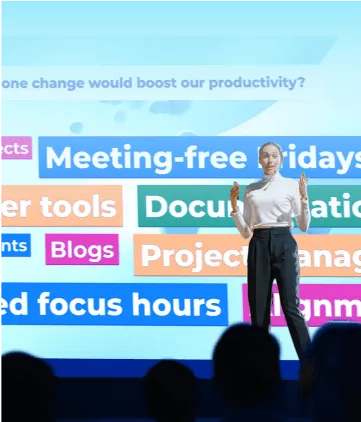
A male presenter leading an interactive business meeting, standing next to a large screen displaying a quiz question about the benefits of choosing Seville for a new assembly plant.

Trusted by leading companies around the world

How to boost engagement with Q&A on Kahoot! 360

Q&A on Kahoot! lets you transform presentations, events, and training sessions into engaging two-way experiences by allowing your audience to get involved without disturbing your flow.

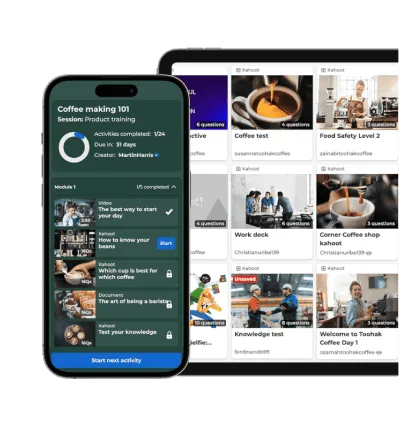
Phone showing Kahoot!

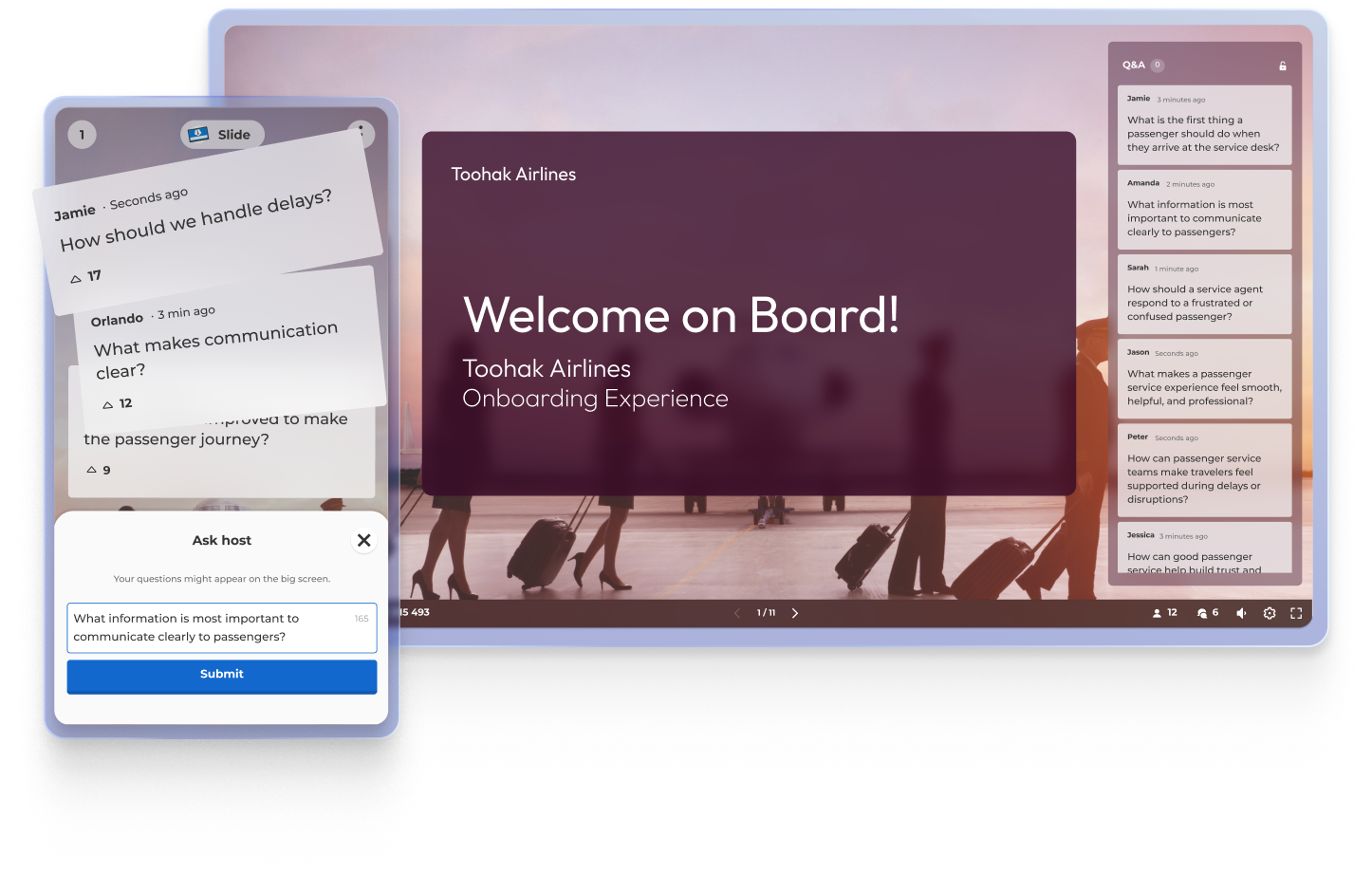
Enable your participants to submit questions from their devices anytime during your presentation.

Desktop showing Kahoot!


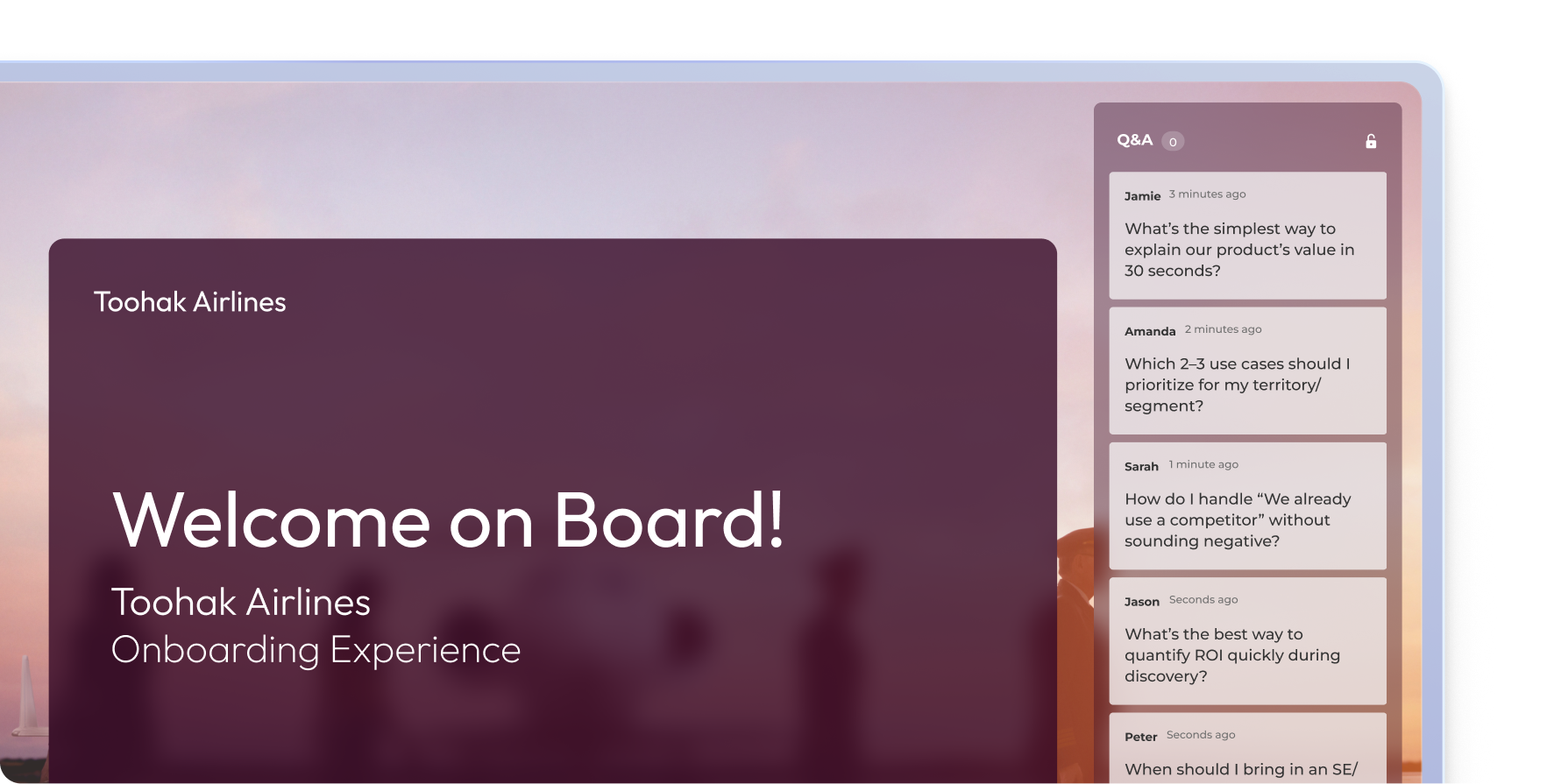
Show and answer questions as they come in to spark meaningful, real-time interaction.

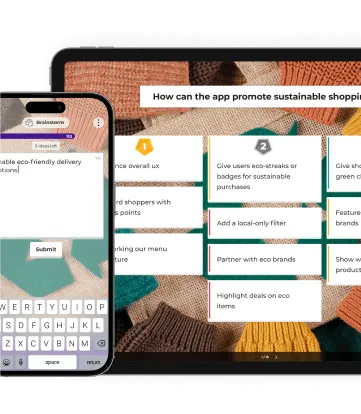
A mobile phone screen showing a "live Q&A" interface where users can ask questions. Multiple submitted question cards are stacked at the top, including one from Jamie asking about drivers for "12% revenue growth.

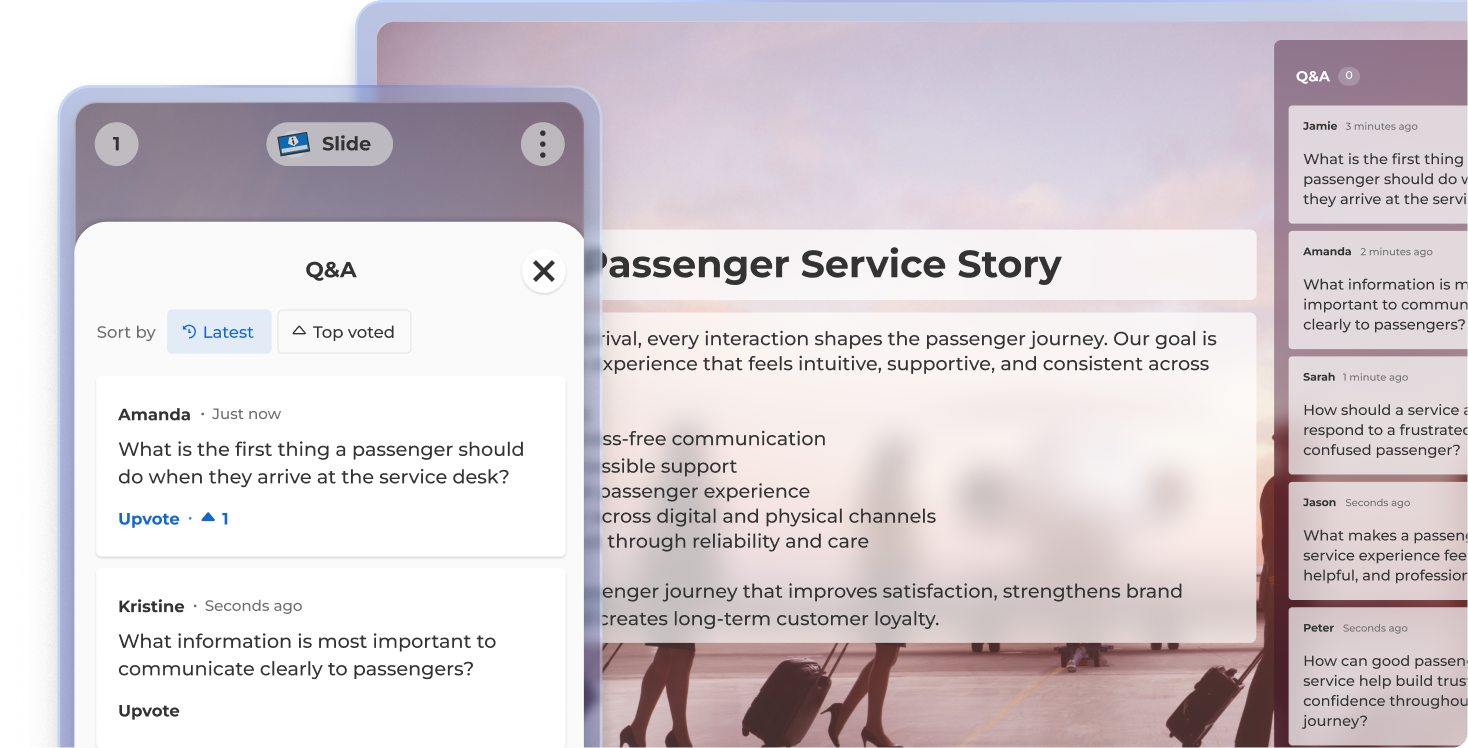
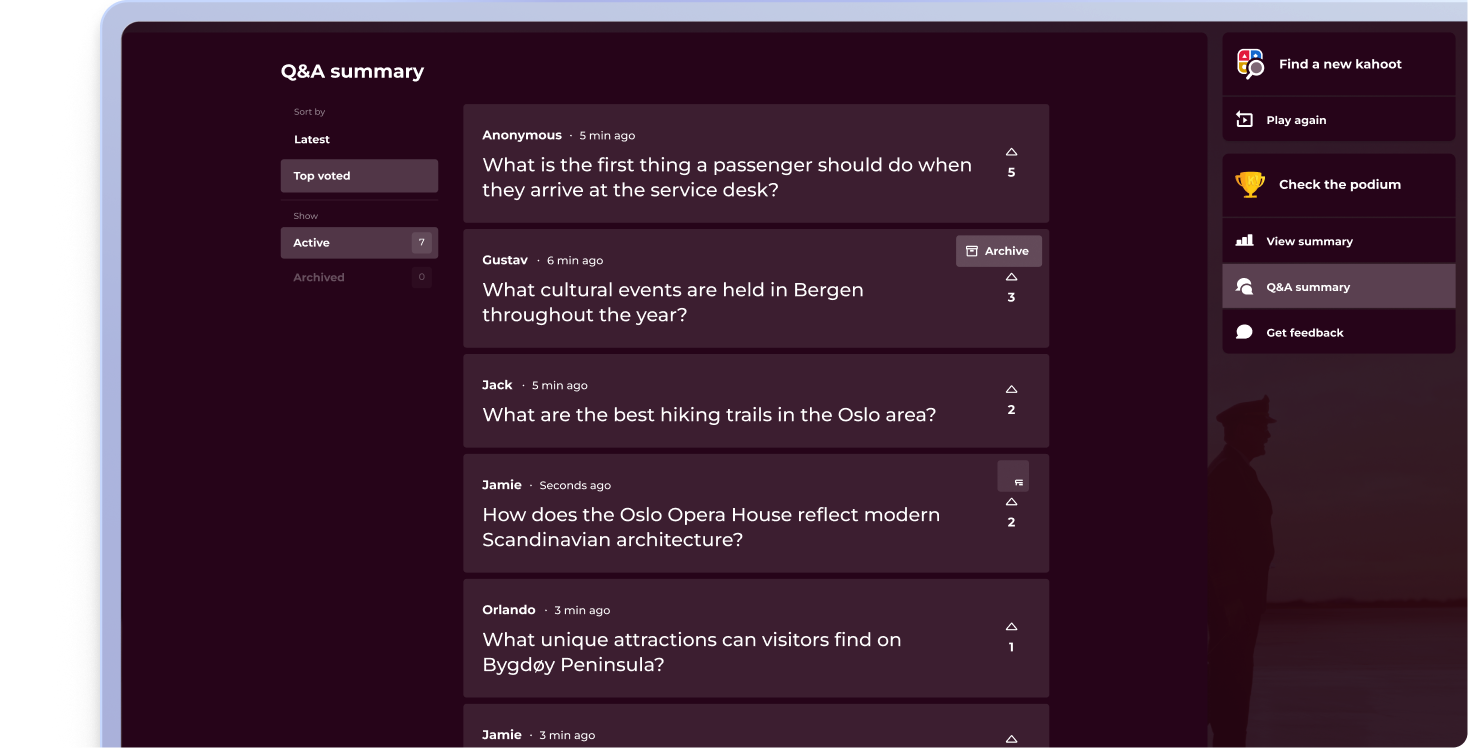
Participants can upvote their favorite questions, helping you dedicate time to the ones that matter most.

A laptop screen displaying a "Q&A summary" for TOOHAK Inc. featuring a grid of participant questions about revenue growth and customer satisfaction, set against a background of green hills and wind turbines.

Display all questions at the end of your presentation for a complete question-and-answer session.

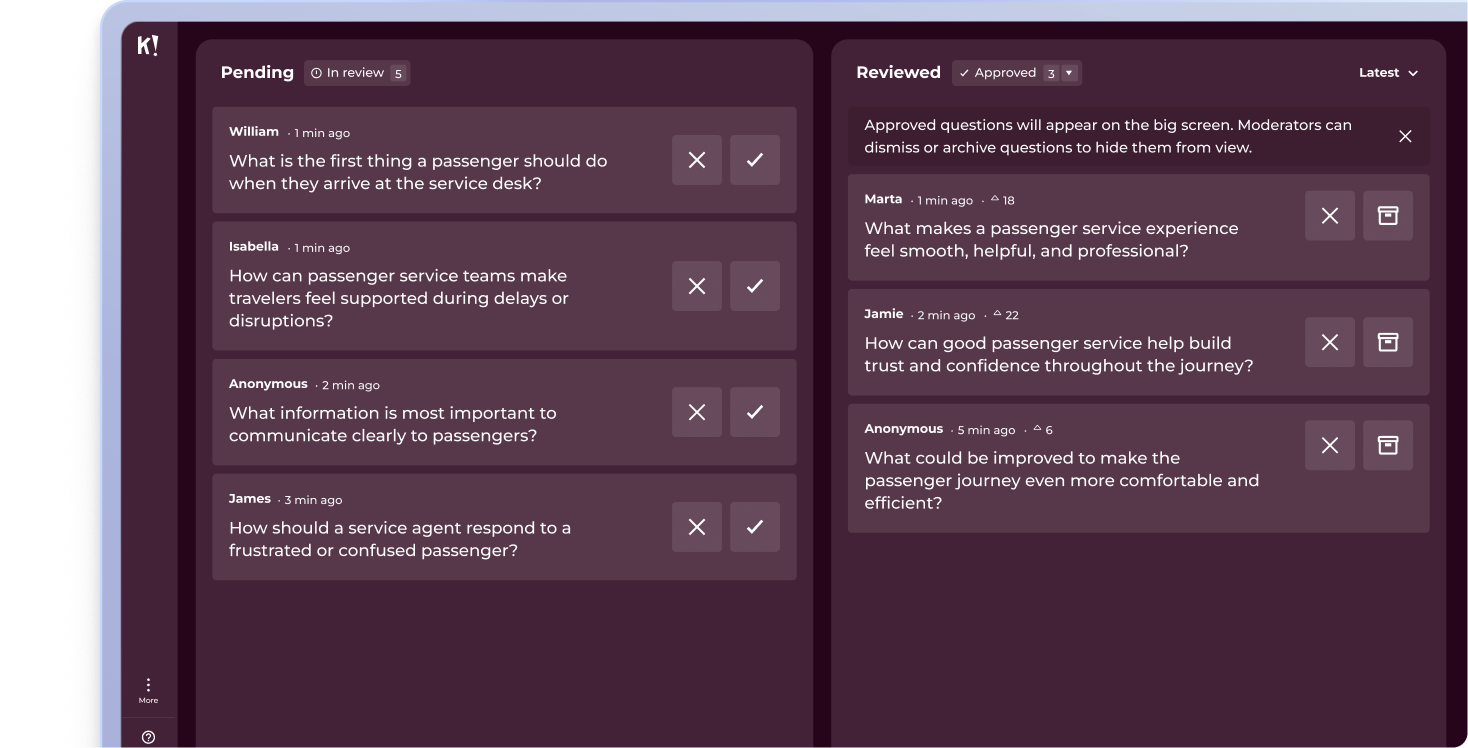
Coming soon! Moderation for managing the flow of your Q&A.

The most engaged workforces use Kahoot! 360

Join millions of professionals boosting employee performance, productivity, and retention with Kahoot! 360, the ultimate workforce engagement platform. Turn any presentation, training, or event into an engaging experience that drives results across your organization.

Buy Kahoot! 360 Learn more about Kahoot! 360

Learn how our customers are driving results with Kahoot! 360

AND Digital logo
“Kahoot! has that fun, playful side, but it also has genuine value. It’s really hard for a platform to balance the ability to do both of those things, but Kahoot! is great at it and we take advantage of it.”

Toni Morgans

AND Digital

Read the whole story

ADECCO GROUP Logo
“We receive great feedback about Kahoot! from our participants and my colleagues. Kahoot! is always requested by everyone. When we play it in live sessions, it’s the moment that everyone wakes up, so we get this non-verbal feedback that it’s really working a lot.”

Alessandro Ferrario

The Adecco Group

Read the whole story

4 benefits of using Q&A

speaker icon

1. Boost audience engagement

Q&A encourages active participation, turning listeners into contributors and keeping attention high throughout the session.


message icon

2. Create a two-way experience

Transforms presentations and training sessions from one-way delivery into interactive conversations, building connection and trust.

Light icon

3. Gather real-time insights

Reveal what your audience is curious about or confused by, helping you clarify doubts and tailor your message on the spot.

Book icon

4. Increase knowledge retention 

When people ask and hear questions in context, they’re more likely to retain information and stay involved throughout.

Empower your audience to ask questions with Q&A in Kahoot! 360

Ted Talks
Kahoot! Channel

Build leadership and communication skills with the new TED@Work channel on Kahoot!

Explore channel

3 people say around a table with Kahoot on screen behind
Kahoot! Report

Explore how staff reductions impact remaining employees in the Kahoot! Layoff Survivor Survey

Read report

Woman exposing
Kahoot! Channel

Explore free, ready-to-use resources to boost engagement through interactive learning.

Explore channel

The most engaged workforces use Kahoot! 360

Kahoot! 360 Pro logo in blue

$19 每月
$228 按年支付
 
最适合
活跃团队会议气氛
  • people icon
    主持每场可容纳最多 50 名参与者的活动
  • message icon
    通过互动测验和投票提升参与度
  • Branded icon
    专业背景和主题
  • AI icon
    新增! 使用 AI 工具创建适合团队会议的 kahoot 游戏

Kahoot! 360 Pro logo in blue

$29 $25 每月
$348$300 按年支付
 
最适合
效果显著的演示和研讨会
  • people icon
    主持每场可容纳最多 200 名参与者的活动
  • message icon
    通过词云、投票、头脑风暴等鼓励对话讨论
  • presentation icon
    从 Google 和 Microsoft 等其他工具导入和同步幻灯片
  • Presentation icon
    专业主持体验
  • message buble icon
    通过问答功能让观众能够提问
  • AI icon
    新增! 使用 AI 功能在几秒钟内创建演示文稿
最热门

$49 $39 每月
$588$468 按年支付
 
最适合
效果显著的演示、培训和活动
  • people icon
    主持每场可容纳最多 1000 名参与者的活动
  • message icon
    通过词云、投票、头脑风暴等鼓励对话讨论
  • presentation icon
    从 Google 和 Microsoft 等其他工具导入和同步幻灯片
  • Presentation icon
    专业主持体验
  • message buble icon
    通过问答功能让观众能够提问
  • Report icon
    通过 NPS 和调查来评估满意度和参与度
  • Course icon
    通过实时和自定义节奏课程灵活学习,包括证书
  • AI icon
    使用 AI 功能即刻创建演示文稿和培训材料
  • Mission icon black
    新增!通过任务中的共同成就激励团队
超划算 - 立省 25%!

Kahoot! 360 Pro logo in blue

$79 $59 每月
$948$708 按年支付
 
最适合
面向任何观众的大型全方位品牌化演示、培训和活动
  • people icon
    主持每场可容纳最多 2000 名参与者的活动
  • message icon
    通过词云、投票、头脑风暴等鼓励对话讨论
  • presentation icon
    从 Google 和 Microsoft 等其他工具导入和同步幻灯片
  • Presentation icon
    专业主持体验
  • message buble icon
    通过问答功能让观众能够提问
  • Report icon
    通过 NPS 和调查来评估满意度和参与度
  • Course icon
    通过实时和自定义节奏课程灵活学习,包括证书
  • Branded icon
    添加自己公司的徽标和品牌
  • loud icon
    将 Kahoot! 用于商业和广告目的
  • AI icon
    使用 AI 功能即刻创建演示文稿和培训材料
  • Mission icon black
    新增!通过任务中的共同成就激励团队
所有价格均不包含增值税

FAQs about Q&A with Kahoot! 360

What is a Q&A?

A Q&A (question and answer) session allows your audience to submit questions in real time during a presentation, training session, or event. It’s an interactive way to keep participants engaged, whether they’re joining remotely, in-person, or in hybrid settings.

How does Kahoot! 360 support Q&A sessions

Kahoot! 360 includes an interactive Q&A feature that lets presenters run seamless question-and-answer sessions without disrupting their flow. Attendees can submit live questions from their devices, and the host can choose which ones to address during or after the session.

What are the benefits of using a Q&A tool?

Using a Q&A tool like Kahoot! 360 increases engagement, encourages participation, and helps surface important insights from your audience. It turns passive listeners into active participants, making it perfect for events, presentations, training, and more.

How can I incorporate audience feedback in real-time during presentation?

Q&A lets participants submit questions from their own devices at any time during your presentation. This makes it easy for you to clarify key points, adapt your content in real time, and keep your audience actively involved without interrupting your presentation flow.

Is Kahoot! 360 a Q&A platform?

Q&A is one of many features in Kahoot! 360, the ultimate workforce engagement platform designed to transform presentations, events, and training sessions into impactful two-way experiences.

Can I moderate live questions during a session?

Absolutely. Kahoot! 360 gives hosts full control over which live questions are shown, ensuring that your Q&A session stays professional and on-topic.

How can I enable participants to submit questions during a presentation?

On Kahoot! 360, you can enable participants to submit questions from their own devices at any time during your presentation without breaking your flow. The feature is integrated into the presentation interface, allowing attendees to join the conversation seamlessly from their web browser or the Kahoot! app.

How do I ensure Q&A works smoothly for remote, hybrid, and in-person audiences simultaneously?

Kahoot! 360 ensures smooth Q&A across all settings by allowing everyone—remote, hybrid, and in-person—to join the conversation and submit questions from their own devices using the same web link or app. This centralized platform boosts interaction across any setting equally.

Can I filter or moderate submitted questions with a digital Q&A tool?

Yes. As an example Kahoot! 360 provides moderation controls that allow the presenter or a moderator to review, filter, and approve questions before they are visible to the entire audience or the presenter. This ensures all discussions remain professional, focused, and relevant to the topic.

Can I save the list of questions submitted with a digital Q&A tool for review after the event?

Yes, with Kahoot! 360 all questions submitted are saved as part of the session report, allowing you to review them post-event. This valuable data helps you identify topics for future sessions and ensure all questions, even unanswered ones, receive a follow-up.

Can I integrate the Q&A with other interactive elements like polls and quizzes?

Yes, a tool like Kahoot! 360 allows seamless integration of Q&A with quizzes, polls, and other activities within a single session. This enables you to alternate between information delivery, knowledge checks, and live questions without ever leaving the Kahoot! platform.

Does Kahoot! allow the audience to upvote or prioritize questions submitted by other participants?

Yes, Kahoot! 360’s Q&A feature allows participants to upvote questions submitted by others. This crucial functionality enables the moderator or presenter to quickly prioritize the most popular and relevant questions for the entire audience, streamlining the session.

Can Kahoot! Q&A data be used to refine and improve future presentation content?

Yes, the saved Kahoot! Q&A data is invaluable for content refinement, as it highlights audience knowledge gaps and areas of highest curiosity. This feedback helps you tailor future presentations to directly address the topics the audience is most interested in or confused by.