TOOLKIT FÜR REFERENT*INNEN
Kahoot!-360-Toolkit für Referent*innen
Das ultimative Toolkit für Referent*innen ist jetzt auf Kahoot! 360 verfügbar
Alles, was Referent*innen für eindrucksvolle und fesselnde Vorträge brauchen – von Steuerelementen im Profi-Modus über Q&A-Moderation in Echtzeit und Redemanuskripte bis hin zu einer vollständigen Präsentationsansicht.
Mit Kahoot! 360, der ultimativen Plattform für Mitarbeiterengagement, verwandelst du jede Präsentation, Schulung oder Veranstaltung in ein mitreißendes Erlebnis.
Hol dir Kahoot! 360 Pro ab $19 /Monat. Spare 10%. Das Angebot endet am 15. September.
Vertrauenswürdiger Partner führender Unternehmen weltweit






Alles, was du für eine selbstbewusste Präsentation brauchst
Mit Kahoot! 360 kannst du im Handumdrehen spannende Sitzungen erstellen und umsetzbare Erkenntnisse gewinnen. Das Toolkit für Referent*innen ermöglicht es Hosts und Vortragenden, souverän durch ihre Präsentationen zu führen und dabei die volle Kontrolle über Tempo und Interaktivität zu behalten.
PROFI-MODUS
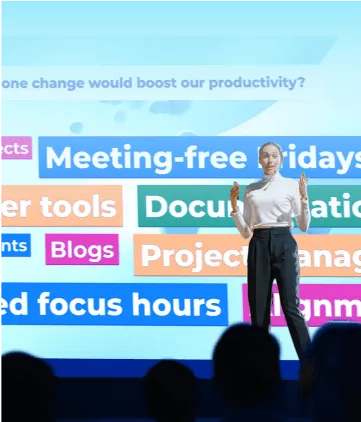
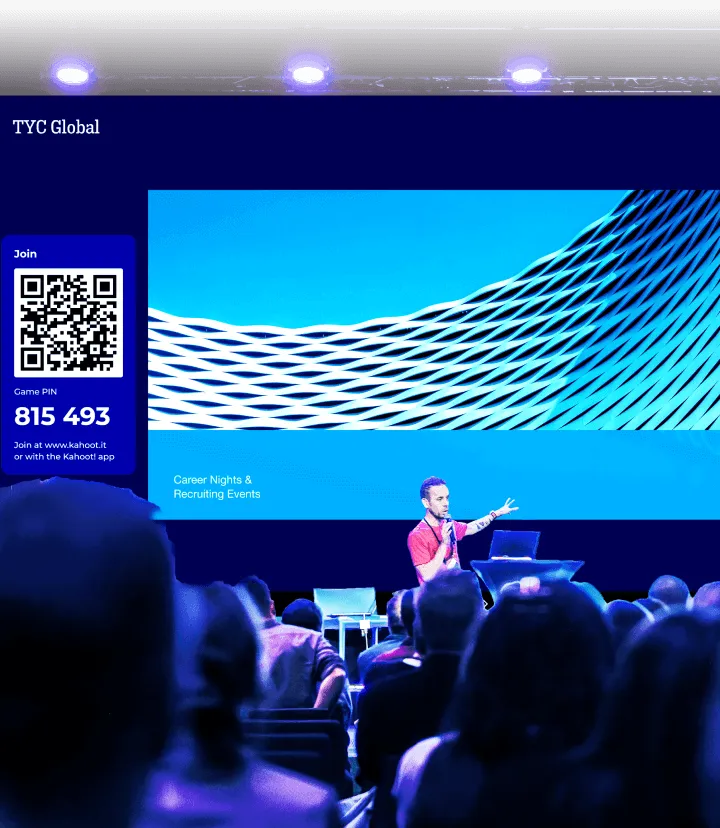
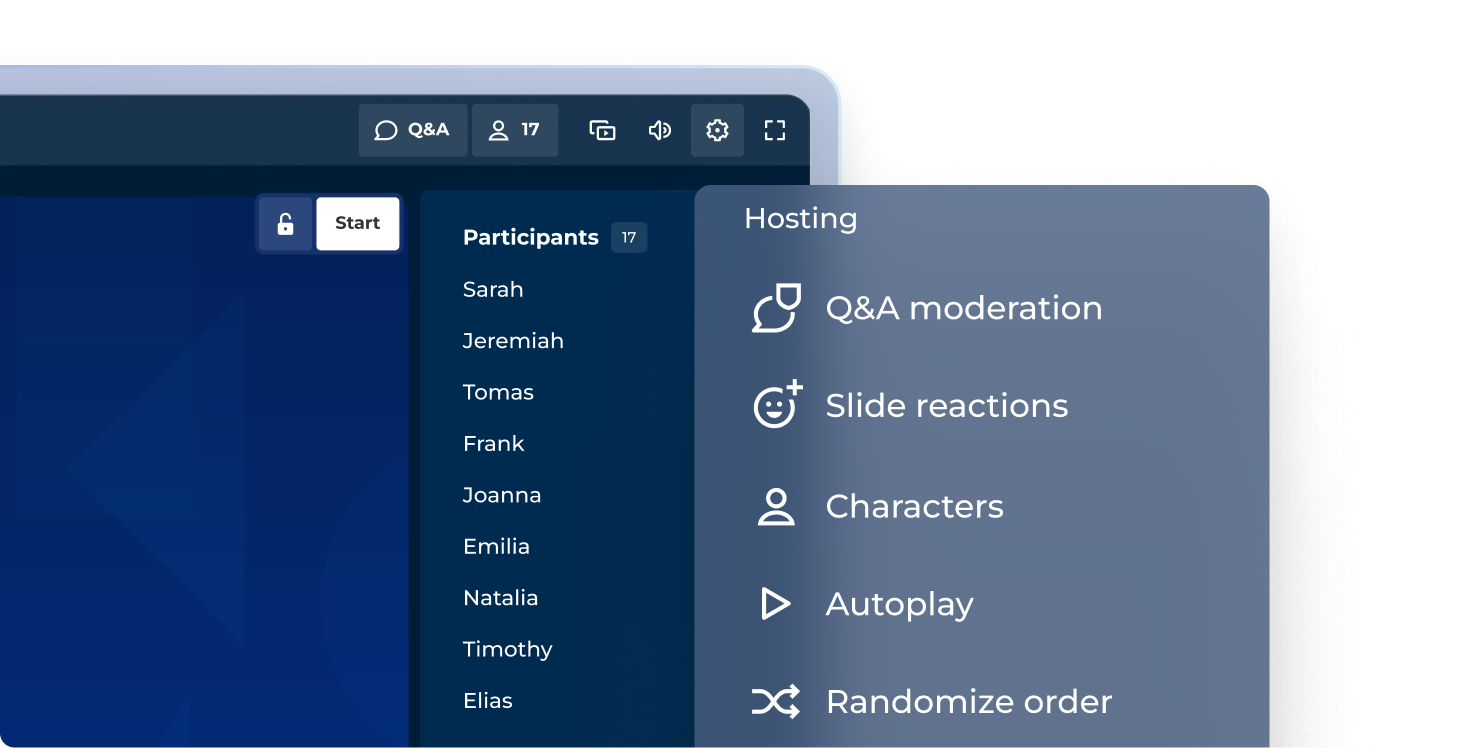
Veranstalte spannende Sitzungen mit unserem professionellen Hosting-Erlebnis
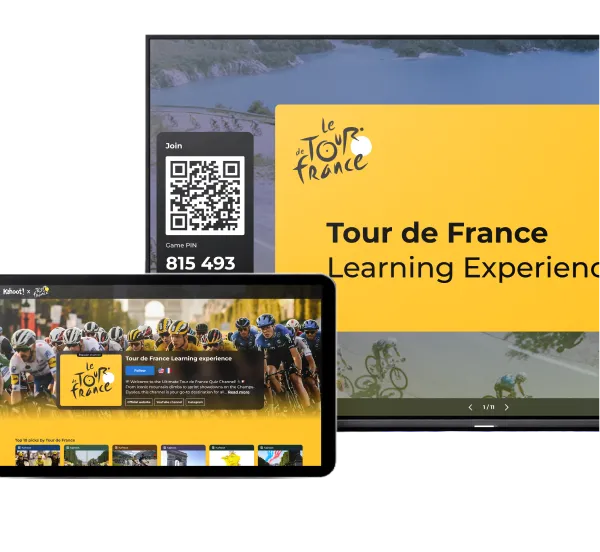
Mit unserem professionellen Hosting-Modus machst du jede Präsentation zum Erlebnis. Entscheide selbst, wie du interaktive Fragen, Punkte und Podien einbindest, um den Ton deiner Veranstaltung perfekt anzupassen.
DEMNÄCHST VERFÜGBAR: PRÄSENTATIONSANSICHT
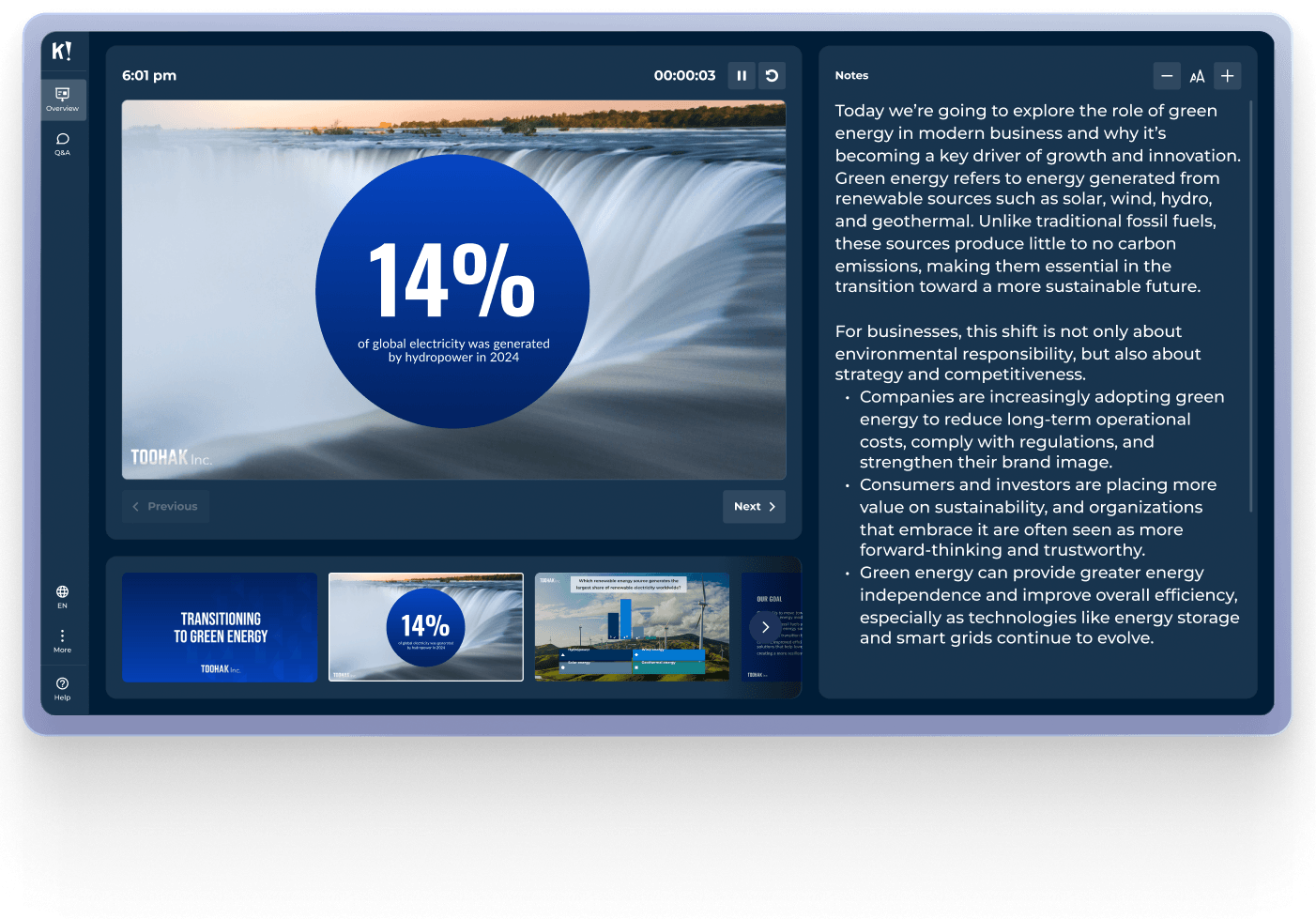
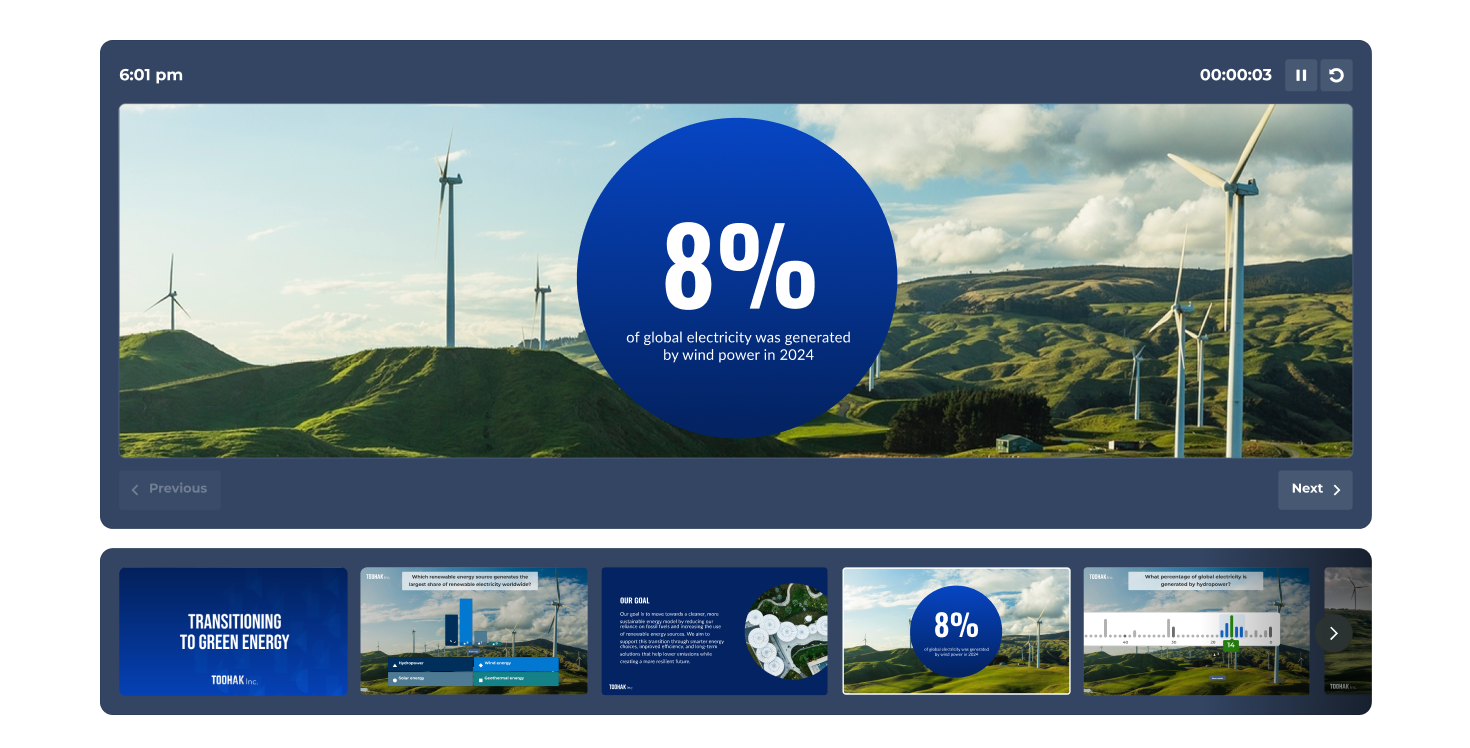
Sichere Navigation mit der vollständigen Präsentationsansicht
Sieh dir deine aktuelle Folie, eine Vorschau auf die folgenden Inhalte, die Live-Aktivitäten der Teilnehmenden und deinen Timer an – alles in einer speziellen Präsentationsansicht, die nur du sehen kannst.
MODERIERTES Q&A
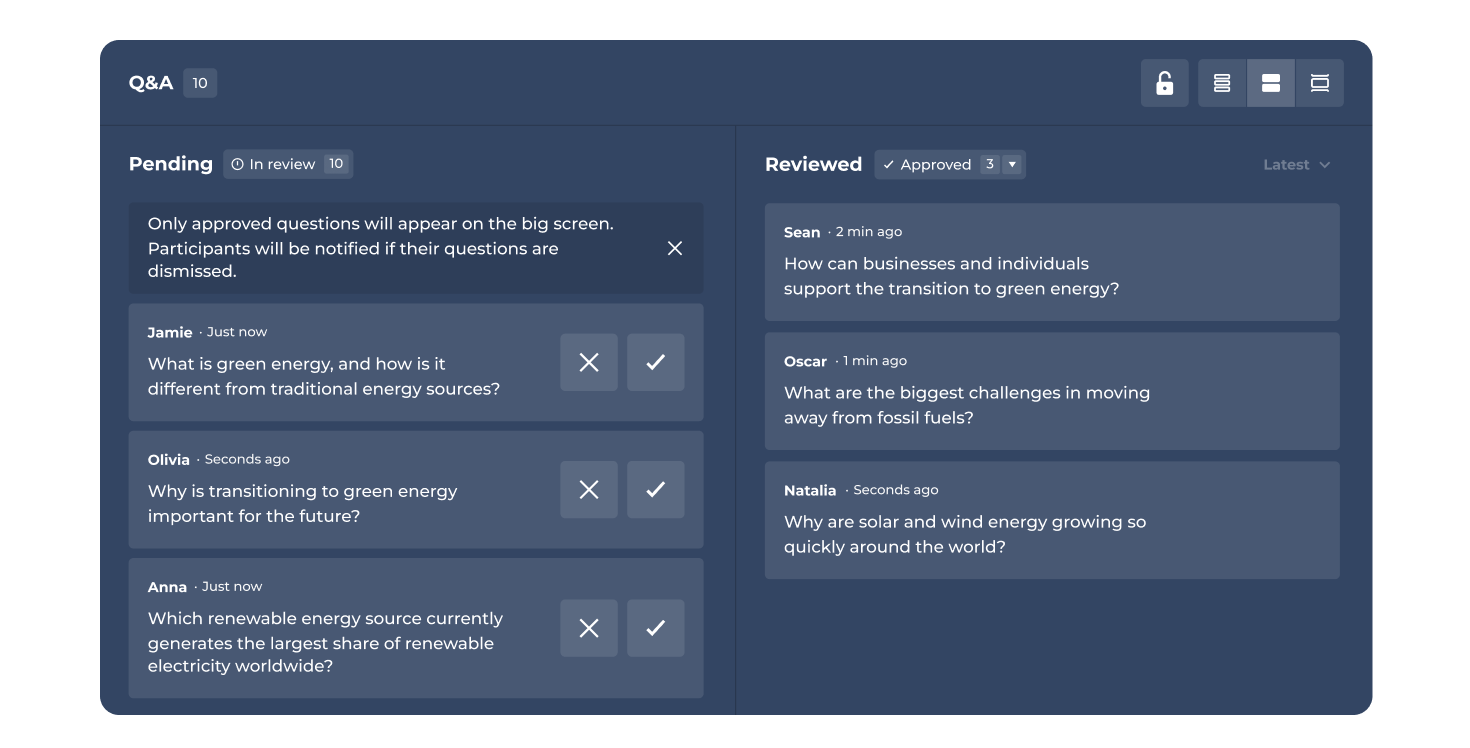
Hoste oder delegiere die Q&A-Moderation
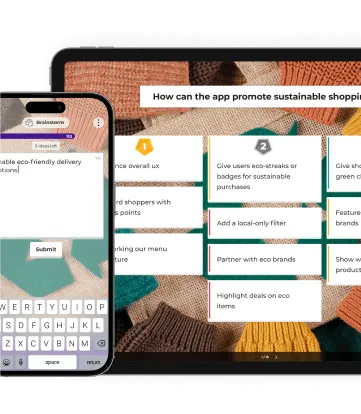
Behalte in Sitzungen die Übersicht, indem du Fragen selbst moderierst oder feste Moderator*innen bestimmst. Genehmige, markiere oder verwirf Fragen, bevor sie für das Publikum freigeschaltet werden.
DEMNÄCHST VERFÜGBAR: REDEMANUSKRIPTE
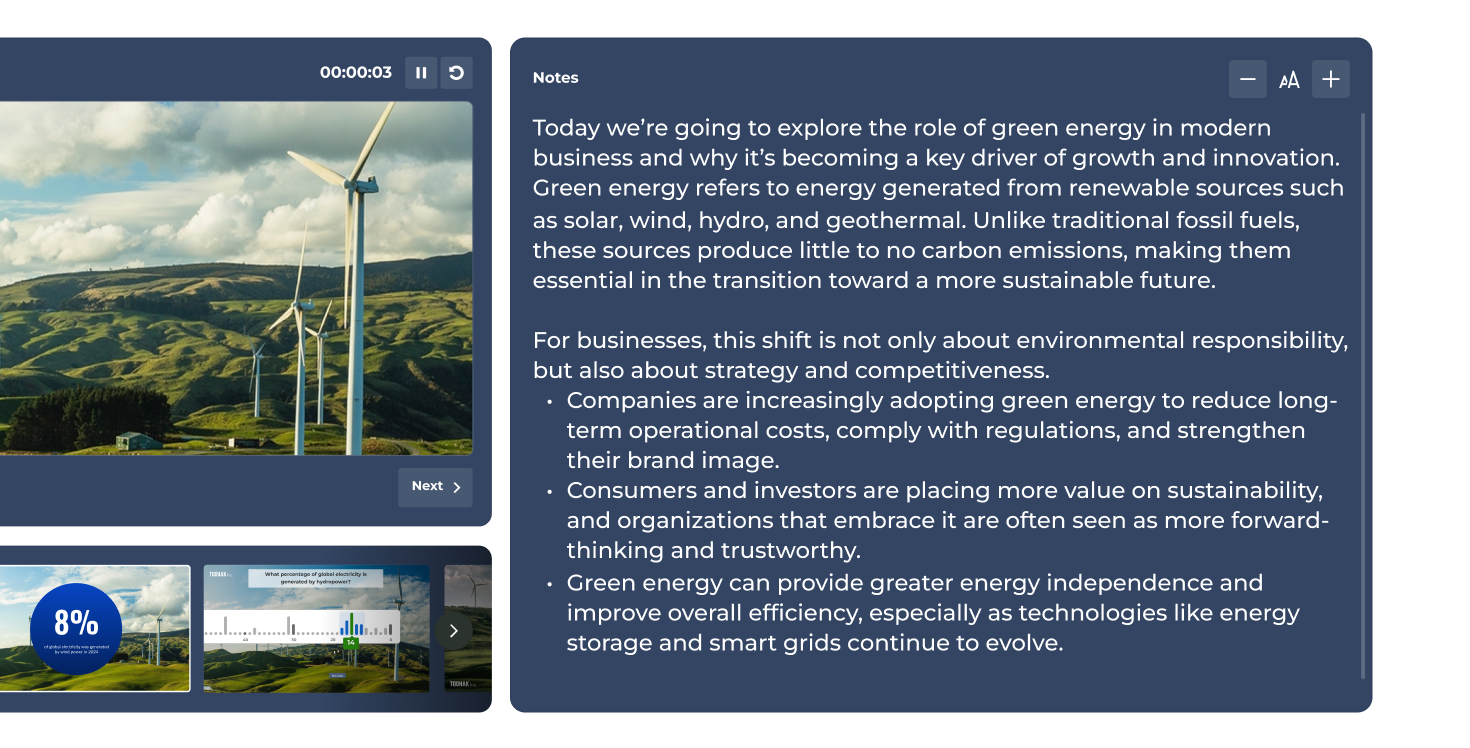
Behalte deine Gesprächsthemen immer im Blick
Ergänze deine Folien um Sprechernotizen und greife während deiner Präsentation privat darauf zu. Bleib beim Thema, merk dir die wichtigsten Zahlen und liefere eine überzeugende Präsentation ab.
Die sichersten Referent*innen nutzen Kahoot! 360
Schließe dich Tausenden von Fachleuten an, die wirkungsvolle Präsentationen, Schulungen und Veranstaltungen mit dem Rundum-Toolkit von Kahoot! 360 für Referent*innen durchführen.
Nutzer- und Gruppenverwaltung
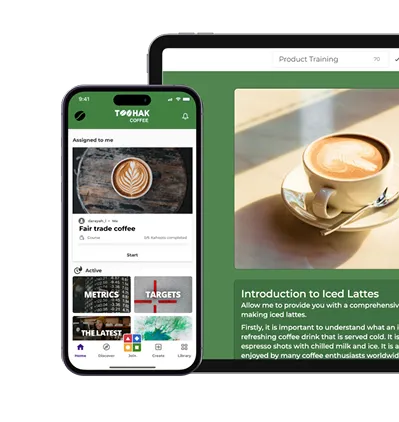
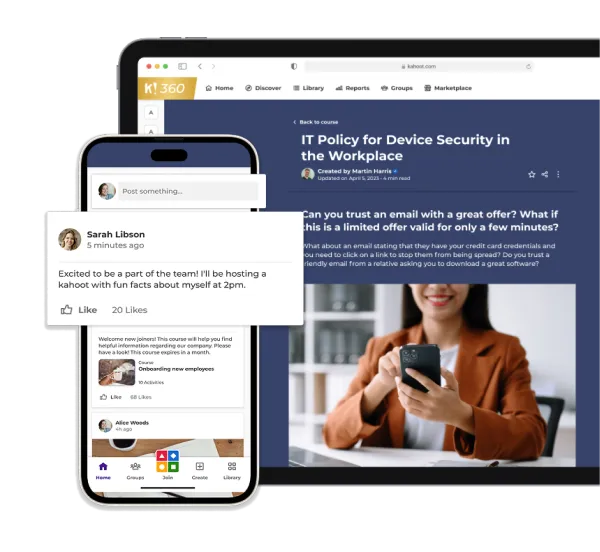
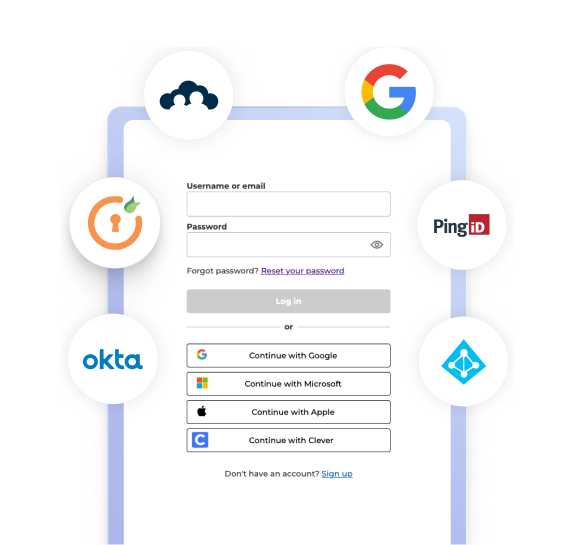
Verwalte dein Team sicher und effizient mit Einzelanmeldung (SSO) und SCIM-Bereitstellung.
Sicherheit und Compliance
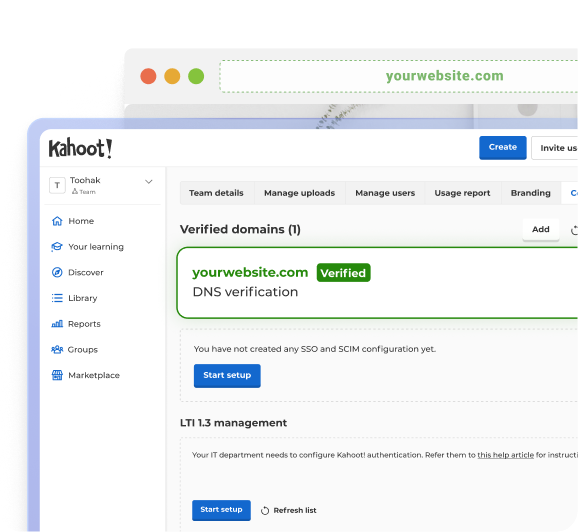
Schütze deine Daten und deine Teams mit DSGVO-konformen Verfahren und einer SOC 2 Typ II-Zertifizierung.
Einblicke und Integrationen
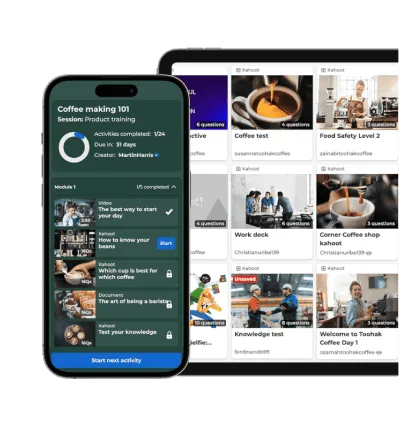
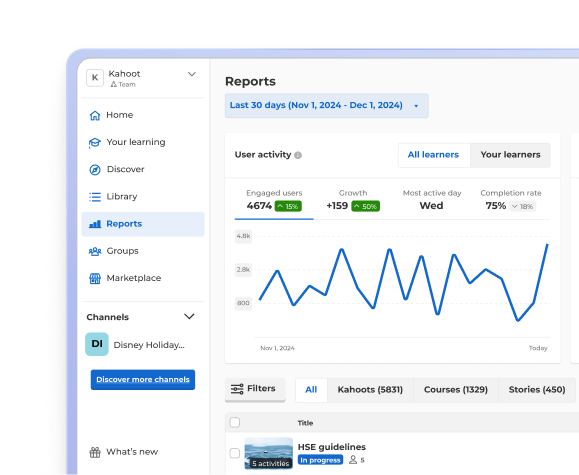
Erfasse Fortschritte und Leistungen mit Berichten und Analysen, die sich in deine bestehenden Tools integrieren lassen.
Schließe dich Führungskräften an, die fantastische Geschäftsergebnisse erzielen

18%
höhere Erfolgsquote bei der Prüfung für Kabinenpersonal 2025 nach Einbindung von Kahoot! 360 in die Compliance-Schulung

50%
gesteigerte Wissensvermittlung nach Einbindung von Kahoot! 360 in Contact-Center-Schulungen

53%
höherer NPS nach der Einbindung von Kahoots in die Schulungsunterlagen

2,500
Mitarbeitende aus unterschiedlichsten Ländern, Kulturen und Generationen werden mit Kahoot! 360 vernetzt und weitergebildet

„Mit Kahoot! kann ich das Produktwissen genau messen. Nach der Einführung einer neuen Kreditkarte hatten die Auszubildenden bei einer von mir gestellten Challenge eine Trefferquote von 75–80 % – ein toller Erfolg!“ Gerardo Díaz Santos Senior Manager of Customer Experience Design, Scotiabank