スピーカーツールキット
Kahoot! 360スピーカーツールキット
究極のスピーカーツールキットがKahoot! 360に登場
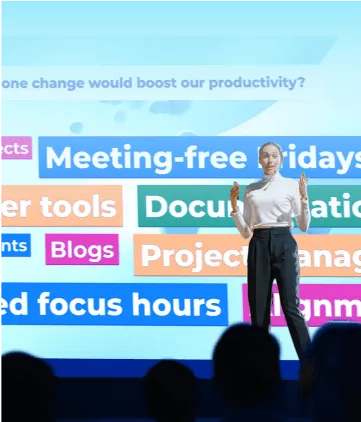
プロフェッショナルモードの操作機能から、リアルタイムのQ&Aモデレーション、スピーカーノート、完全なプレゼンタービューまで、プレゼンターが効果的で魅力的なセッションを実施するために必要なすべてが揃っています。
究極の従業員エンゲージメントプラットフォーム、Kahoot! 360で、あらゆるプレゼンテーション、研修、イベントを魅力的な体験に変えましょう。
Kahoot! 360 Proが月額19ドルドルから。 10%お得です。 キャンペーンは9月30日まで。
世界中のトップ企業から信頼されています






自信を持ってプレゼンテーションを行うために必要なすべてが揃っています
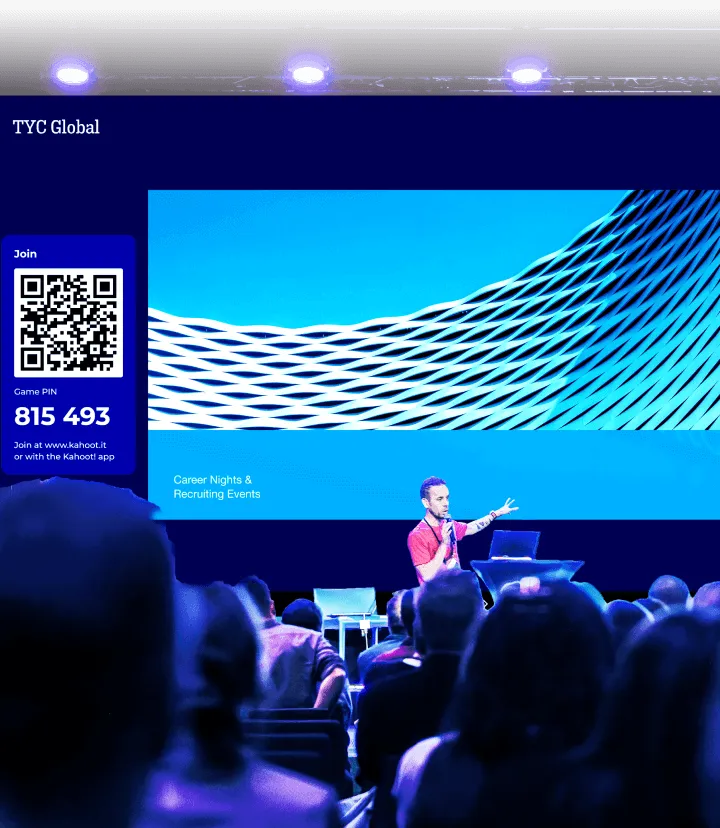
Kahoot! 360で、魅力的なセッションを瞬時に作成し、実用的なインサイトを得ることが可能です。 スピーカーツールキットを使えば、主催者やプレゼンターは自信を持ってプレゼンテーションを進めることができ、会場の雰囲気に合わせてペースやインタラクティブ性を自在に調整できます。
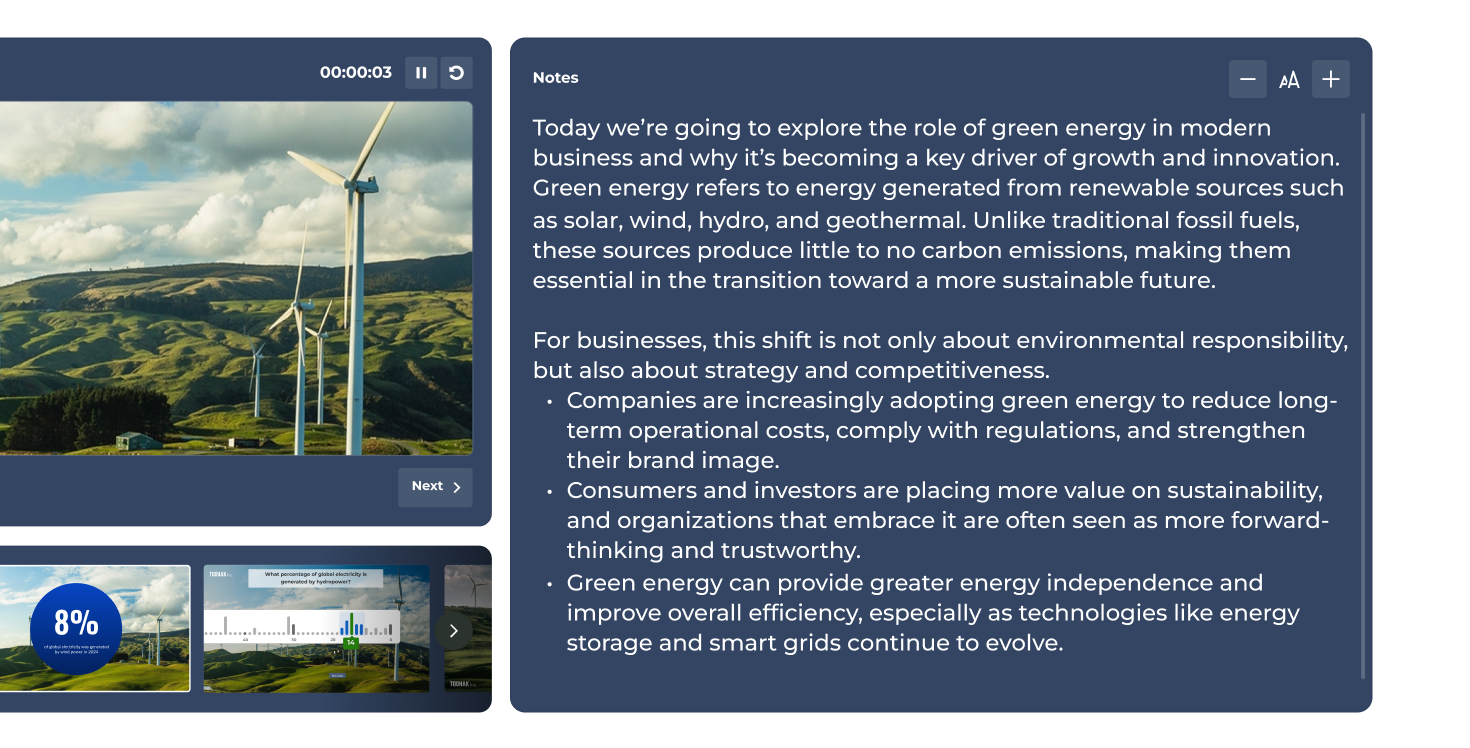
プロフェッショナルモード
プロフェッショナルな主催体験で、魅力的なセッションを実現
プロフェッショナルな主催体験で、あらゆるプレゼンテーションをより魅力的に演出します。 インタラクティブな質問、ポイント、表彰台などの機能を、セッションの雰囲気に合わせて自由に組み込めます。
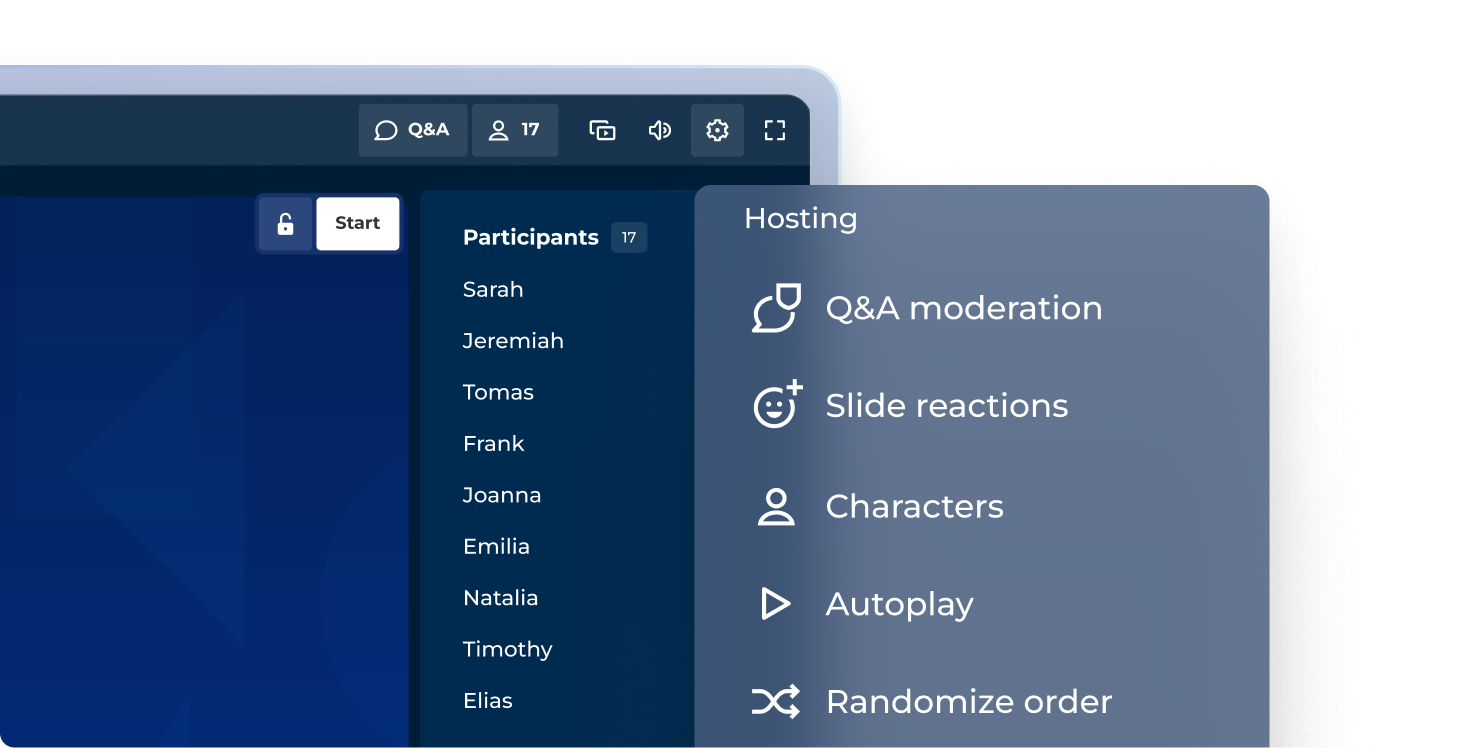
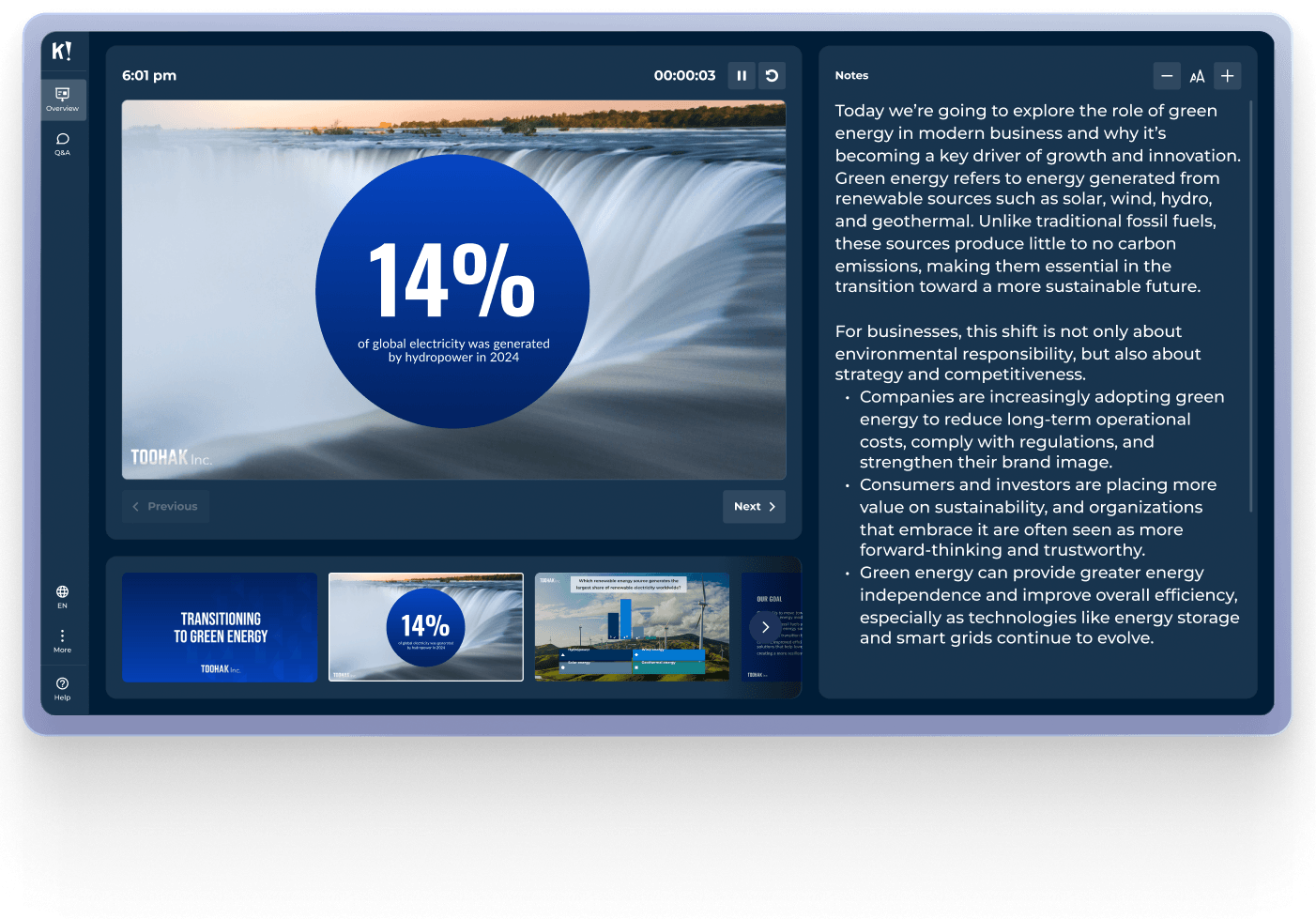
近日登場:プレゼンタービュー
完全なプレゼンタービューで、安心して進行できます
現在のスライド、次のスライドのプレビュー、参加者のリアルタイムのアクティビティ、タイマーを、自分だけが見られる専用のプレゼンタービュー画面で一元管理できます。
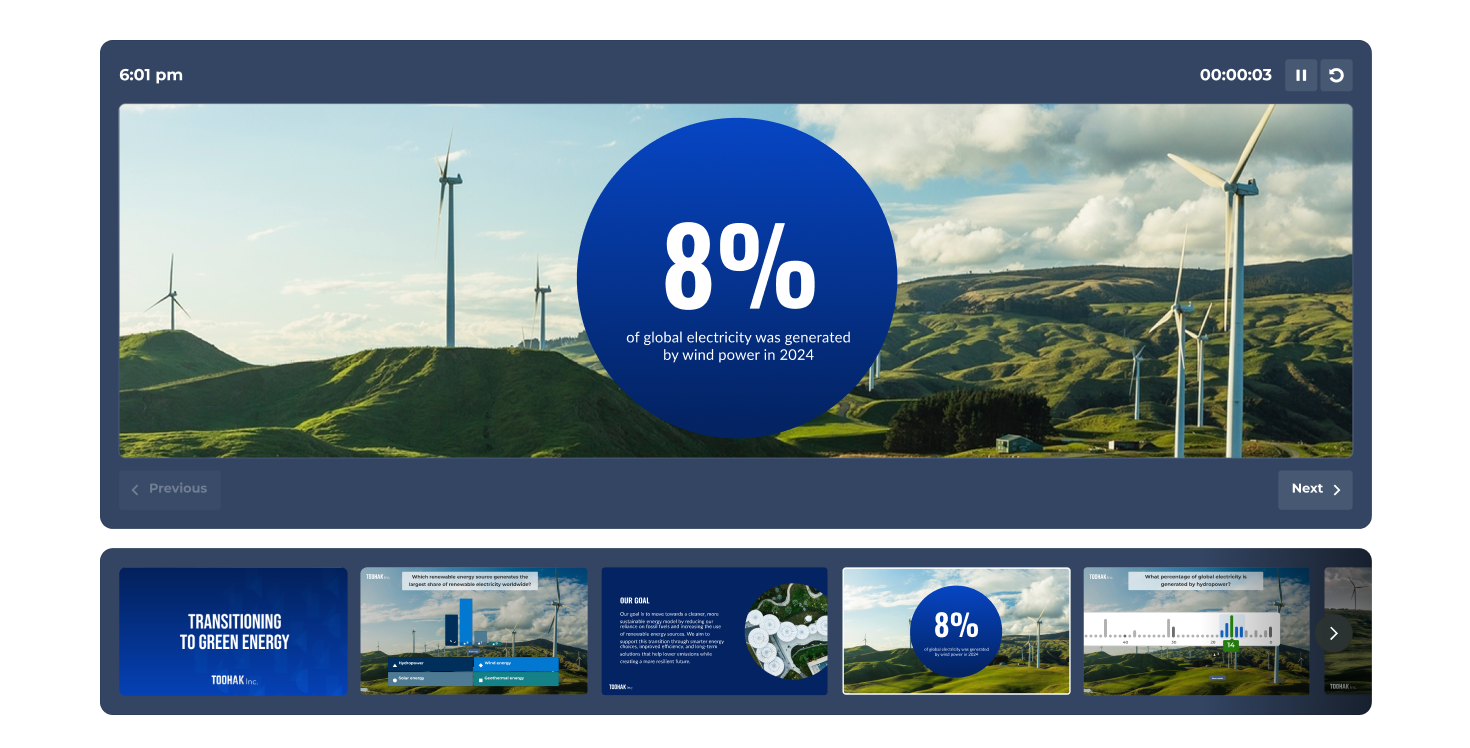
モデレート機能付きQ&A
Q&Aのモデレーションを主催、または担当者に委任
質問を自分で管理するか、専用のモデレーターを指定して、セッションをスムーズに進行できます。 質問を参加者に公開する前に、承認、ハイライト、却下 (非表示に) できます。
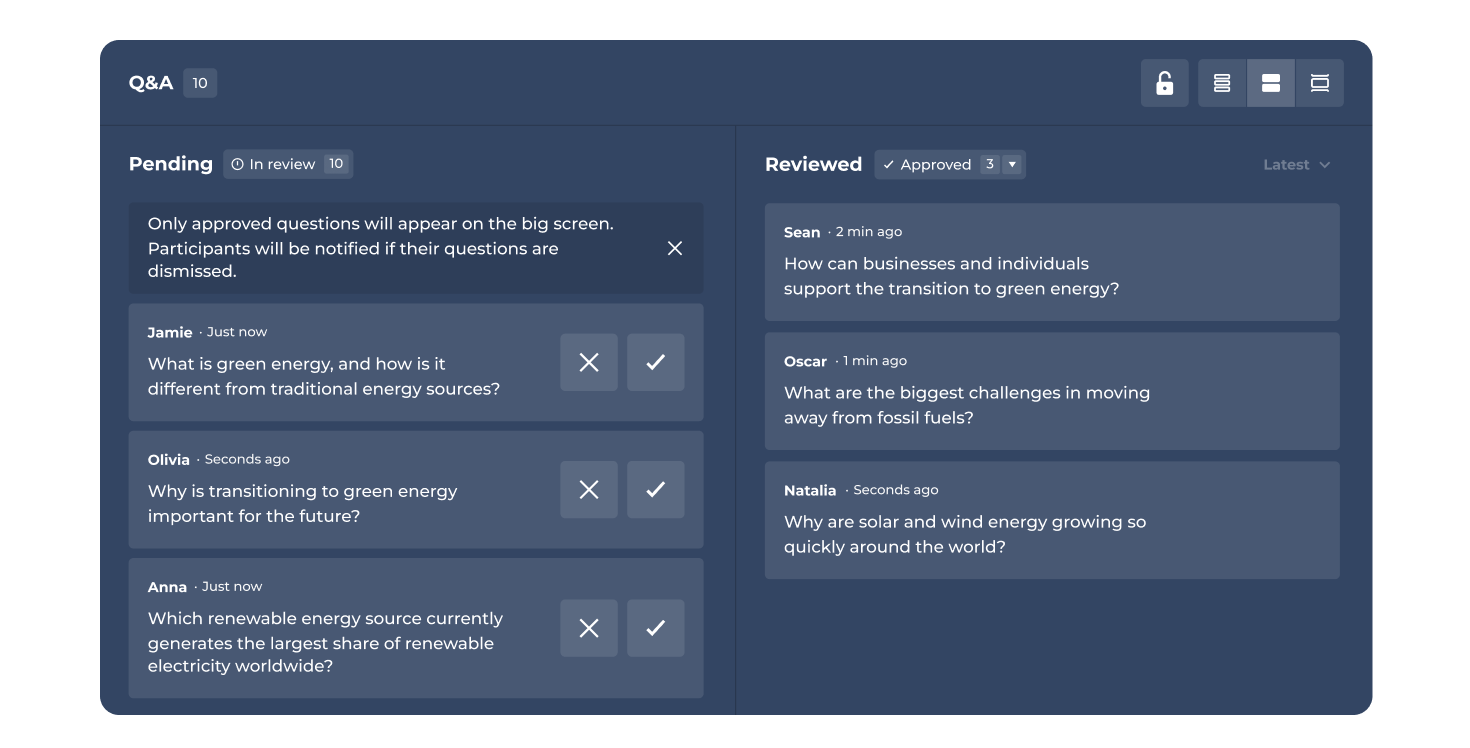
近日登場:スピーカーノート
話すべきポイントを常に手元に表示
各スライドにスピーカーノートを追加し、発表中に自分だけが見られる形で確認できます。 話の筋道を保ち、重要な統計データも忘れずに、いつでも洗練されたプレゼンテーションを届けることができます。
最も自信に満ちたスピーカーはKahoot! 360を活用しています
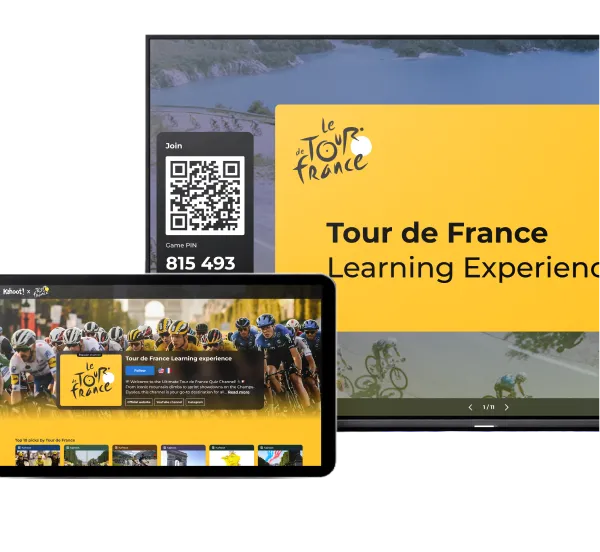
Kahoot! 360の包括的なスピーカーツールキットを活用して、効果的なプレゼンテーション、研修、イベントを実施している何千人ものプロフェッショナルに加わりましょう。
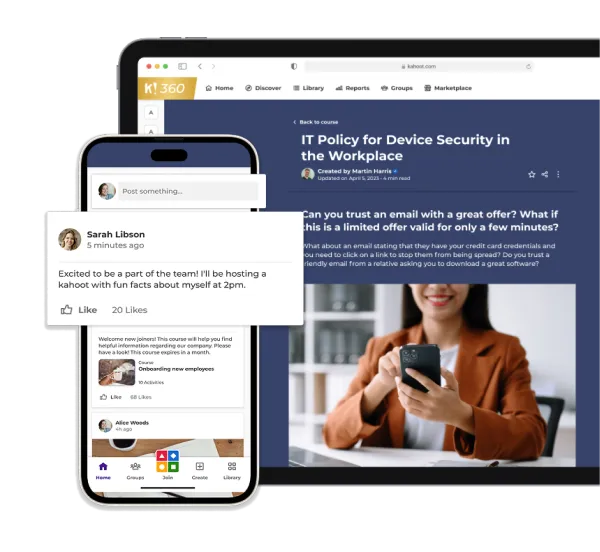
ユーザーとグループの管理
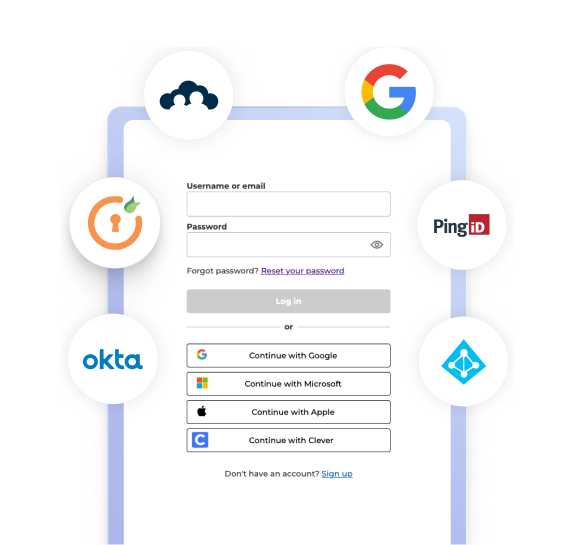
シングルサインオン (SSO) とSCIMプロビジョニングでチームを安全かつ効率的に管理します。
セキュリティとコンプライアンス
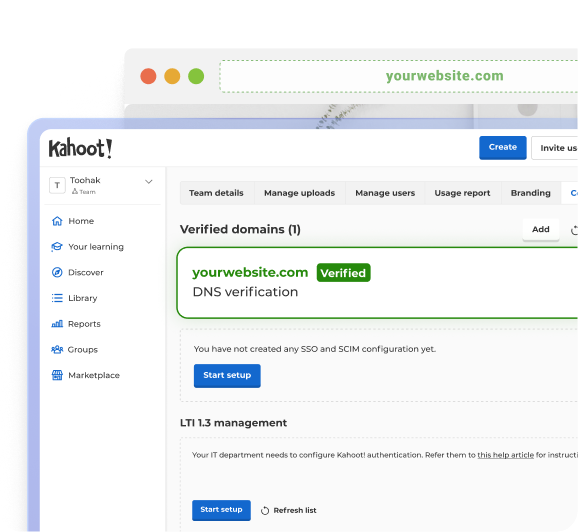
GDPRに準拠したやり方とSOC 2 Type II認定で、みんなのデータと会社をしっかり守ろう!
洞察と統合
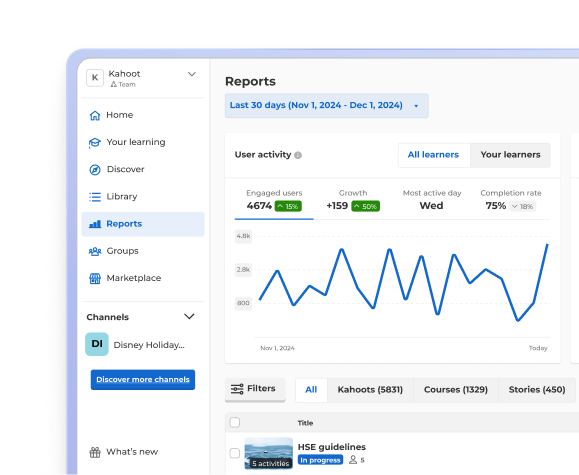
既存のツールと連携するレポート機能や分析機能で、進捗状況やパフォーマンスをチェックしよう!
すばらしいビジネス成果を達成しているリーダーの一員になる

18%
Kahoot! 360をコンプライアンス研修に追加した結果、2025年の客室乗務員採用試験の合格率が向上

50%
Kahoot! 360をコンタクトセンターの研修に導入した結果、受講者の定着率が向上

53%
kahootを研修教材に取り入れた後、研修におけるNPSが向上

2,500
Kahoot! 360を通じて、国や文化、世代を超えて従業員がつながり、学びを深めています

「Kahoot! を使えば、商品知識がどの程度あるか正確に測定できます。新しいクレジットカードを発売した後、研修生たちに送ったチャレンジ問題で75~80%の正解率を記録したのです。大成功でした!」 Gerardo Díaz Santos CXデザイン担当シニアマネージャー スコシアバンク