




"위험 관리 주제는 가르치기 가장 재미있는 주제는 아니지만, Kahoot!을 사용했을 때 참여자들로부터 기립 박수를 받았습니다."
훌륭한 프레젠테이션에서 중요한 것은 단순히 멋진 슬라이드가 아니라, 청중을 장악하는 것입니다. 청중이 소극적인 시청을 멈추고 실시간으로 참여하고 반응하며 응답하기 시작하면 모든 것이 변합니다. Kahoot! 360 Pro는 모든 발표자가 이를 실현할 수 있는 전문 도구 키트입니다.
Kahoot! 360과 함께 모든 프레젠테이션, 교육 또는 이벤트를 매력적인 경험으로 바꾸세요. 궁극의 직원 참여 플랫폼입니다.
월 $19부터 Kahoot! 360 Pro를 만나보세요. 20%를 절약할 수 있습니다. 10월 31일이 지나면 혜택이 종료됩니다.
Kahoot! 360으로 즉시 매력적인 세션을 만들고 실행 가능한 인사이트를 얻으세요. 스피커 툴킷은 진행자와 발표자가 자신 있게 발표를 진행할 수 있도록 하며, 공간에 맞춰 속도와 상호작용을 완벽하게 조정할 수 있는 종합 제어 기능을 제공합니다.
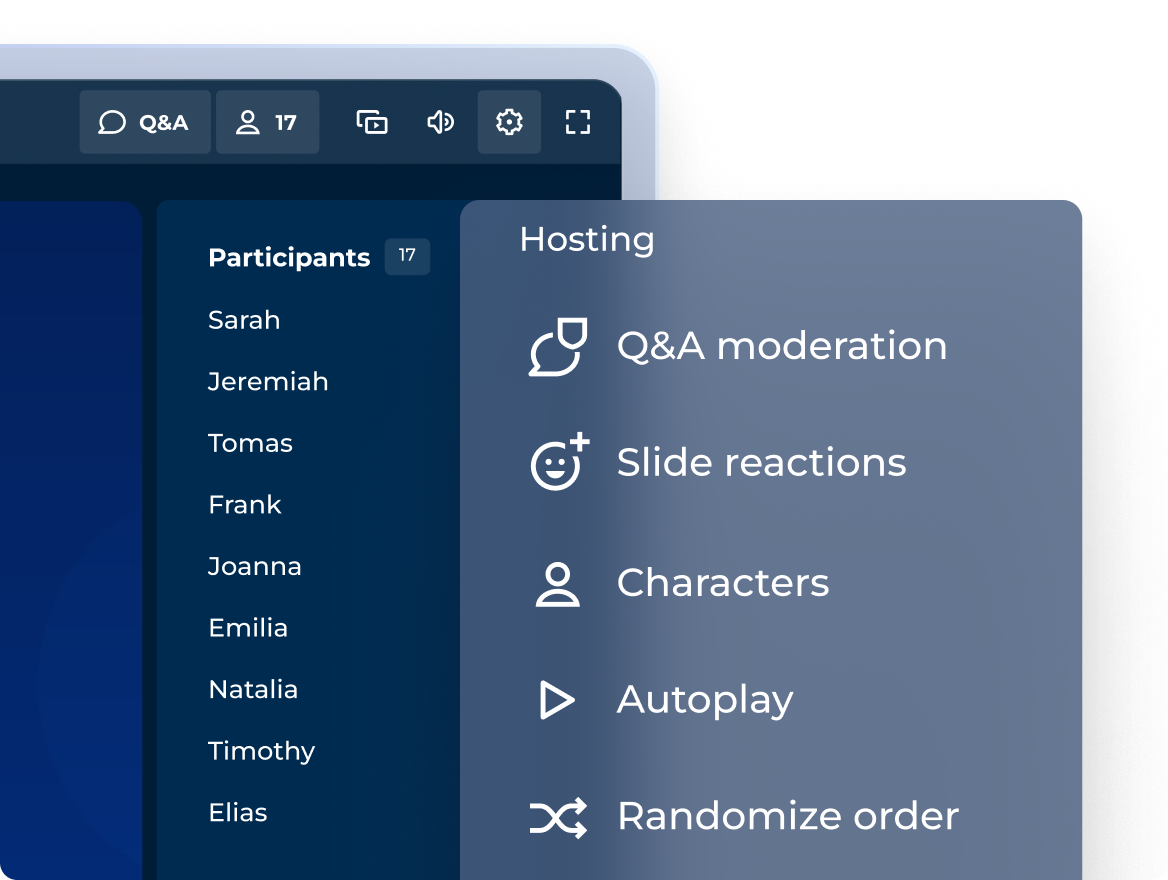
전문성 있는 진행 경험으로 몰입도 높은 세션 진행
인터랙티브 문항, 점수, 우승자 트로피를 어떻게 활용할지 조율해보세요. 어떤 세션이든 분위기를 맞출 수 있습니다!
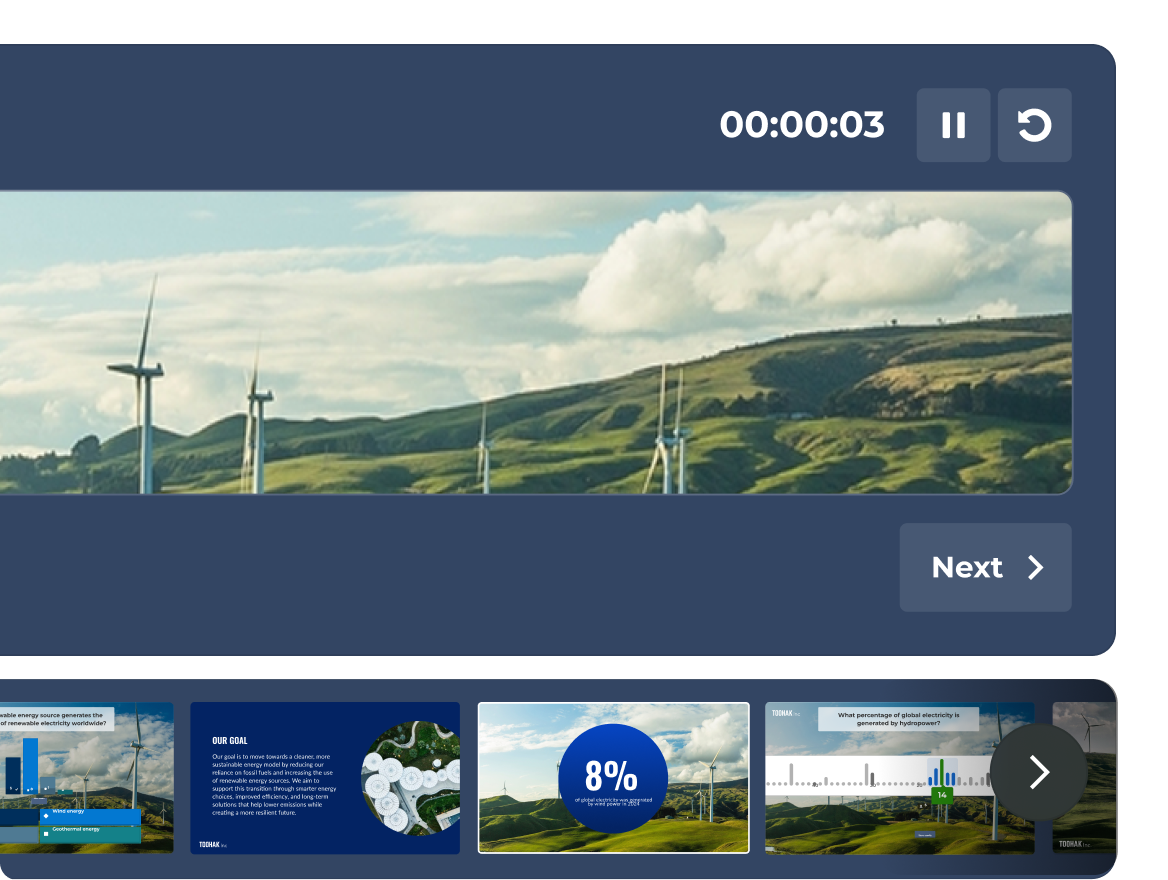
곧 공개 예정: 발표자 보기를 모두 활용하여 자신 있는 탐색
현재 슬라이드, 실시간 참가자 활동, 타이머를 모두 한 곳에서 확인해 보세요. 전용 발표자 보기로 오직 발표자만 볼 수 있습니다.
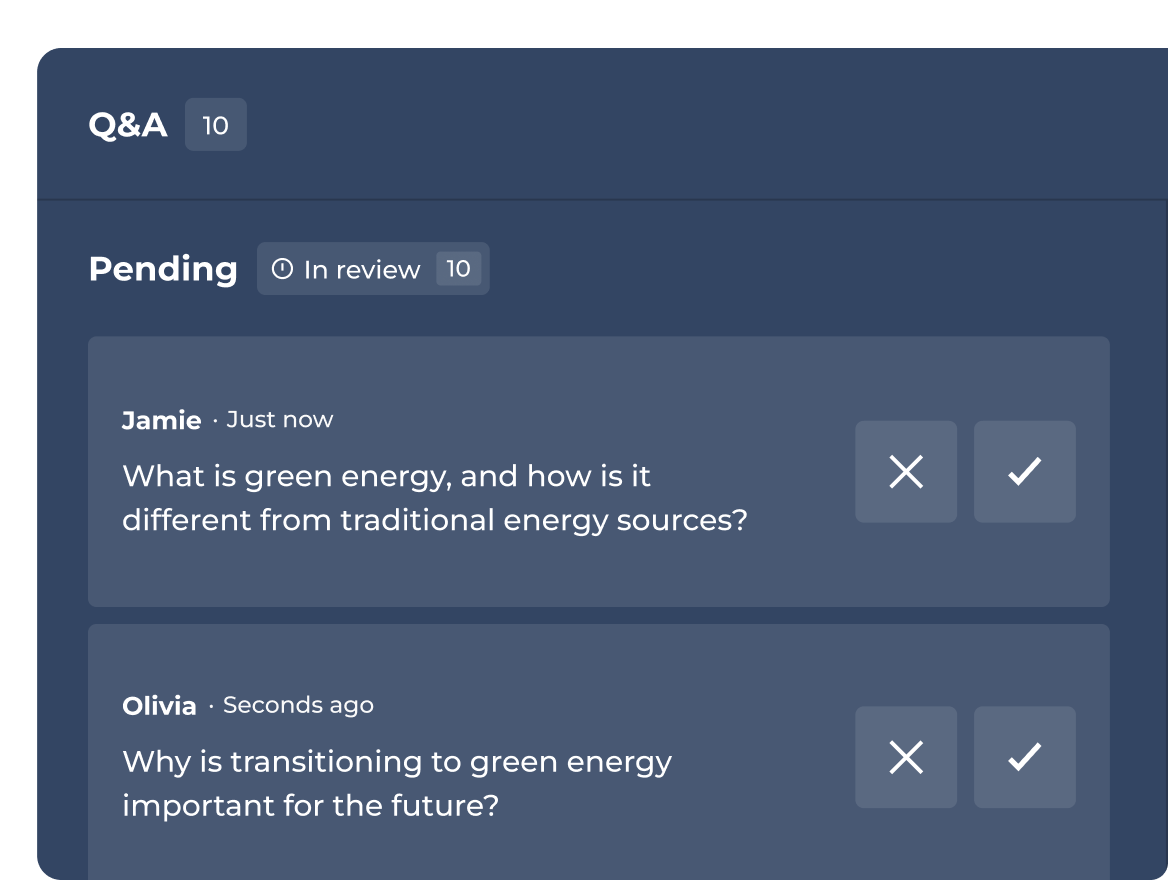
진행 또는 Q&A 중재 위임
문항이 청중에게 공개되기 전에 승인, 강조 표시 또는 거절할 수 있습니다.
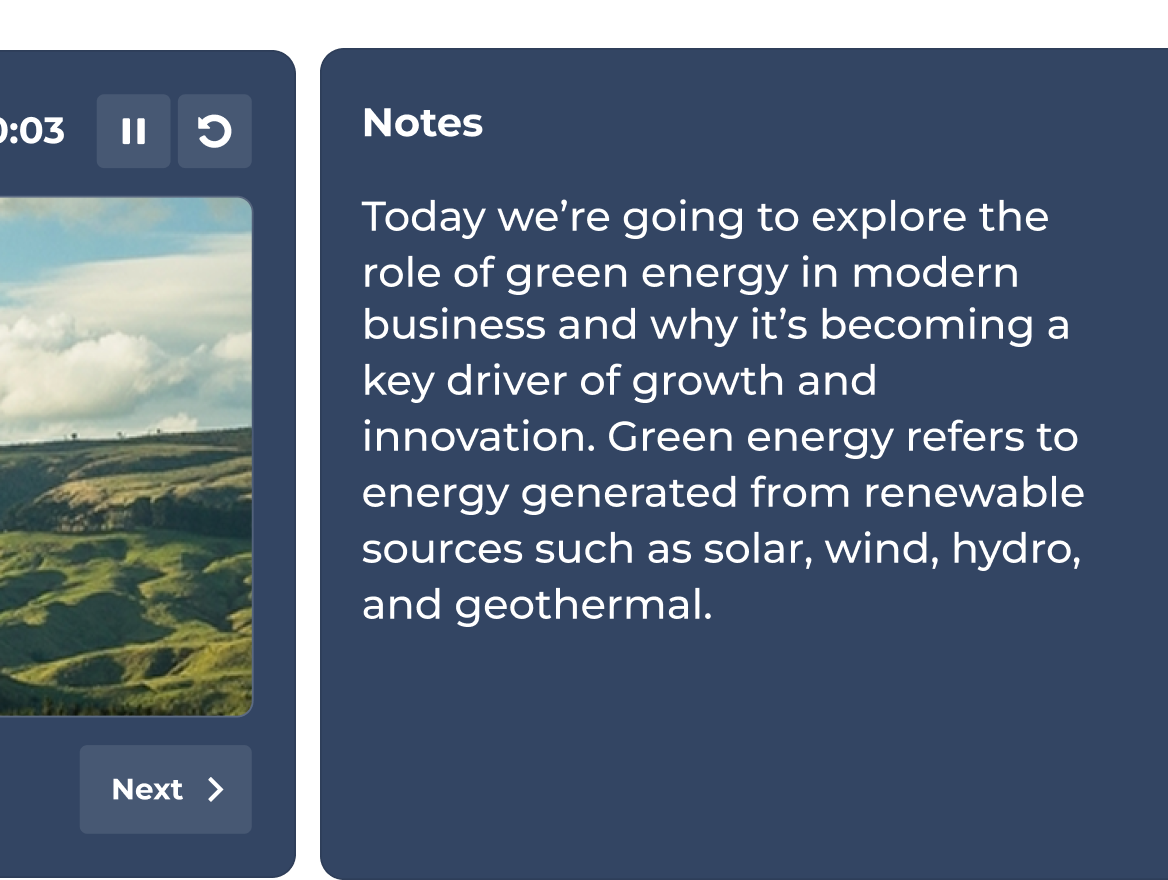
곧 공개 예정: 언제나 주요 논점을 놓치지 않는 비결
모든 슬라이드에 개인 발표자 노트를 추가하세요. 주제에서 벗어나지 않고 매번 세련된 프레젠테이션을 진행할 수 있습니다.
플랜 및 이용료.
| Recommended plan | |||
|---|---|---|---|---|
| 문제 유형 | 참/거짓, 퍼즐, 설문조사, 논술형 문항, 슬라이더형 문항, 핀 고정형 문항, 단어 클라우드 및 브레인스토밍 | 참/거짓, 퍼즐, 설문조사, 논술형 문항, 슬라이더형 문항, 핀 고정형 문항, 단어 클라우드 및 브레인스토밍 | 참/거짓, 퍼즐, 설문조사, 논술형 문항, 슬라이더형 문항, 핀 고정형 문항, 단어 클라우드 및 브레인스토밍 | 참/거짓, 퍼즐, 설문조사, 논술형 문항, 슬라이더형 문항, 핀 고정형 문항, 단어 클라우드 및 브레인스토밍 |
| 기타 도구에서 슬라이드 불러오기 및 동기화가 포함된 전문 프레젠테이션 | 전문적인 진행 환경 및 슬라이드 불러오기 |  | 스피커 툴킷 전체 | 스피커 툴킷 전체 |
| 교육, 과정 및 수료증 | feature NOT available with this plan | 라이브 교육 전용 | | 개별 학습 경로 등 모든 포맷 |
| 처음부터 또는 기존 자료로 매력적인 세션을 만들 수 있는 AI 기능 | 프롬프트 기반 생성 | 프롬프트, 슬라이드 및 URL 기반 생성 | AI 도구 모음 전체 | AI 도구 모음 전체 |
| 분석 | 기본 보고 기능 | 보고 및 인사이트 | 심층 인사이트 | 심층 인사이트 |
Kahoot! 360 발표자 툴킷을 이용하면 전통적인 정적인 프레젠테이션이 역동적인 인터렉티브 세션으로 바뀝니다. 실시간 투표, 실시간 반응, 그리고 인터랙티브 퀴즈 문항을 슬라이드에 직접 통합하면 발표자가 청중과 적극적으로 소통하며, 참여를 증진시키고, 기업 회의 및 이벤트에서 현장을 효과적으로 장악할 수 있습니다.
Kahoot! 360 Pro의 전문 진행자 경험 환경에서는 발표 속도와 청중 상호작용을 완벽하게 제어할 수 있습니다. 주요 기능에는 인터랙티브 문항 삽입, 채점 기준 조정, 시상대 표시 등이 있습니다. 이런 기능을 이용해 공식적인 전사 회의부터 협업 팀 워크숍에 이르기까지 세션 분위기에 맞춰 인터랙티브 요소를 자유자재로 조정할 수 있습니다.
Kahoot! 360의 중재형 Q&A 기능을 이용하면 진행자 또는 지정된 공동 진행자가 들어오는 청중 질문을 선별한 후에 공개적으로 표시할 수 있습니다. 중재자가 질문을 실시간으로 승인, 강조, 거부할 수 있어, 라이브 Q&A 세션이 전문성 있고 주제를 벗어나지 않으며 발표의 목표에 완벽하게 부합할 수 있도록 조정할 수 있습니다.
네, 비공개 발표자 노트를 곧 Kahoot! 360에 추가할 예정입니다. 곧 공개될 이 기능을 이용하면 인터랙티브 슬라이드에 청중에게 보이지 않는 발언 요점과 중요한 통계를 추가할 수 있습니다. 이 노트는 청중에게 전혀 보이지 않아 발표자가 메시지를 유지하고 세련되고 자신감 있게 발표할 수 있습니다.
공개 예정인 발표자 보기는는 발표자가 인터렉티브 세션을 원활하게 진행할 수 있도록 돕기 위해 설계된 전용 비공개 화면입니다. 진행자만 볼 수 있으며, 현재 슬라이드, 다음 슬라이드 미리보기, 통합 프레젠테이션 타이머, 실시간 참가자 활동 데이터를 표시하여 청중 참여를 관리하는 동안 집중력을 유지할 수 있습니다.