Frontline training and communication

Empower your frontline workers with Kahoot! 360

Stay connected and deliver bite-sized, mobile-first interactive training, fit for frontline, distributed, or multi-site teams. Create, assign and assess training quickly and easily all in one place with Kahoot! 360.

Kahoot! 360 the ultimate engagement platform for delivering presentations and training with lasting impact.

Hero

We chose Kahoot! 360 because we figured it would be a simple, accessible solution to roll out and a playful, educational, and complementary way to reach all caravan members. Everyone can use it easily and effectively on their phones, and it allows us to complete our training goal in a short amount of time

Arthur Chouanniere
Partner Relations, A. S. O.

Tour de France Logo in Black letters, white background and a yellow dot on the top right corner

Trusted by leading companies worldwide

AND Digital logo
L'Oréal logo
Deloitte logo
getty images logo
booking logo
KPMG logo
AND Digital logo
L'Oréal logo
Deloitte logo
getty images logo
booking logo
KPMG logo

Create and deliver frontline training with Kahoot! 360

Frontline teams are the ones following safety protocols, and representing your brand in every customer interaction. Traditional training wasn't always built for them as not everyone has desks, work email, and time for a long course. Kahoot! 360 delivers training in the format that actually works, mobile-first, short, and available any time, during a briefing, between shifts, or right on the shop floor.

Deliver mobile-first training that reaches every frontline employee

Employees on the move, on the shop floor, in a warehouse, or out on a delivery route, rarely sit at a desk or check a work inbox. Kahoot! 360 has a solution to this.

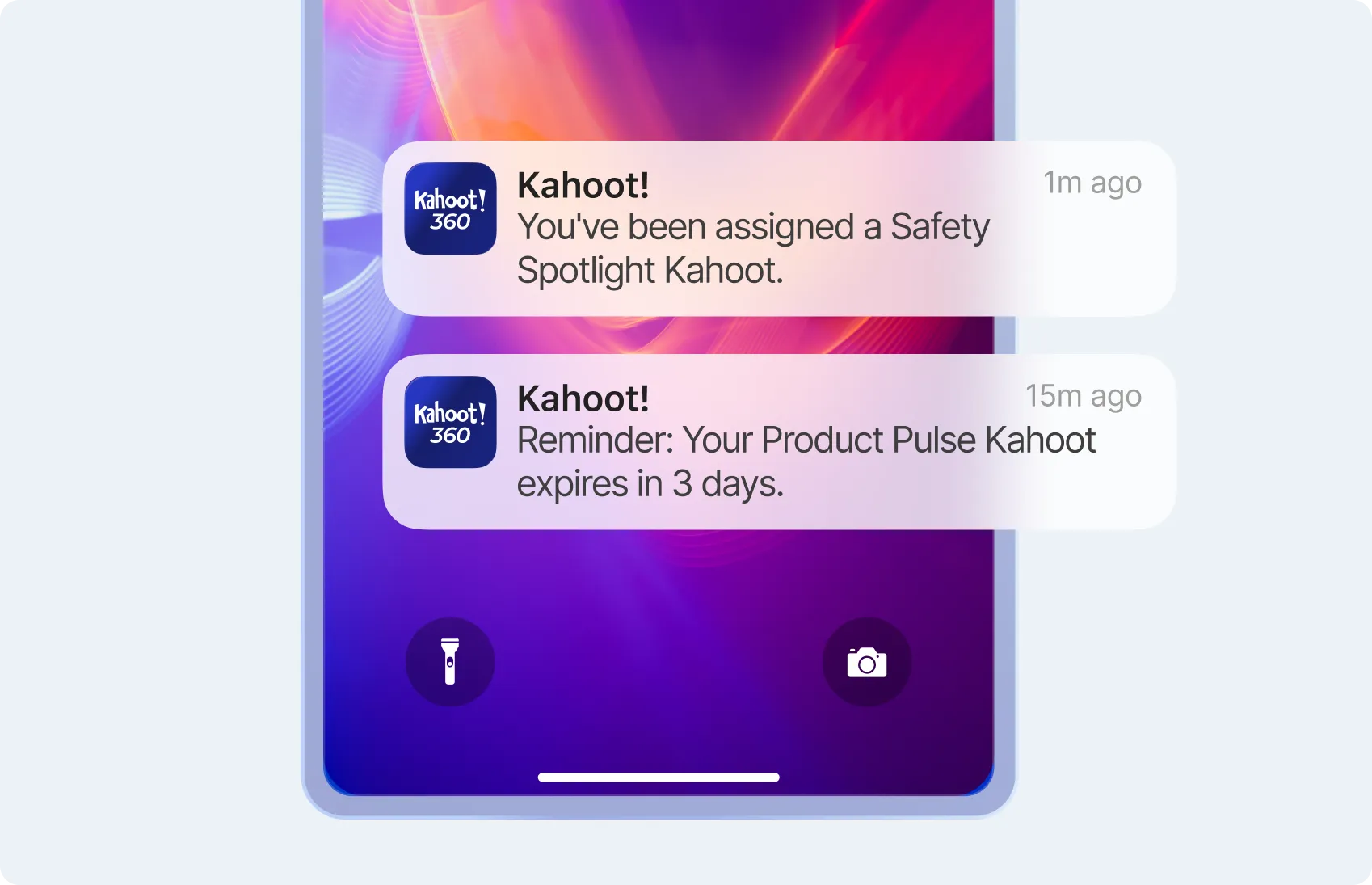
  • Reach employees where they are: Download Kahoot! 360, the employee communication app. Training goes directly to their personal phone via push notification, link or QR code.
  • Deliver training anytime, anywhere: The training format is designed to be short, interactive, and completed in under 5 minutes, during a break, before a shift, or in the team huddle.

Read how Crowne Plaza London Docklands improved guest experiences through effective training with Kahoot! 360.

Mobile lock screen showing two Kahoot 360 notifications — a new Safety Spotlight assignment and a Product Pulse expiry reminder

Send the right safety briefing, product update, or policy change to the right team, at the right time

Frontline training and communication is not one-size-fits-all. Kahoot! 360 lets you target by role, location, department, or shift, so the right people get the right content, every time.

  • Target by team: Send a store-specific update to one team or a company-wide safety briefing to all, in the same platform, with the same workflow.
  • Cut the noise: No irrelevant content for employees, no manual filtering for managers.

Read more about how Virgin Atlantic have transformed traditional compliance training into an interactive and engaging experience

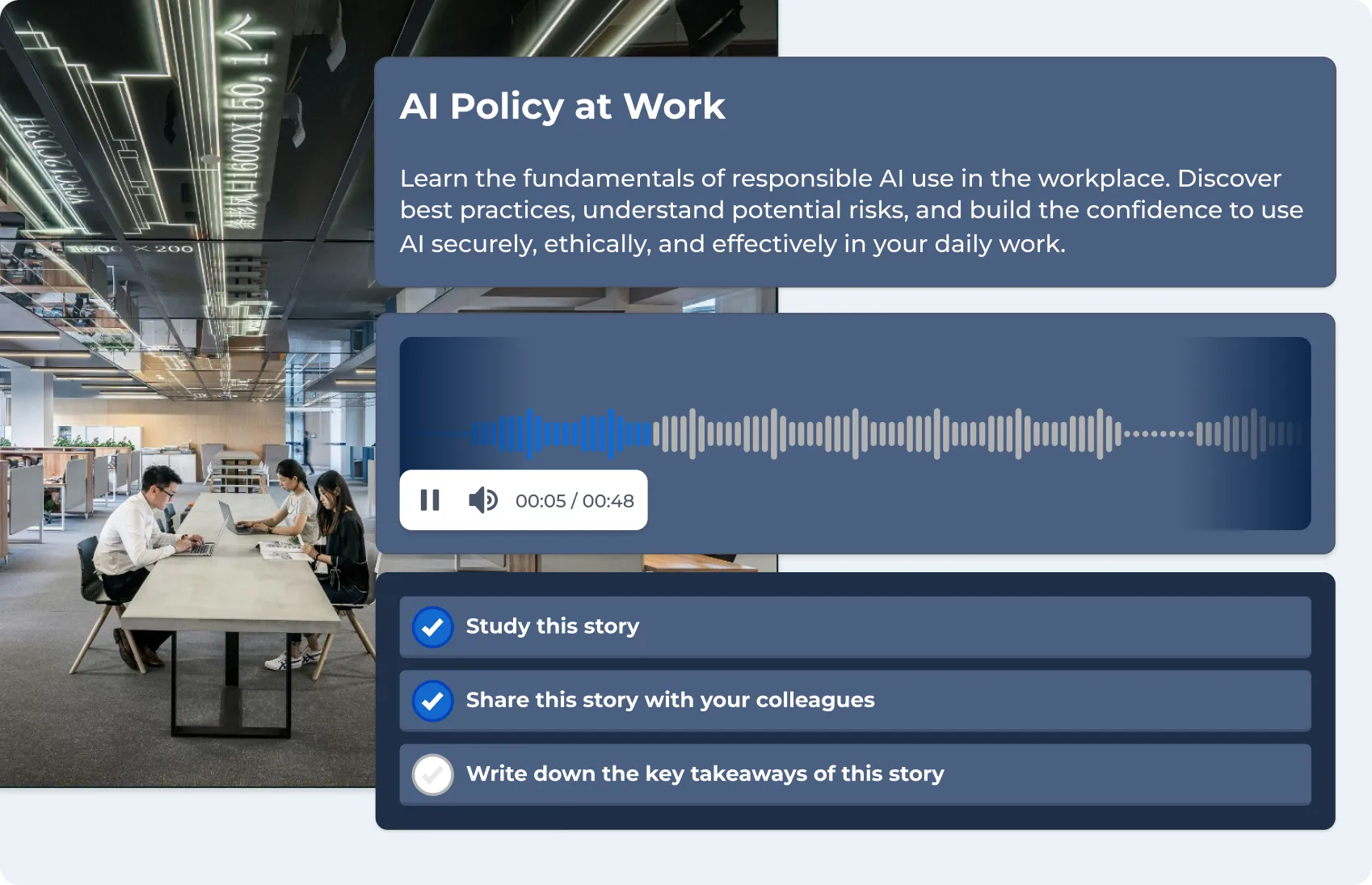
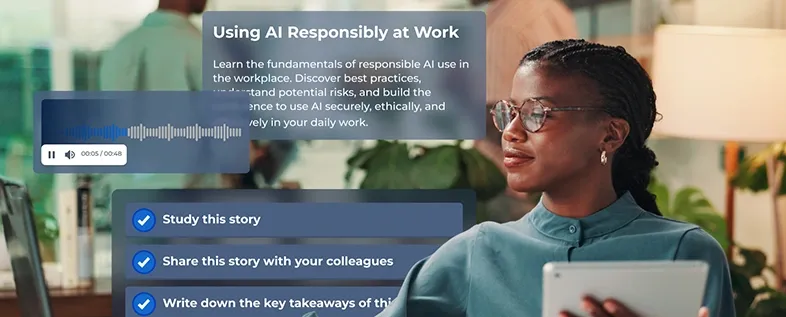
Kahoot microlearning story card for "AI Policy at Work" with an audio player and task checklist

Fit microlearning for frontline workers into every shift

The best frontline training doesn’t add to the schedule, it fits into what’s already there. Kahoot! 360 is built for both: the team huddle and the break between shifts.

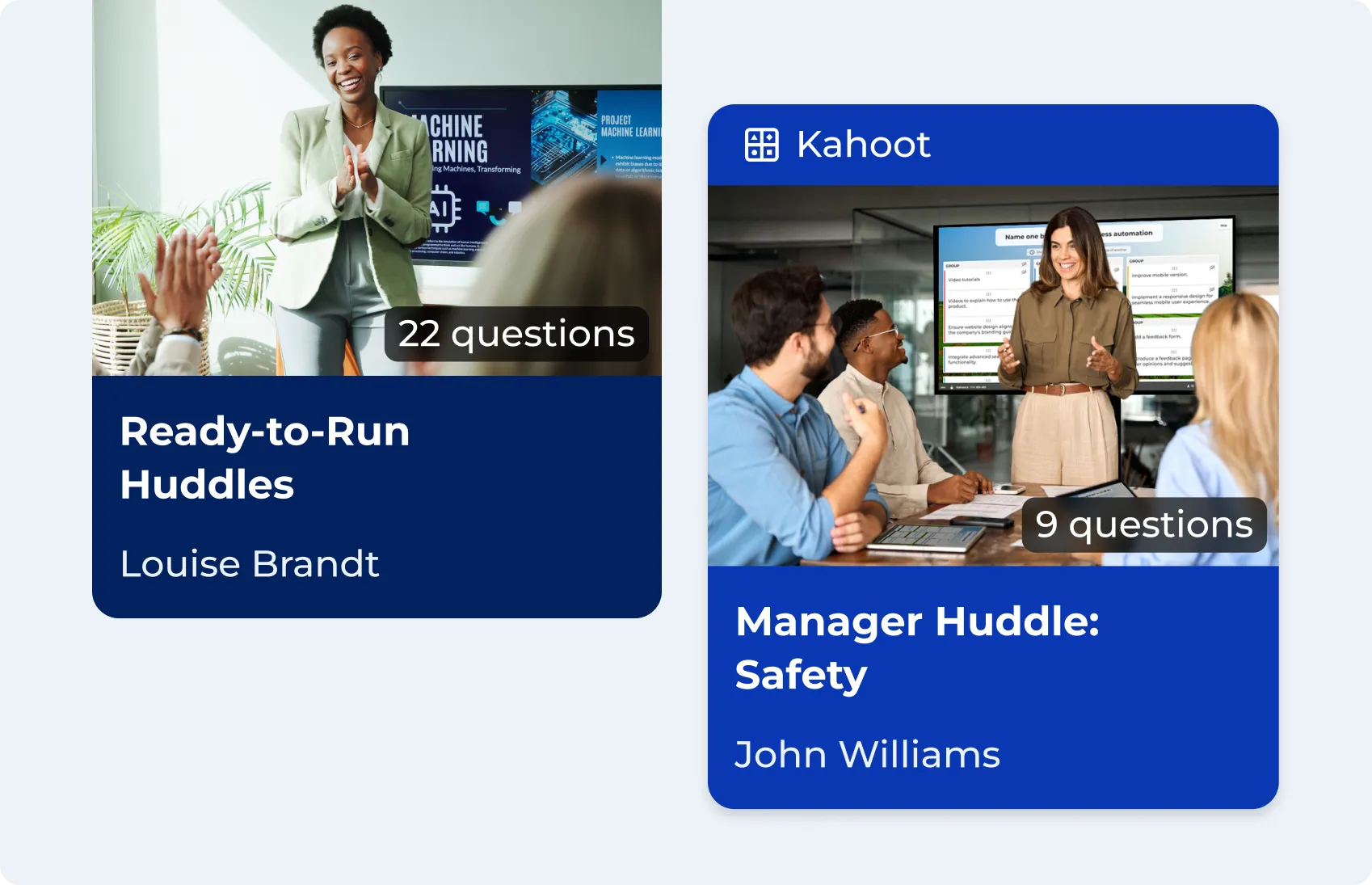
  • Run short, interactive live sessions: Managers run ready-made training in 5–10 minutes during existing briefings and huddles, with real-time results on screen and completion logged automatically.
  • Learning in the moment: Employees complete 3–5 minute training on safety, product knowledge, or policy updates on their own device, between shifts, individually or as a shared team challenge, with everyone’s progress visible.
Two Kahoot content cards — "Ready-to-Run Huddles" with 22 questions and "Manager Huddle: Safety" with 9 questions

Build frontline training content in minutes, with AI

Building frontline training content no longer taking weeks. With the Kahoot! Assistant, managers and L&D teams can do it in minutes.

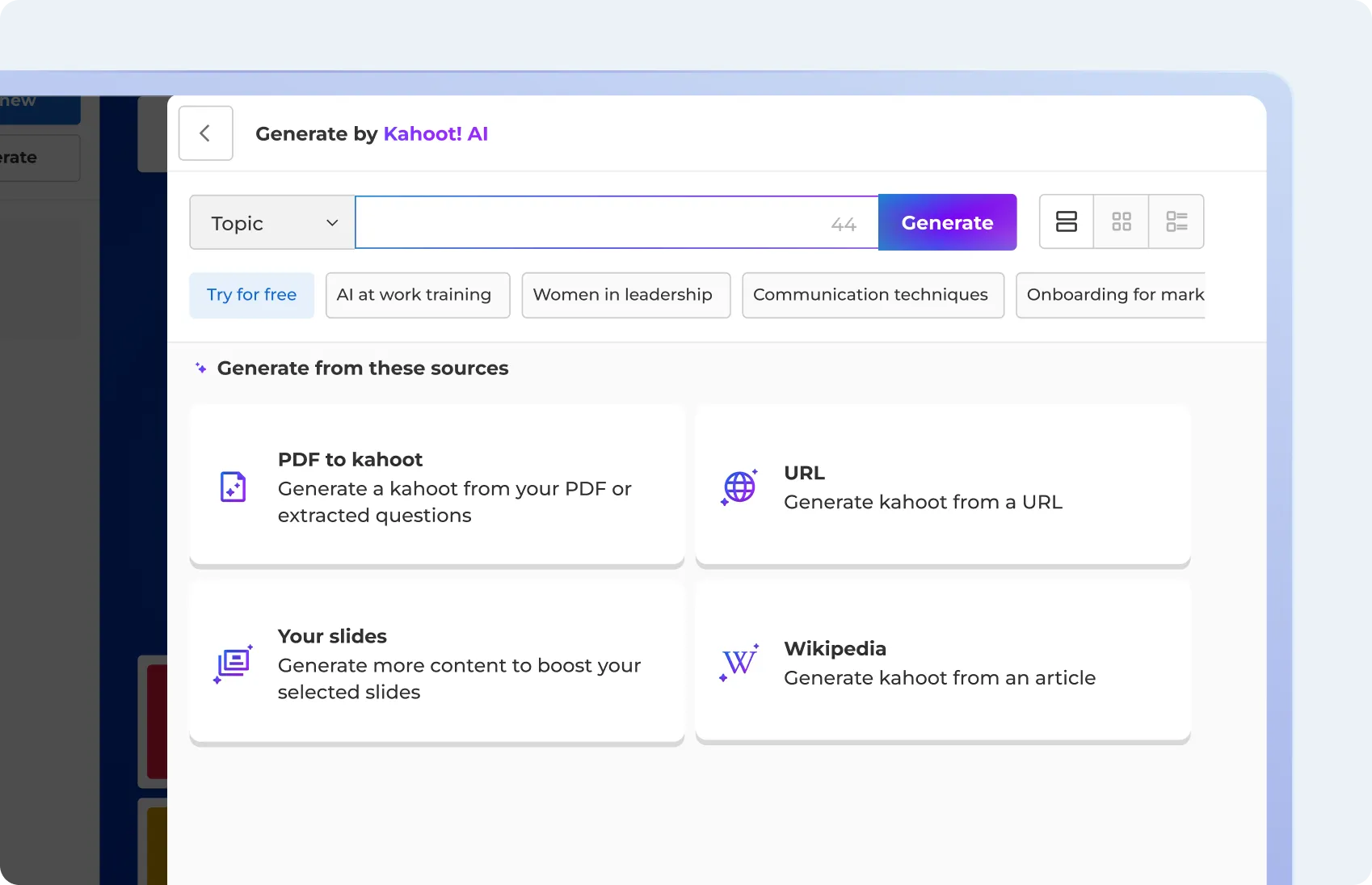
  • Build instantly: Generate interactive training from a topic prompt, an existing slide deck, or a policy document.
  • Go live instantly: Content is automatically formatted for mobile, optimized for short completion windows, and ready to send to any team or location immediately.
Kahoot! AI interface showing a topic input field with suggested topics and source options including PDF, URL, slides, and Wikipedia

Monitor participation and performance with in-depth reports and analytics

Frontline teams are often spread across many locations, so managers need a clear way to confirm everyone received the training and completed it.

  • Track your teams’ progress: Monitor completion rates and performance across every team, location or region, so you know which teams are on track and which need support.
  • Spot the gaps: Identify knowledge gaps at scale, see which topics are landing and which are being skipped.
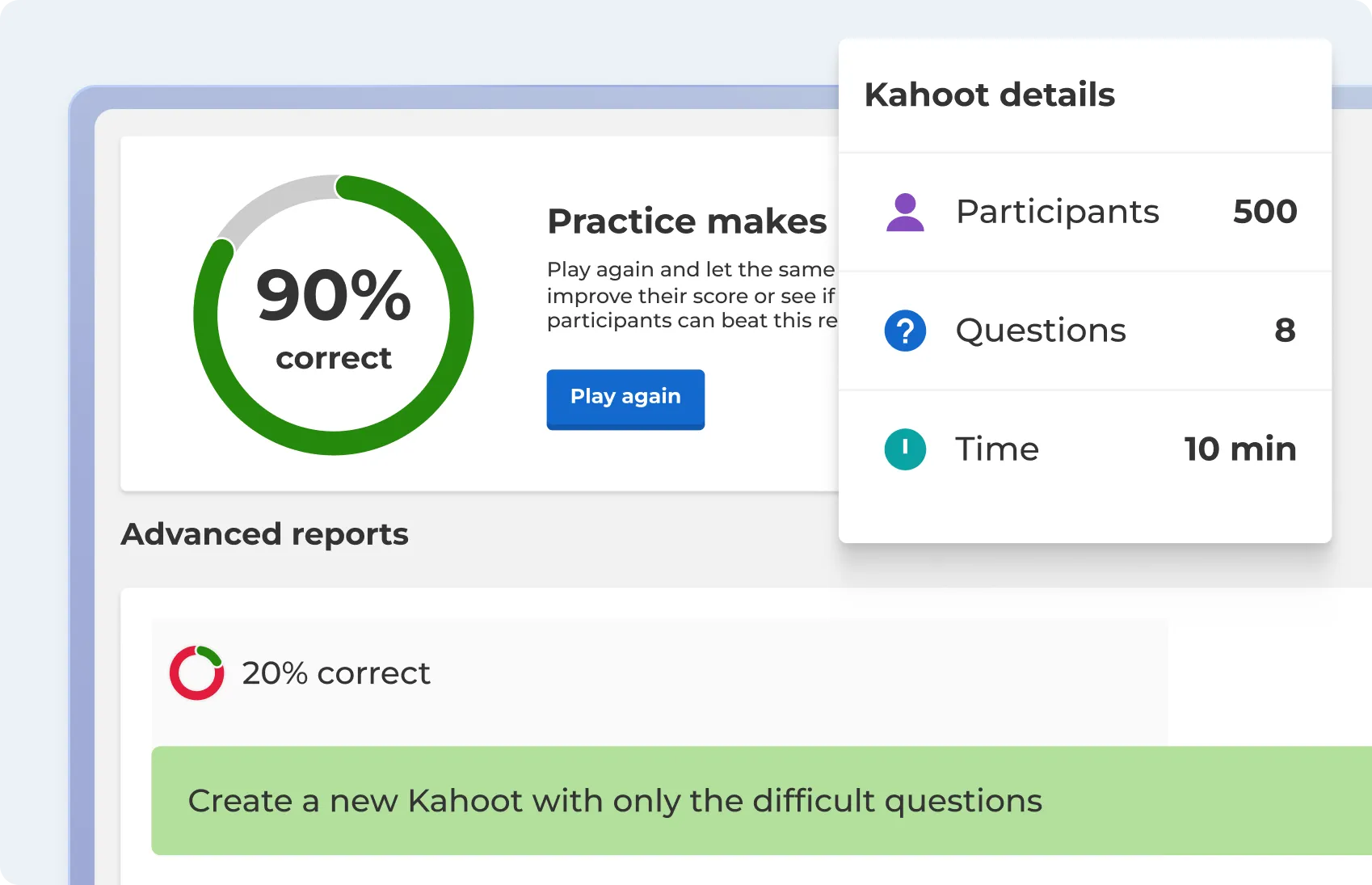
Kahoot advanced reports panel showing 90% correct rate alongside game details for 500 participants across 8 questions

How to use Kahoot! 360 for frontline communication and training

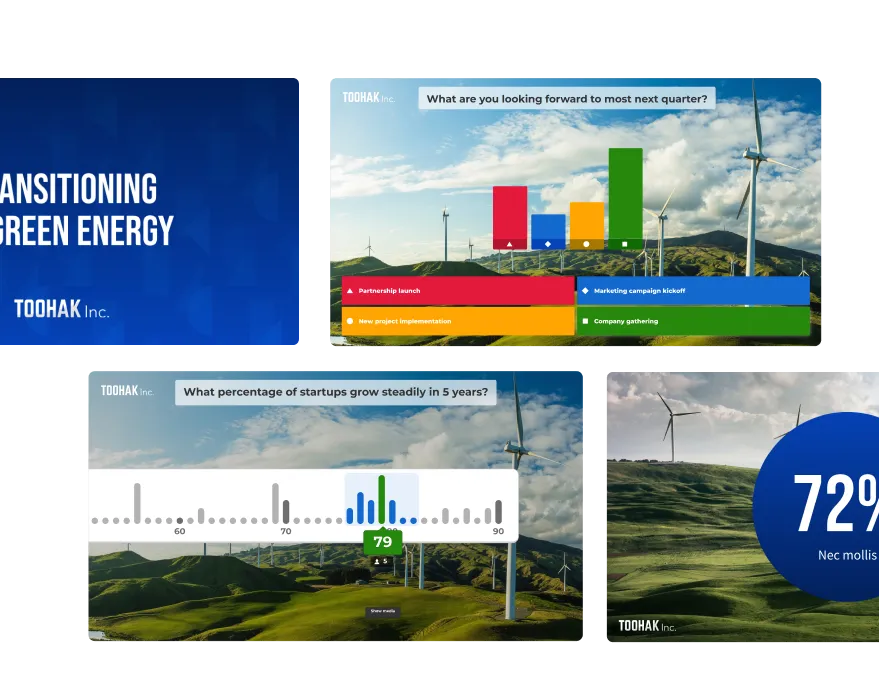
Four Toohak Inc. branded Kahoot slides showing a presentation title, a poll, a slider question, and a stat reveal

Step 1

Create in minutes

Build updates, training content, or pulse surveys using AI or ready-made templates. Upload your existing materials and go.

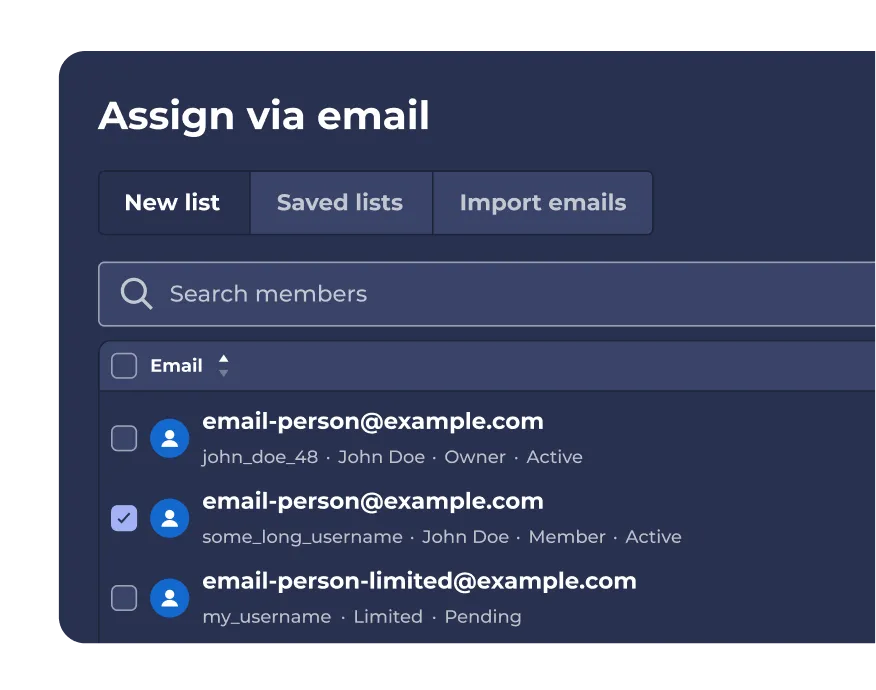
Kahoot "Assign via email" panel showing a searchable member list with checkboxes to select recipients

Step 2

Send to the right people

Select your audience by team, location, or role. Schedule in advance or push immediately.

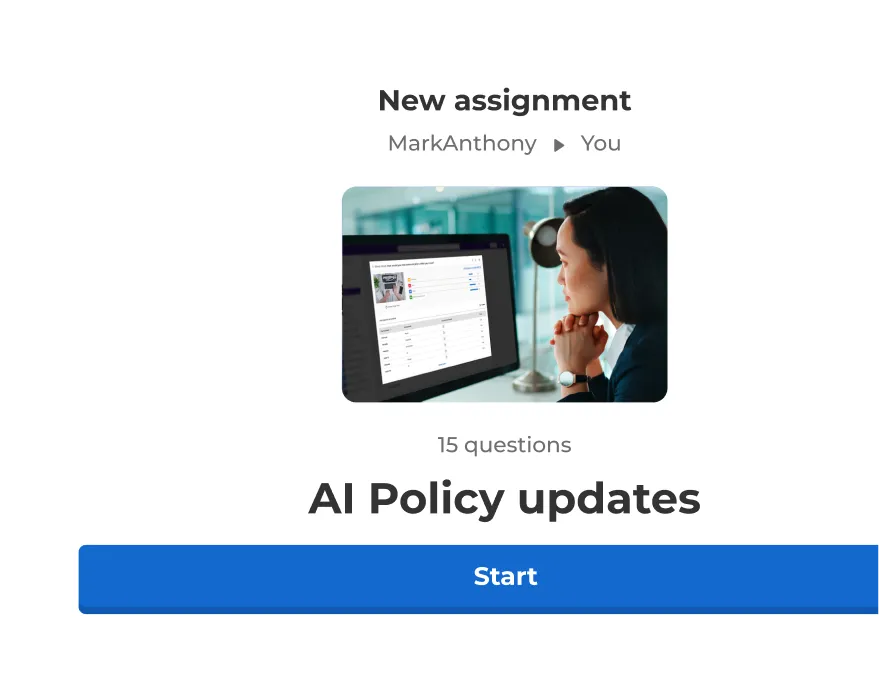
Kahoot new assignment screen showing a 15-question "AI Policy updates" kahoot assigned from MarkAnthony with a Start button

Step 3

Employees receive training and updates on their device

A notification brings them straight to the content. They engage and confirm understanding.

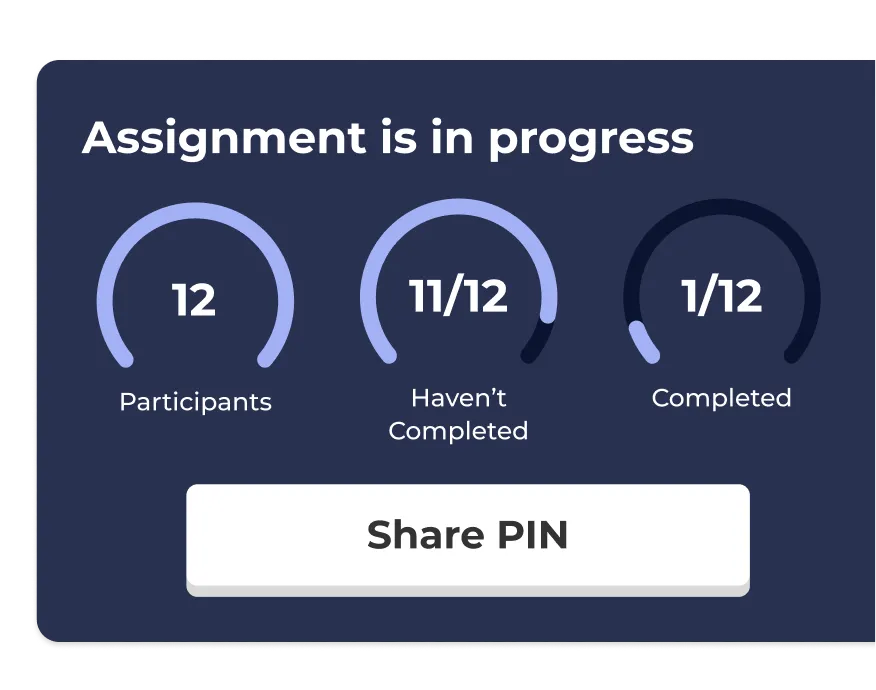
Kahoot "Assignment is in progress" panel showing 12 participants, with 11 yet to complete and 1 completed, plus a Share PIN button

Step 4

You see who got it

Open the dashboard, filter by team or location, and know exactly where follow-up is needed.

Everything managers and L&D leaders need to train frontline teams

AI Assistant icon

AI assistant

Create engagement in seconds with the Kahoot! Assistant.

Blue rounded square icon with 4 white squares

Template library

Ready-to-use templates for all use cases.

Blue rounded square icon with 3 white bar chart lines

Insights and analytics

Track progress and performance with reporting and analytics.

Integrations icon

Integrations

Works with your everyday tools and leading LMS platforms.

Blue rounded square icon with white tick

Enterprise-grade security

ISO27001 certified, SOC 2 II report, GDPR compliant, SSO.

Blue rounded square icon with white magic wand

Easy to use

Scalable, flexible, browser-based, and intuative.

Resources

Two Crowne Plaza London hotel employees collaborating at the front desk
Customer Story

Crowne Plaza

Learn how Crowne Plaza improved guest experiences through effective training with Kahoot! 360

Read more

Woman with a tablet alongside a Kahoot microlearning card for "Using AI Responsibly at Work" with an audio player and task checklist
L&D

How to create learning that sticks

Read more about how you can use Kahoot! 360 for training your workforce

Read more

Diverse group of employees high fiving
Blog

Build stronger connections among employees

Read more about how to building stronger workplace relationships through learning and development.

Read more

Join leaders achieving awesome business results

Drive productivity and growth through engagement

Turn presentations, meetings, and training into engaging sessions that help teams work smarter, stay longer, and drive the business forward.

Frequently asked questions

What is an employee communication app

An employee communication app is a digital tool that helps organizations connect with their workforce, especially frontline or non-desk employees. It ensures critical updates, training, and feedback reach everyone quickly and effectively, supporting engagement, safety, and alignment.

How is Kahoot! 360 different from a team chat tool?

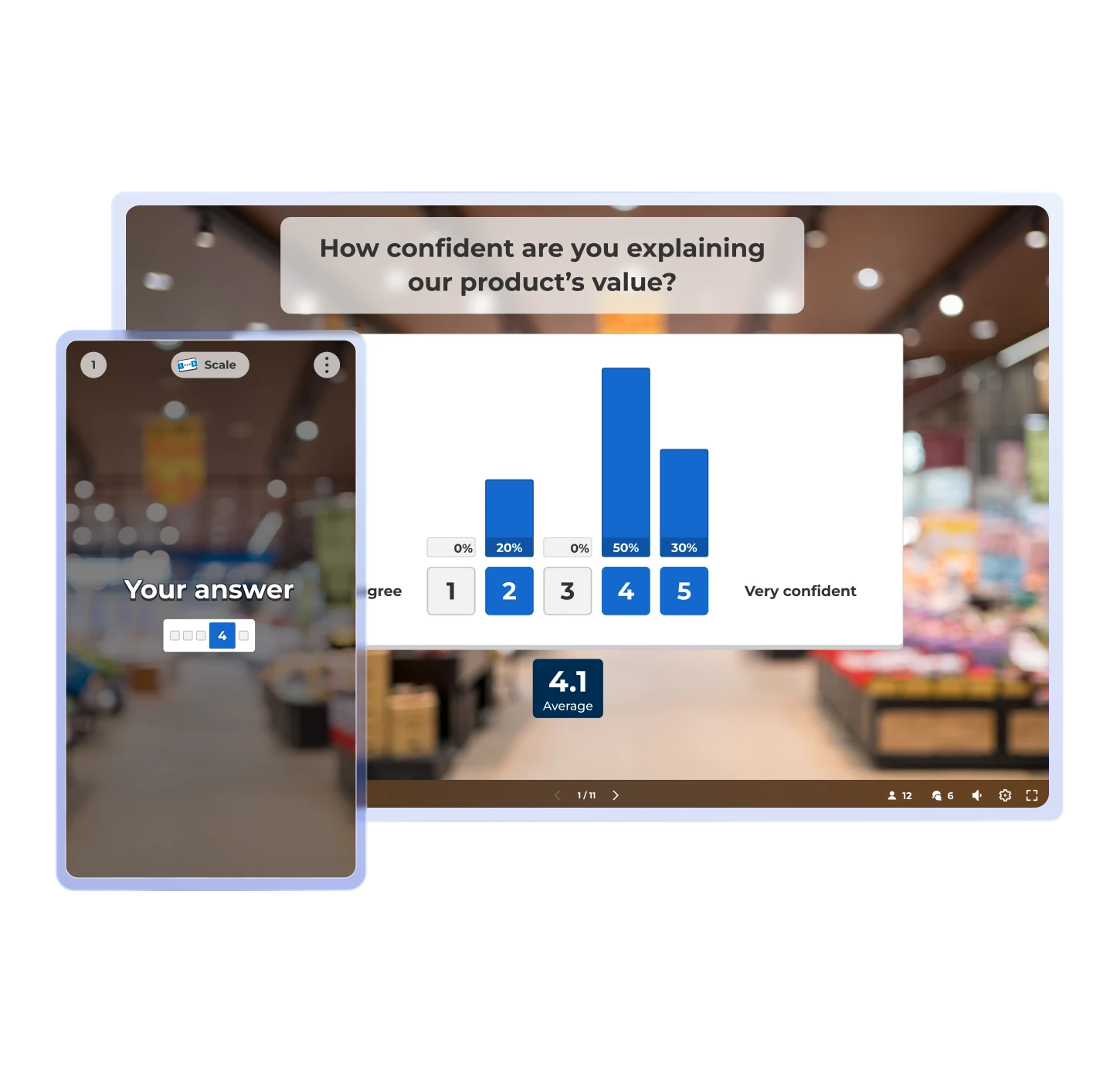
Kahoot! 360 isn’t just a team communication app, but a workforce engagement platform that can be used to deliver interactive updates, training, and feedback in formats employees actually enjoy.

How does Kahoot! 360 help reduce turnover and errors?

Kahoot! 360 helps reduce turnover and errors by keeping employees informed, engaged, and aligned from day one. With interactive team communication tools, Kahoot! 360 helps prevent workplace incidents, improves onboarding, and boosts confidence, leading to higher retention and fewer costly mistakes.

How can we measure ROI?

Kahoot! 360 provides reporting on participation, completion, and feedback through polls, Q&A, and NPS scales. This makes it easy to track your company’s communication efforts and evaluate how they drive outcomes like retention, safety, and productivity.

Does Kahoot! 360 support frontline workers without desks?

Yes, Kahoot! 360 can be used as a mobile-first employee communication platform for frontline teams who don’t sit at a desk. Employees can access updates, training, and feedback anytime, anywhere.

Can we deliver safety and compliance training?

Absolutely. Kahoot! 360 supports bite-sized learning and in-depth courses that help employees adopt safe habits and follow policies. Interactive formats make compliance training engaging, repeatable, and effective.

What’s the pricing model?

Kahoot! 360 offers flexible plans for individuals, teams, and enterprise organizations. Pricing depends on the number of users and features. Book an intro to explore the right option for your workforce.